
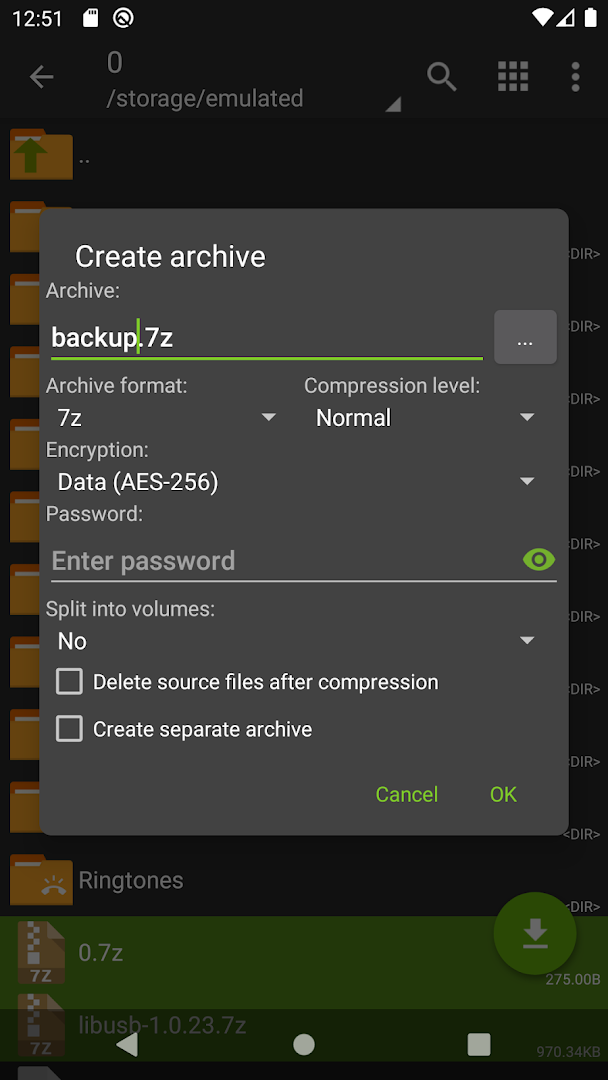
- Create ZIP, 7z, TAR, XZ, BZIP2 and GZIP archives
- Extract RAR, ISO, ARJ, CAB and many more formats
- Password-protected, AES-256 encrypted and multi-part archives
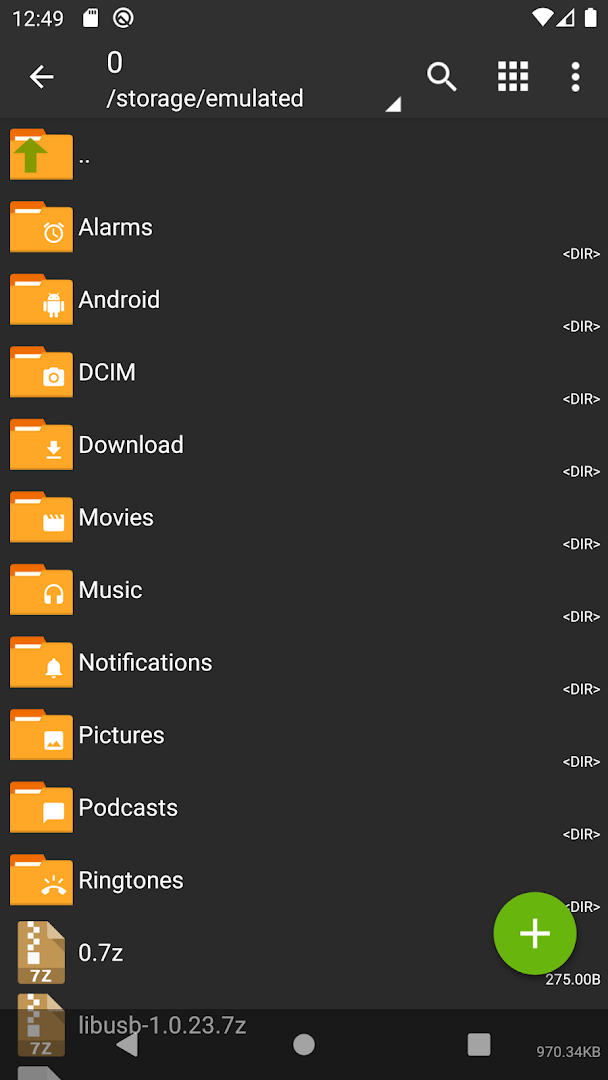
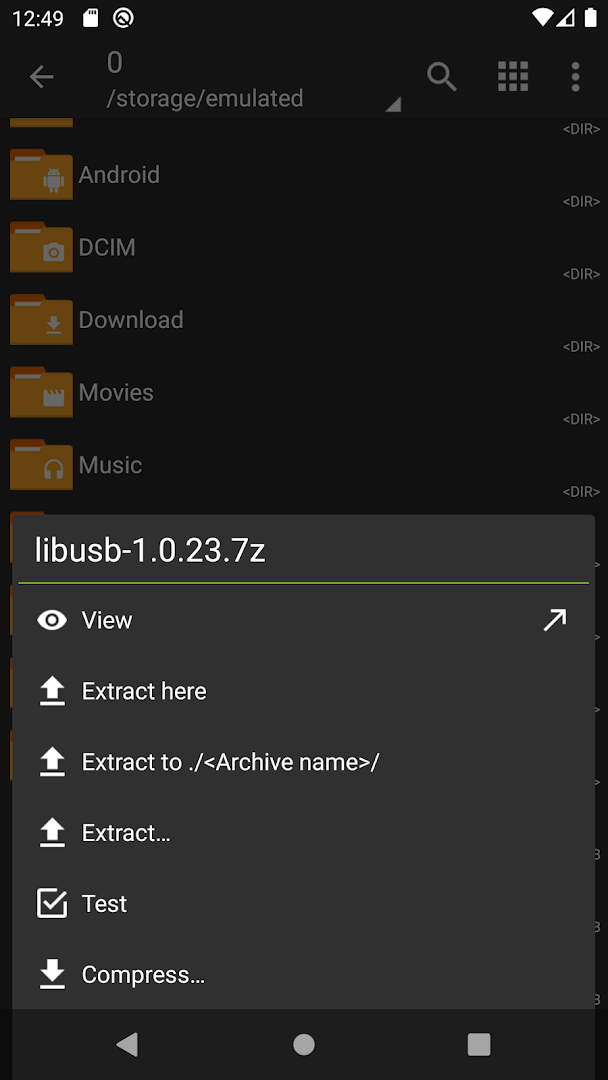
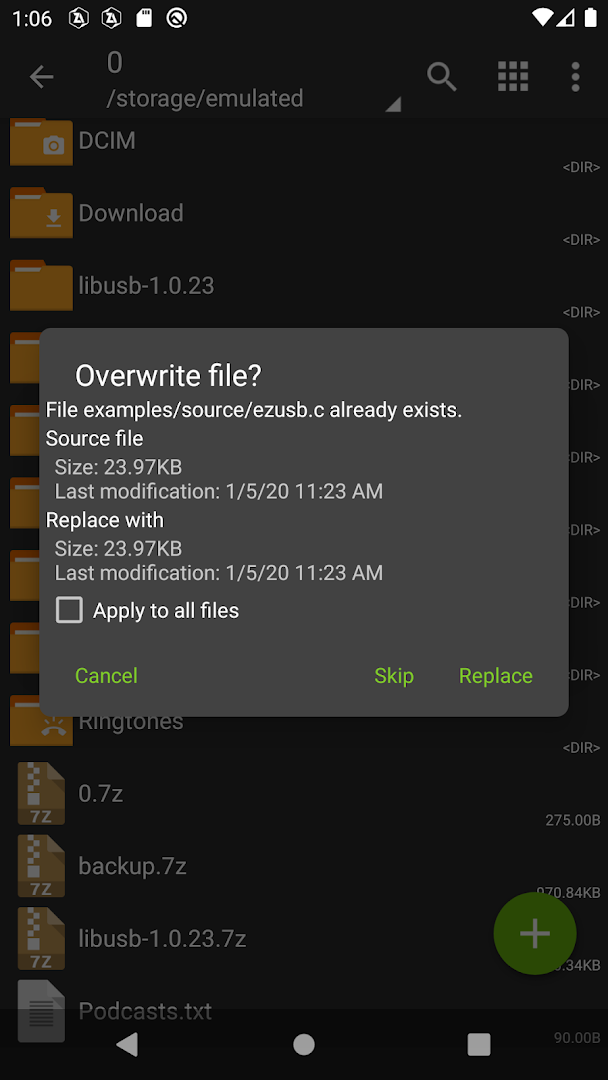
- Browse inside an archive and extract single files
- Basic file manager with SD card and USB support
- Multithreaded compression
- Only about 4.9 MB, works offline
- Free, with no adverts

Key features
Screenshots
About ZArchiver
The ZArchiver APK is a small, fast archive manager from ZDevs that has been the standard answer to "how do I open this file on Android" for more than a decade. It creates ZIP, 7z, TAR, XZ, BZIP2 and GZIP archives and extracts those plus RAR, ISO, ARJ, CAB, LZH, CPIO, DEB, RPM and a long list of less common formats. Password-protected archives, split multi-part archives and archives nested inside archives are all handled without fuss.
What the ZArchiver APK does
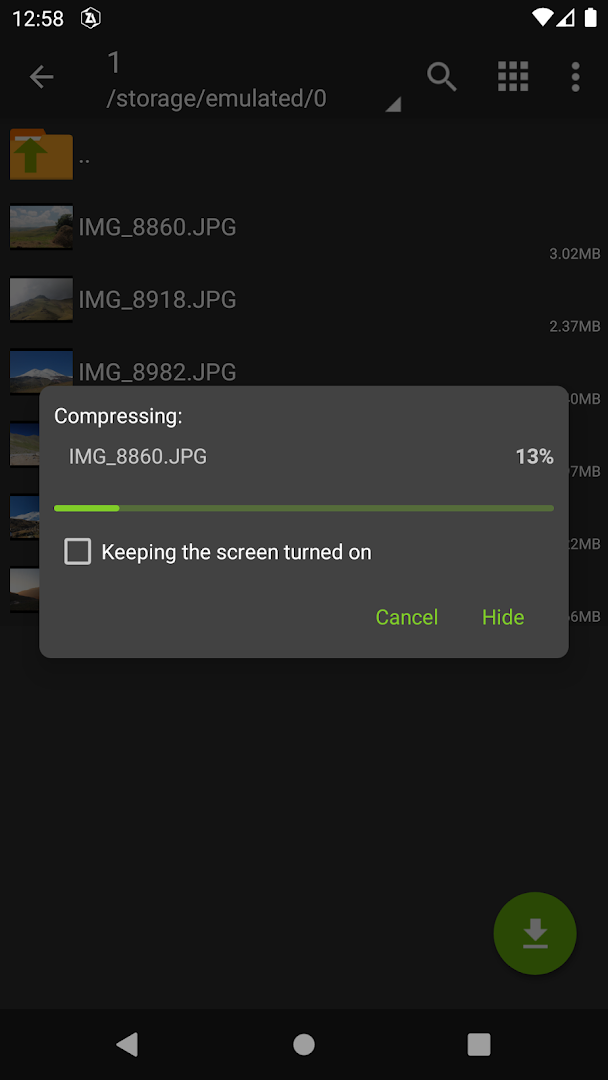
Open an archive and it behaves like a folder: browse the contents, open a single file in another app, add or delete entries, or extract just the files you need rather than the whole thing. Compression level, encryption method and volume size are all adjustable when you create an archive, and 7z with AES-256 gives the strongest protection for anything private. Multithreaded compression uses every core the phone has, which makes a difference on large folders of photos.
A file manager as well
ZArchiver doubles as a basic file manager. It copies, moves, renames and deletes files, shows hidden files on request, handles SD cards and USB storage through Android's storage framework, and copes with Unicode file names in any language, which is where many older extractors produce garbage. A dark theme, icon packs and a configurable home folder keep it comfortable for daily use.
Why people choose it
The app is free and shows no adverts, and at about 4.9 MB it is one of the smallest tools of its kind. It asks only for storage access, runs offline, and does not upload anything anywhere, which is exactly what you want from a program that opens other people's files. It pairs well with a download manager or a browser such as Google Chrome for unpacking downloads, and with a messenger such as Telegram, where large files often arrive zipped.
Limitations
ZArchiver extracts RAR archives but cannot create them, because the RAR format is proprietary; use 7z or ZIP for anything you make yourself. It does not preview images or videos inside an archive, and it has no cloud integration, so files on Google Drive have to be downloaded first.
About this build
This is ZArchiver version 1.0.10, about 4.9 MB, and it needs Android 6.0 or later. It is the stock release matching the Google Play listing linked below, with nothing altered. A paid Pro edition exists on Google Play with a few extra options, but the free version has no feature time limits.
How to install ZArchiver
- Download the ZArchiver APK (about 4.9 MB).
- If Android asks, allow installs from this source in Settings.
- Open the file and tap Install.
- Open ZArchiver and grant storage access so it can see your files.
Frequently asked questions
Can ZArchiver open RAR files?
Yes. It extracts RAR archives, including password-protected and multi-part ones. It cannot create RAR files, because the RAR format is proprietary.
Does ZArchiver have ads?
No. The app is free and has no advertising.
Can ZArchiver open an archive without extracting it?
Yes. Tap an archive to browse its contents, open single files, or add and remove files without unpacking the whole thing.
How big is the ZArchiver APK?
About 4.9 MB, which makes it one of the smallest archive tools on Android.
Version history
v1.0.10Latest
Oct 3, 2026 · 4.9 MB
Comments
Loading comments…
Similar
