
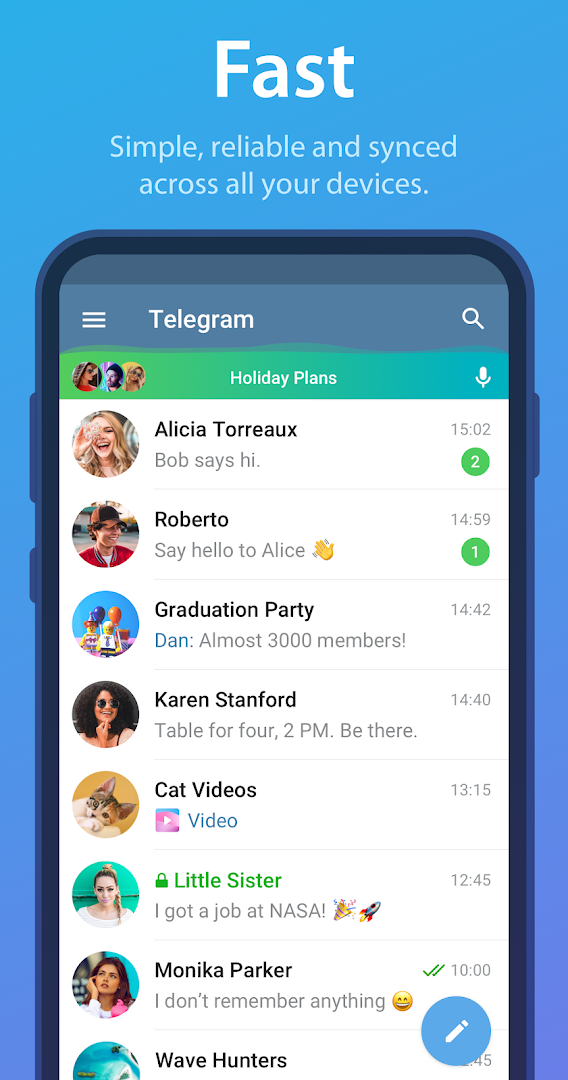
- Cloud chats that sync across phone, tablet and desktop
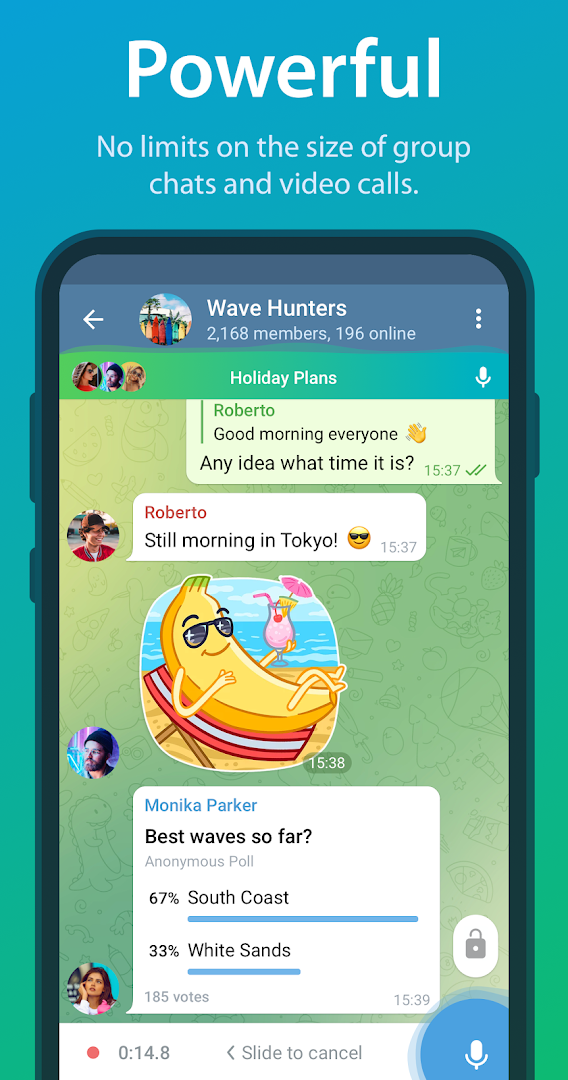
- Groups up to 200,000 members and unlimited-audience channels
- Send files of any type up to 2 GB each
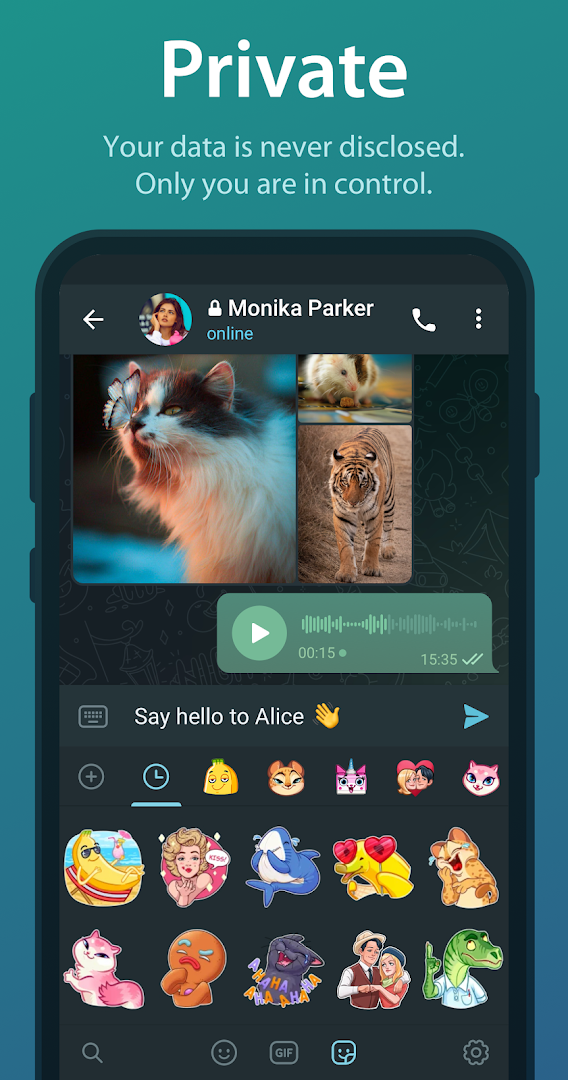
- Secret Chats with end-to-end encryption and self-destruct timers
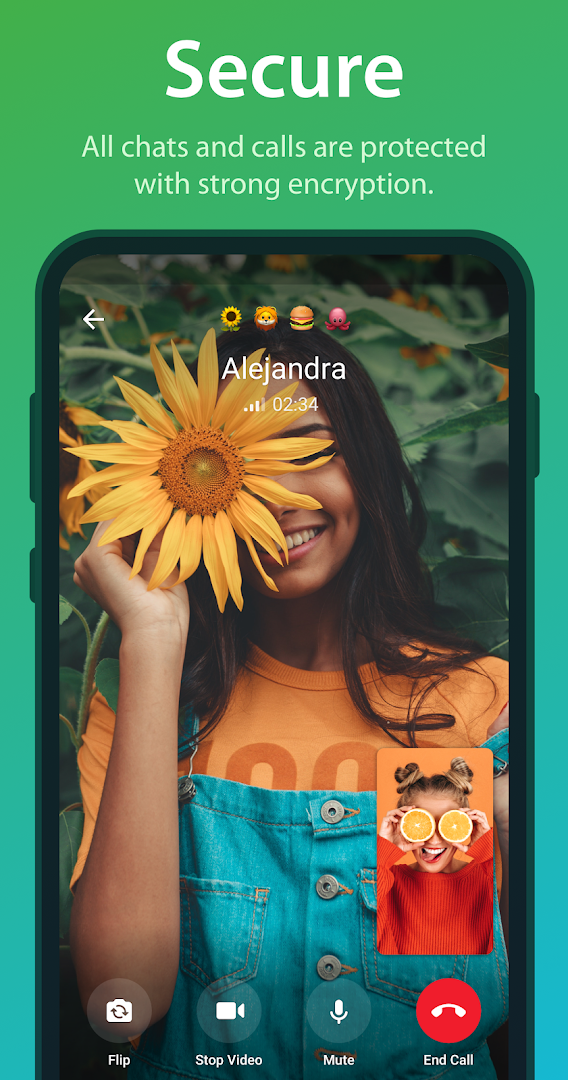
- Voice calls, video calls and group video calls with screen sharing
- Bots, stickers, polls, folders and scheduled messages
- Free, with no adverts in chats

Key features
Screenshots
About Telegram
Telegram is a messaging app built around the cloud. Every conversation is stored on Telegram's servers and synced instantly, so you can start a chat on your phone, continue it on a tablet and finish it on a desktop without anything getting lost. Sign-up takes a phone number and a code, and from then on the app works wherever you are signed in. Because the history lives in the cloud rather than on one handset, a new phone picks up every chat, sticker pack and saved file the moment you log in, with no backup to restore.
It is best known for scale. Groups hold up to 200,000 members, with admin tools, permissions and slow mode to keep them civil, and public channels broadcast to an unlimited audience with view counts and comment threads. Files of any type up to 2 GB each can be sent without compression, which makes Telegram a common choice for sharing documents, photos at full quality and large videos. Bots add weather, polls, games and payment flows inside chats, and folders, pinned messages, scheduled sends and silent messages keep a busy account manageable.
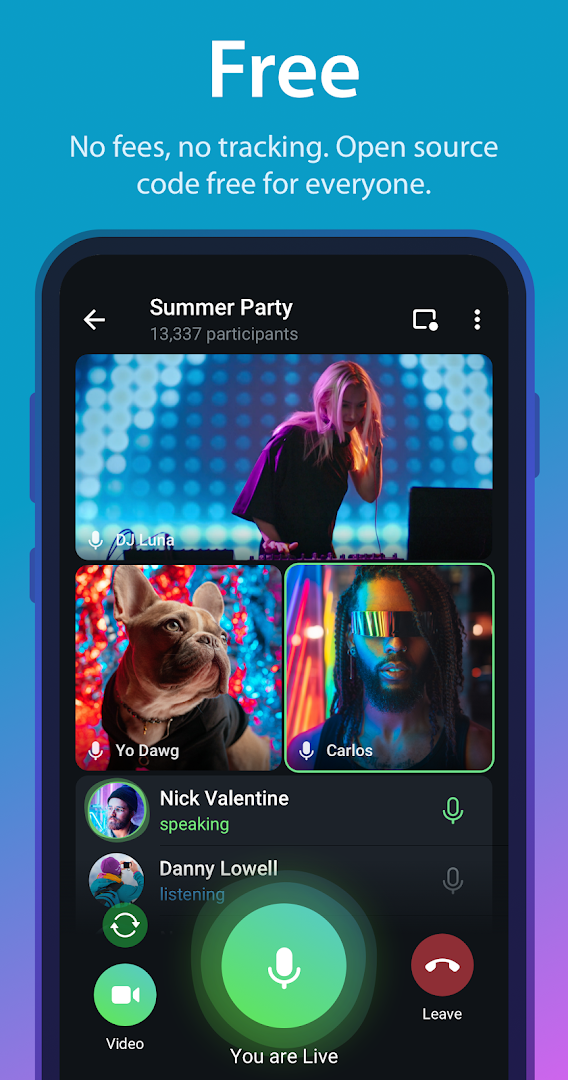
Calls are built in. One-to-one voice and video calls are encrypted end to end, and group video calls support screen sharing for up to a thousand viewers, which has made Telegram a lightweight alternative to dedicated meeting apps. Voice chats in groups work like a drop-in audio room that anyone in the group can join and leave.
Privacy works in two layers. Standard cloud chats are encrypted in transit and at rest on Telegram's servers, which is what allows them to sync and to be searched from any device. For conversations that should never leave the two devices involved, Secret Chats add end-to-end encryption, self-destruct timers and screenshot blocking, and they are deliberately not synced anywhere. You can also hide your phone number, choose who sees your last-seen time and profile photo, and sign in with a public username so that contacts never need the number at all.
The interface is fast and customisable. Themes, chat backgrounds, animated stickers, custom emoji and reactions are all free, and the app is unusually quick even on older phones and slow networks because messages are small and media is downloaded on demand. Telegram Premium is an optional subscription that raises the upload limit to 4 GB, doubles most limits, adds voice-to-text transcription and removes the sponsored messages that appear in some large public channels. Nothing in private chats or groups is ever interrupted by adverts, and the free tier has no feature time limits.
Telegram is a good fit for anyone who wants one messenger across many devices, who runs or follows communities and channels, or who regularly sends files too large for other apps. If most of your contacts are on WhatsApp Messenger, the two sit comfortably side by side, since Telegram does not need access to your other chats to work. This build is version 12.10.5, about 57 MB, and it is the official release from Telegram FZ-LLC, matching the Google Play listing linked below.
How to install Telegram
- Download the Telegram APK (about 57 MB) to your phone.
- If asked, allow installs from this source in Android settings.
- Open the file and tap Install.
- Launch Telegram, enter your phone number and type the code you receive.
Frequently asked questions
Does Telegram need a phone number?
Yes. You sign up with a phone number and receive a code by SMS or in an existing Telegram session. You can hide the number from other users and use a public username instead.
Are Telegram chats encrypted?
Normal chats are encrypted between your device and Telegram's servers and stored in the cloud so they sync across devices. Secret Chats add end-to-end encryption and are stored only on the two devices involved.
How big a file can I send on Telegram?
Up to 2 GB per file on a free account, and larger files with Telegram Premium.
Does Telegram work on tablets and PCs?
Yes. The same account can be signed in on Android, iOS, Windows, macOS, Linux and the web at the same time, and chats stay in sync.
Version history
v12.10.5Latest
Oct 3, 2026 · 57.1 MB
Comments
Loading comments…
Similar
