
- Sync bookmarks, passwords, history and tabs with a Google account
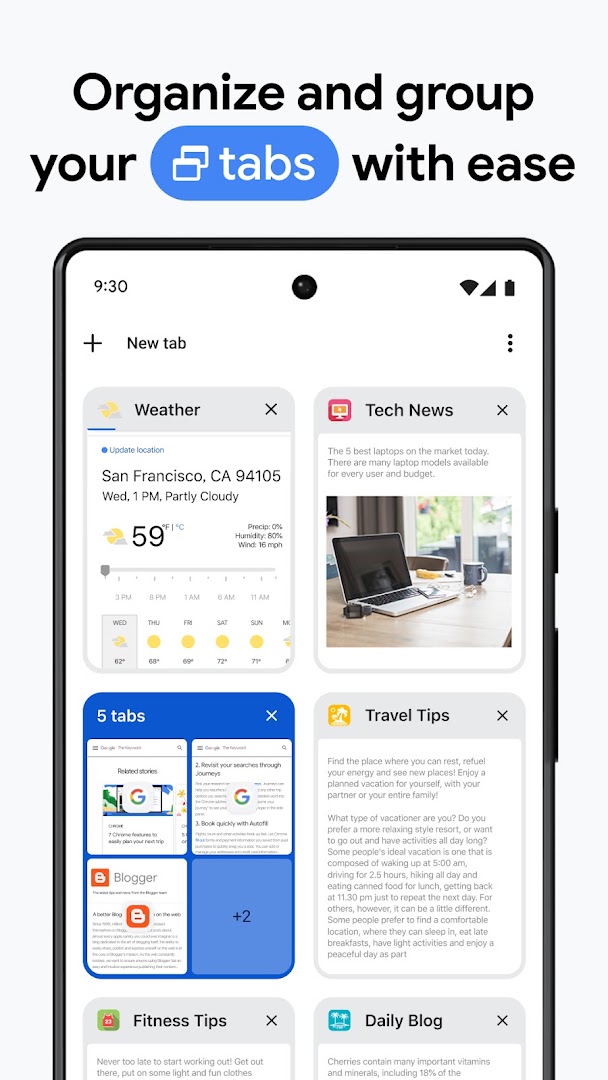
- Tab groups and a reading list
- Incognito mode
- Safe Browsing warnings and automatic updates
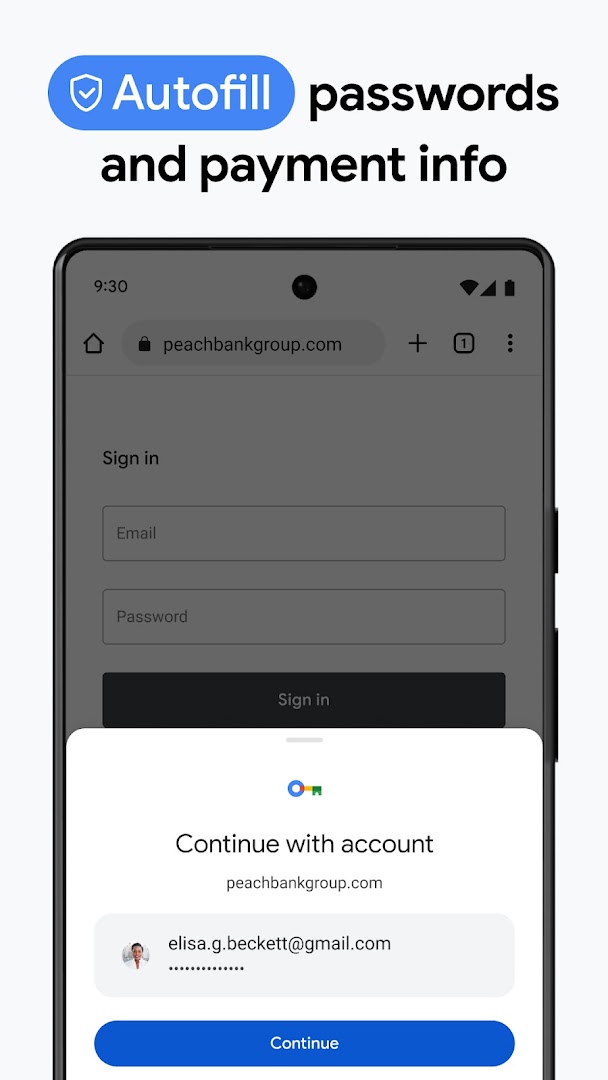
- Built-in password manager and autofill
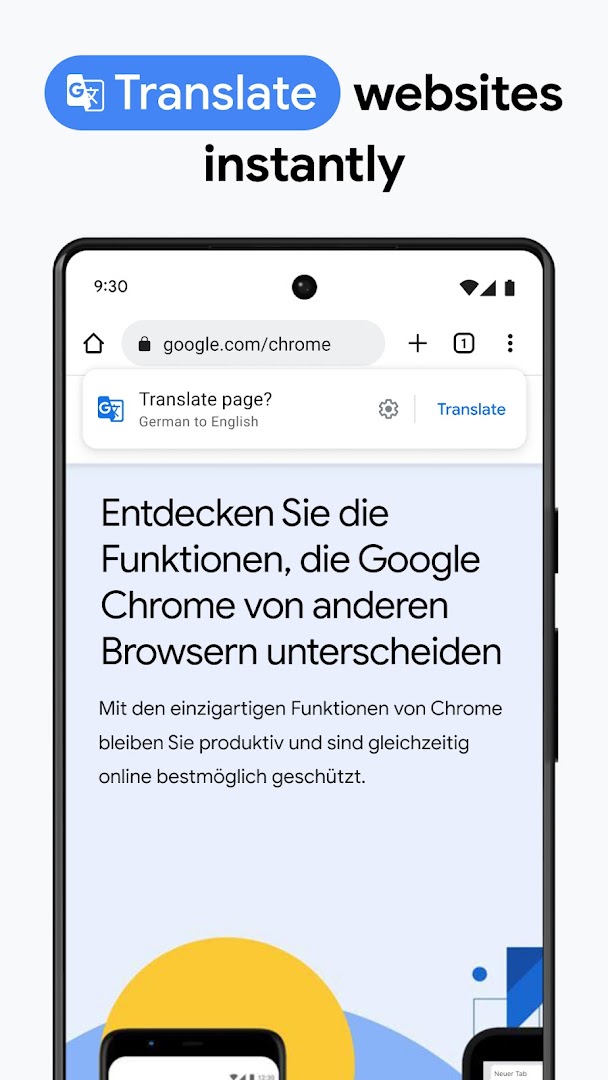
- Translate pages in place
- Free

Key features
Screenshots
About Google Chrome
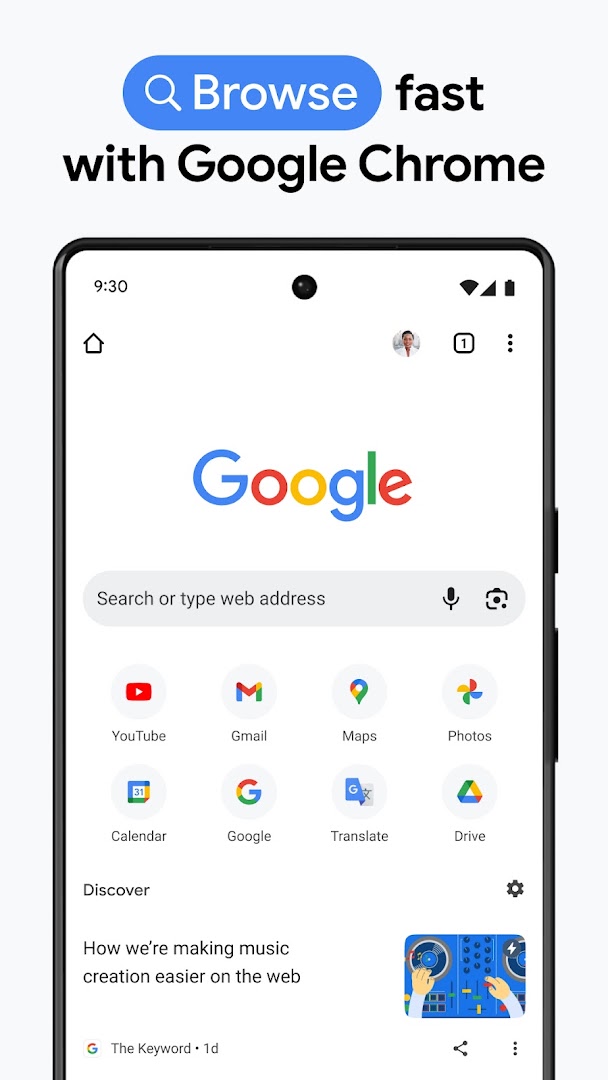
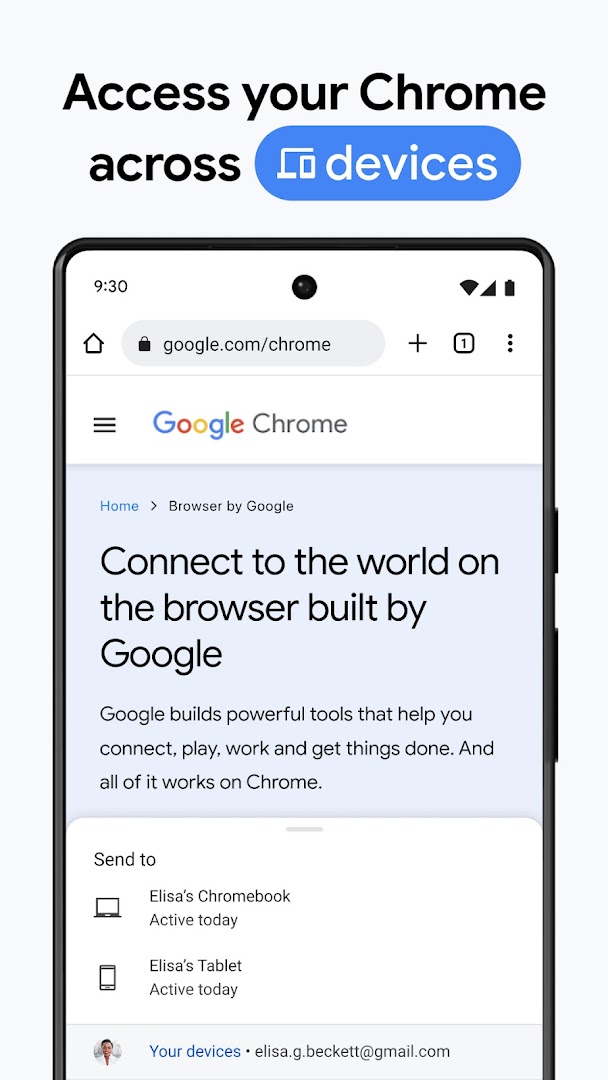
Google Chrome is the browser that ships on most Android phones, and this standalone APK updates it where the Play Store is unavailable. Signing in with a Google account syncs bookmarks, passwords, history and open tabs with Chrome on a computer, so a page left open on the desk is one tap away on the phone.
Tab groups keep research tidy, Incognito tabs leave nothing behind when closed, and Safe Browsing warns before a page known to be dangerous loads. The built-in password manager fills sign-in forms, Google Translate turns foreign pages into your language, and a reading list saves articles for later.
Chrome is free. This build is about 133 MB and follows Chrome's regular release schedule, so updating keeps the security fixes current.
How to install Google Chrome
- Download the Chrome APK (about 133 MB).
- Allow installs from this source if Android asks.
- Open the file and tap Install; an existing Chrome is updated in place.
- Open Chrome and sign in to sync, or use it without an account.
Frequently asked questions
Is Chrome already on my phone?
Most Android phones ship with Chrome pre-installed. Installing this APK updates it to a newer version if the Play Store is not available.
Does Chrome sync with my computer?
Yes. Sign in with a Google account and bookmarks, passwords, history and open tabs sync between devices.
Can I block ads in Chrome on Android?
Chrome for Android does not support extensions, but it blocks intrusive ads and pop-ups by default and supports some ad-filtering through site settings.
Does Chrome have an incognito mode?
Yes. Incognito tabs do not save history, cookies or form data once they are closed.
Version history
v154.0.8037.92Latest
Oct 3, 2026 · 132.6 MB
Comments
Loading comments…
Similar
