
- Encrypted vault for logins, notes, cards and passkeys
- Android autofill in apps and browsers
- Built-in two-factor (TOTP) code generator
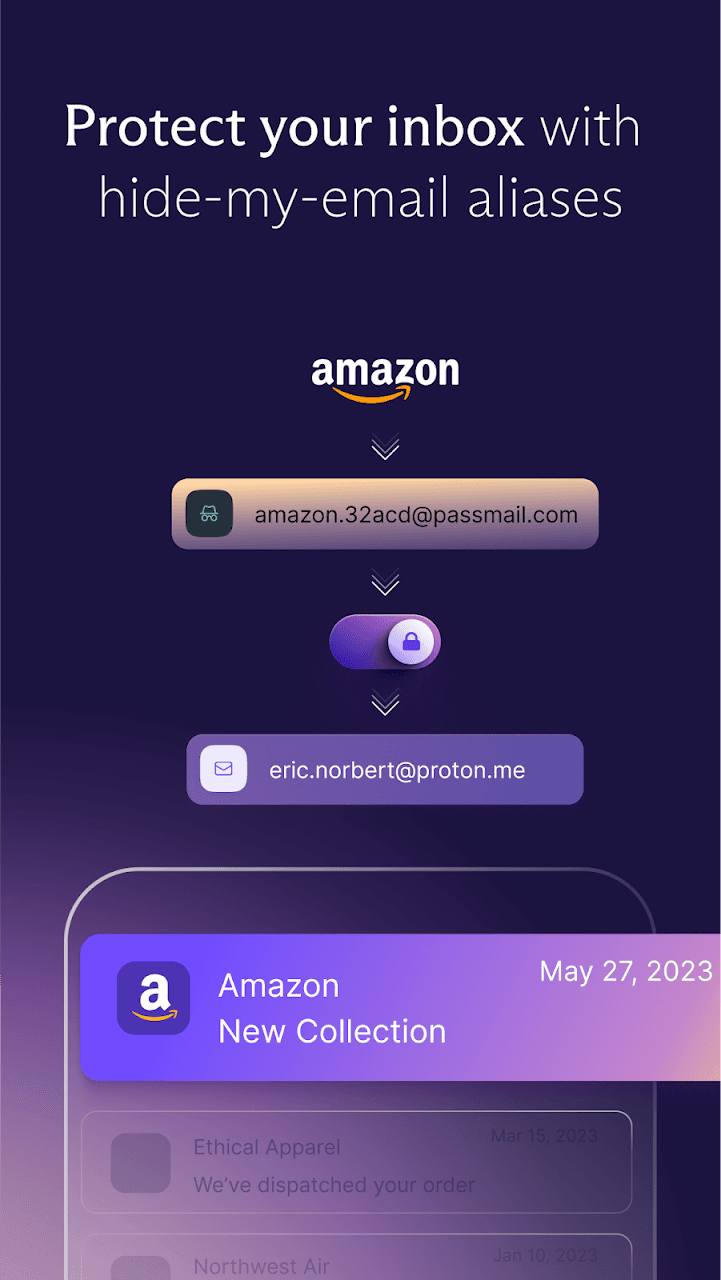
- Hide-my-email aliases
- Strong password and passphrase generator
- Fingerprint or PIN lock, open source and audited

Key features
Screenshots
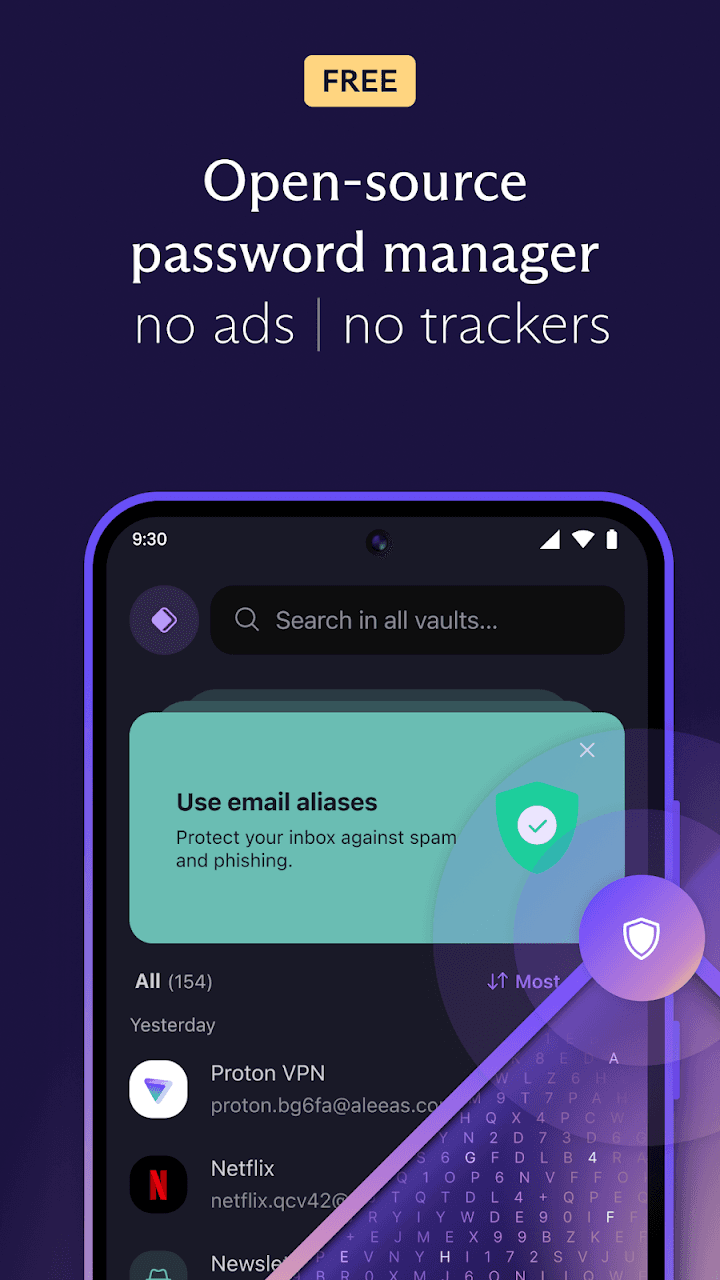
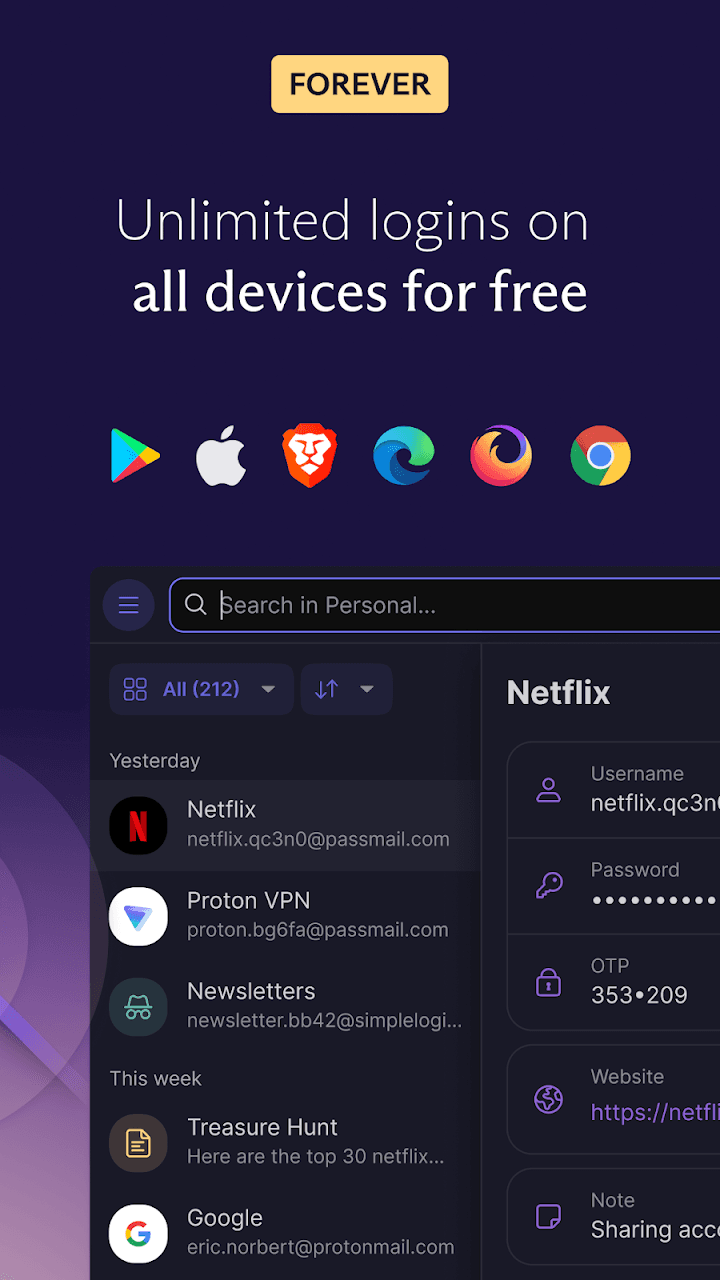
About Proton Pass
Proton Pass is a password manager from Proton AG, the Swiss company behind Proton Mail and Proton VPN. It keeps logins, secure notes, payment cards and passkeys in an encrypted vault and fills them into apps and websites through Android's autofill service.
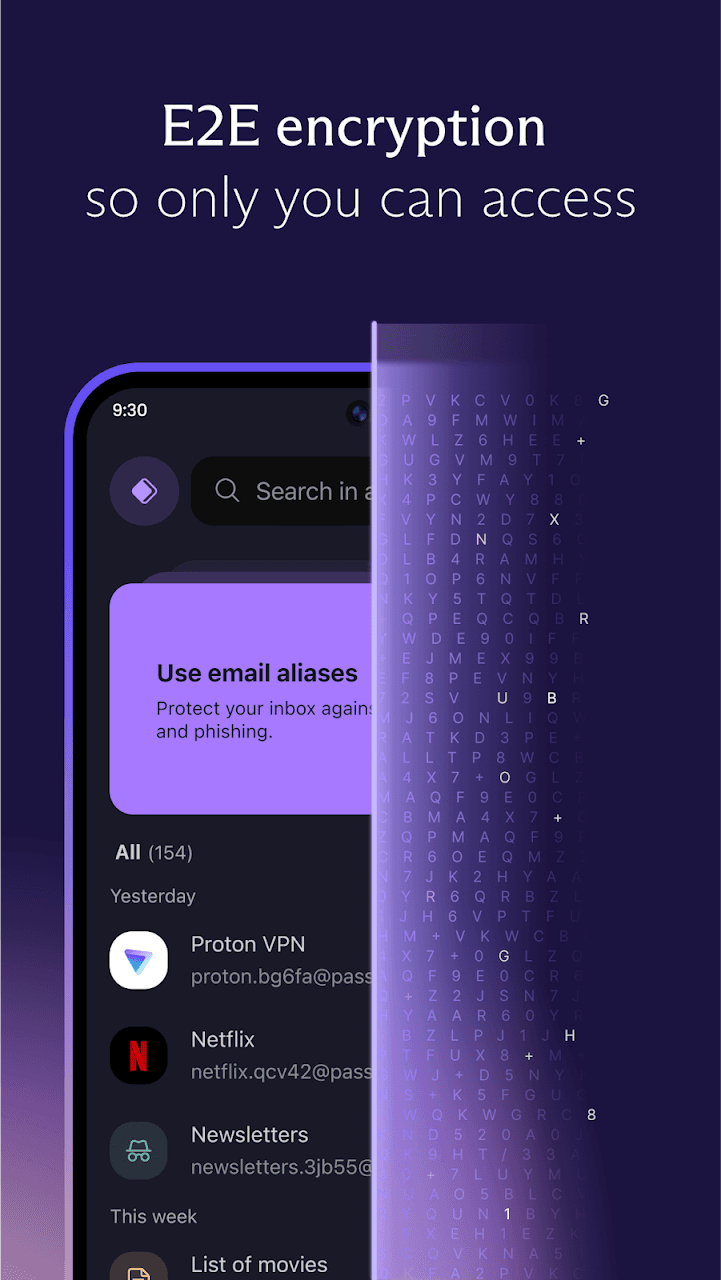
Items are encrypted on your phone before they are synced, and that covers usernames and website addresses as well as passwords, so Proton cannot read your vault. The free plan already allows unlimited logins and devices; paid plans add more email aliases, vault sharing and extra security features.
Built-in tools include a password and passphrase generator, a code generator for two-factor sign-in, and hide-my-email aliases that forward messages to your real inbox without revealing it. A fingerprint or PIN lock keeps the vault closed even when the phone is unlocked.
Source: Proton AG, https://proton.me/pass/download . Developer: Proton AG. Licence: GPL-3.0 (app source code). The download on this page is the official APK served from proton.me (version 1.41.5, released 21 October 2026); that link always serves Proton's latest direct build.
How to install Proton Pass
- Tap the download button on this page to get the official Proton Pass APK (about 100 MB) from proton.me.
- Open the downloaded file and, if Android asks, allow your browser or file manager to install unknown apps.
- Tap Install, then open Proton Pass and sign in or create a free Proton account.
- When prompted, set Proton Pass as your autofill service (Settings > Passwords & accounts; wording varies by phone).
Version history
v1.41.5Latest
Oct 20, 2026 · 100.2 MB
Proton Pass 1.41.5, released 21 October 2026: maintenance update with fixes and improvements.
Comments
Loading comments…
Similar
More from Utilities

ZArchiver
ZDevs
0.00.0 out of 5 starsLightweight archive manager that opens, creates and extracts ZIP, 7z, RAR, TAR and more.
Utilities0

Proton VPN
Proton AG
0.00.0 out of 5 starsFree VPN from the Swiss team behind Proton Mail: no data cap, no ads, an audited no-logs policy and open-source apps.
Utilities0
KDE Connect
KDE Community
0.00.0 out of 5 starsLink your phone and computer to share files, notifications, clipboard and media controls.
Utilities0