
- Read Wikipedia and other sites completely offline once downloaded
- Built-in library of thousands of ZIM packages in many languages
- Full-text search inside each package
- Bookmarks, reading history, notes and tabs
- Opens ZIM files from anywhere on the device or SD card (standalone edition)
- Night mode and adjustable text size for comfortable reading
- Share downloaded content with nearby devices over Wi-Fi Direct
- Free, ad-free and open source (GPL-3.0)

Key features
Screenshots

About Kiwix
Kiwix is a free, open-source reader that lets you carry Wikipedia and other reference sites on your phone and read them without any internet connection. You download a site once as a compressed ZIM file, and from then on every article, image and internal link works offline, which is ideal for travel, flights, remote areas, classrooms or places where data is expensive or censored.
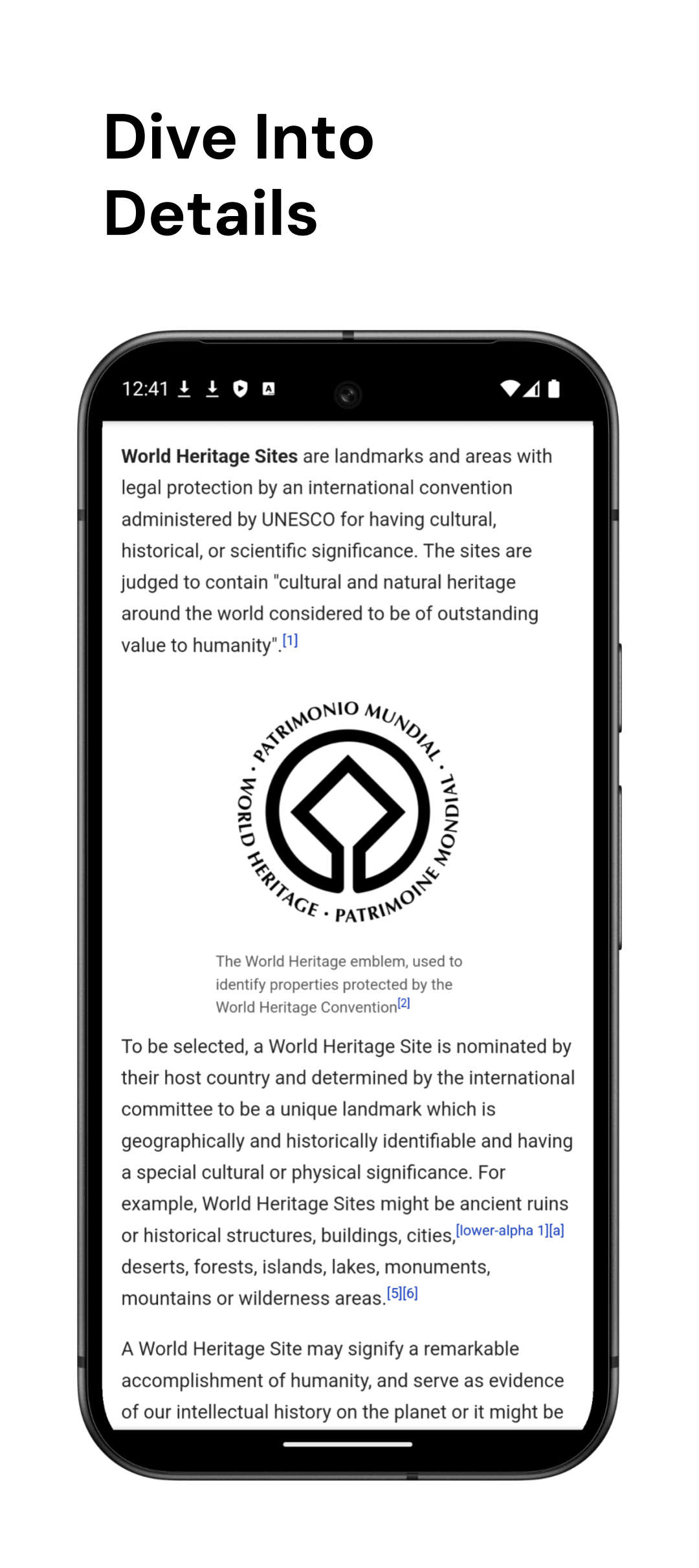
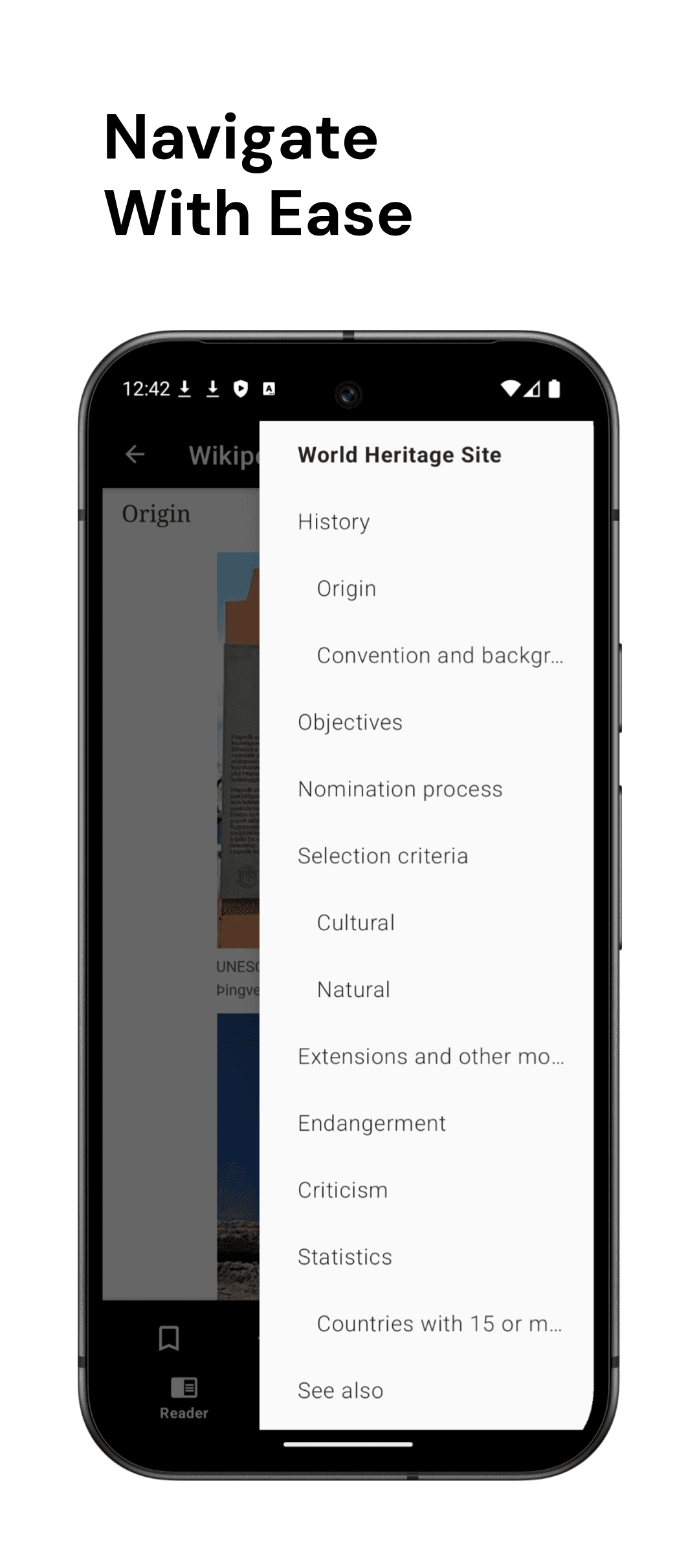
The app is developed by the non-profit Kiwix project. Its built-in library offers thousands of packages in many languages: full Wikipedia with or without pictures, Wiktionary, Wikivoyage, Project Gutenberg books, Stack Exchange sites, TED talks, medical references and more. You can search inside a package, bookmark pages, keep a reading history and open several articles in tabs.
This page links to the full "standalone" edition that the Kiwix team publishes on its own download server. Unlike the Google Play build, it can open ZIM files stored anywhere on your device or SD card. Note that content packages are downloaded separately inside the app, and the largest ones (such as all of English Wikipedia with images) need a lot of free storage.
Source: official APK from kiwix.org via download.kiwix.org (developer: Kiwix; licence GPL-3.0). Version 3.14.1, standalone edition.
How to install Kiwix
- Tap the download button on this page to get the official Kiwix standalone APK.
- Open the file and allow installs from your browser or file manager if Android asks.
- Tap Install and wait for it to finish.
- Open Kiwix and grant storage access when asked.
- Go to the online library, pick a package such as Wikipedia in your language and download it, then read it offline at any time.
Version history
v3.14.1Latest
May 13, 2026 · 225.0 MB
Kiwix 3.14.1 standalone edition: bug fixes and reader improvements in the 3.14 series.
Comments
Loading comments…