
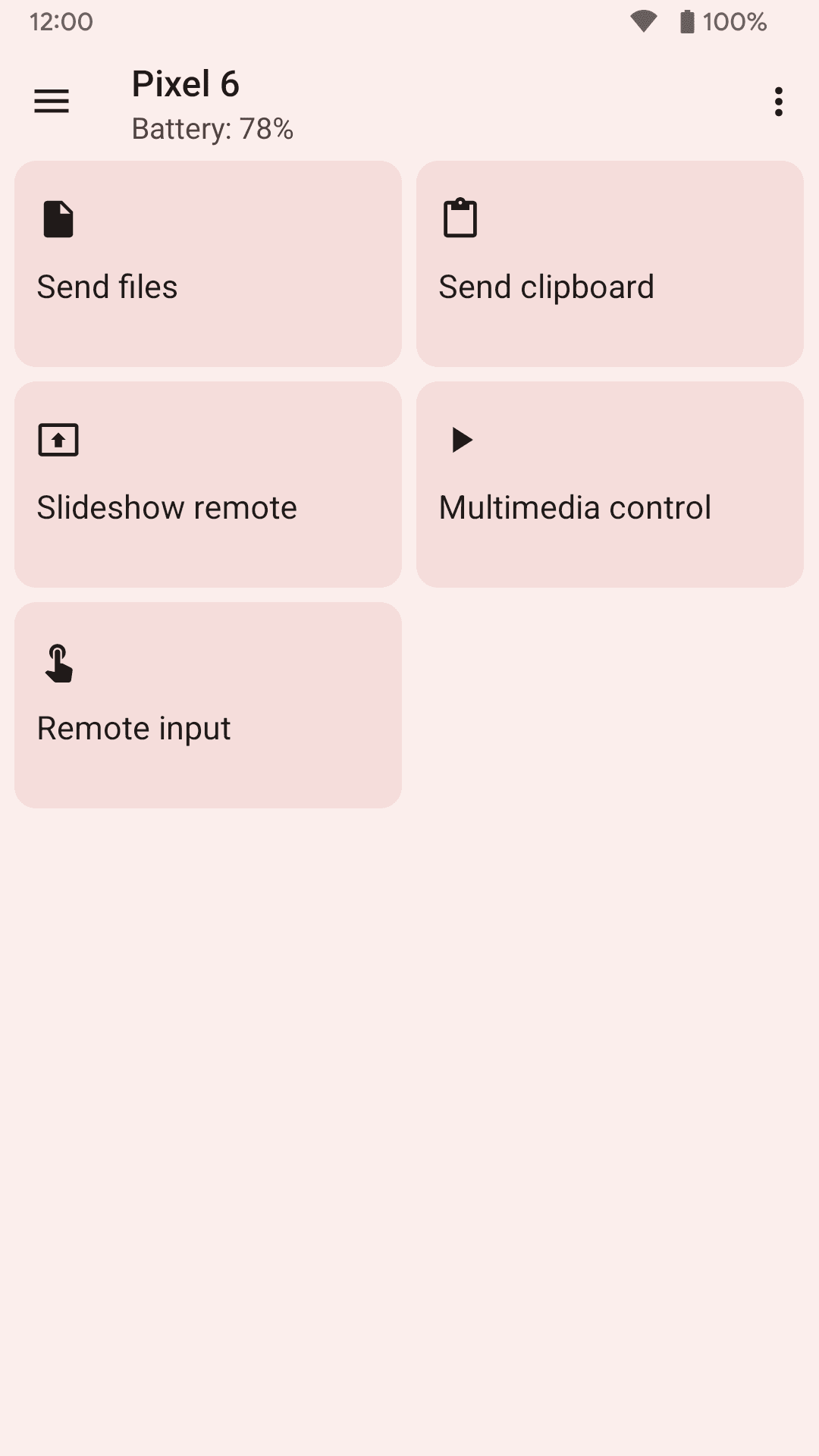
- Phone notifications shown on your computer
- Send files and links between devices
- Shared clipboard
- Media remote for music and video players
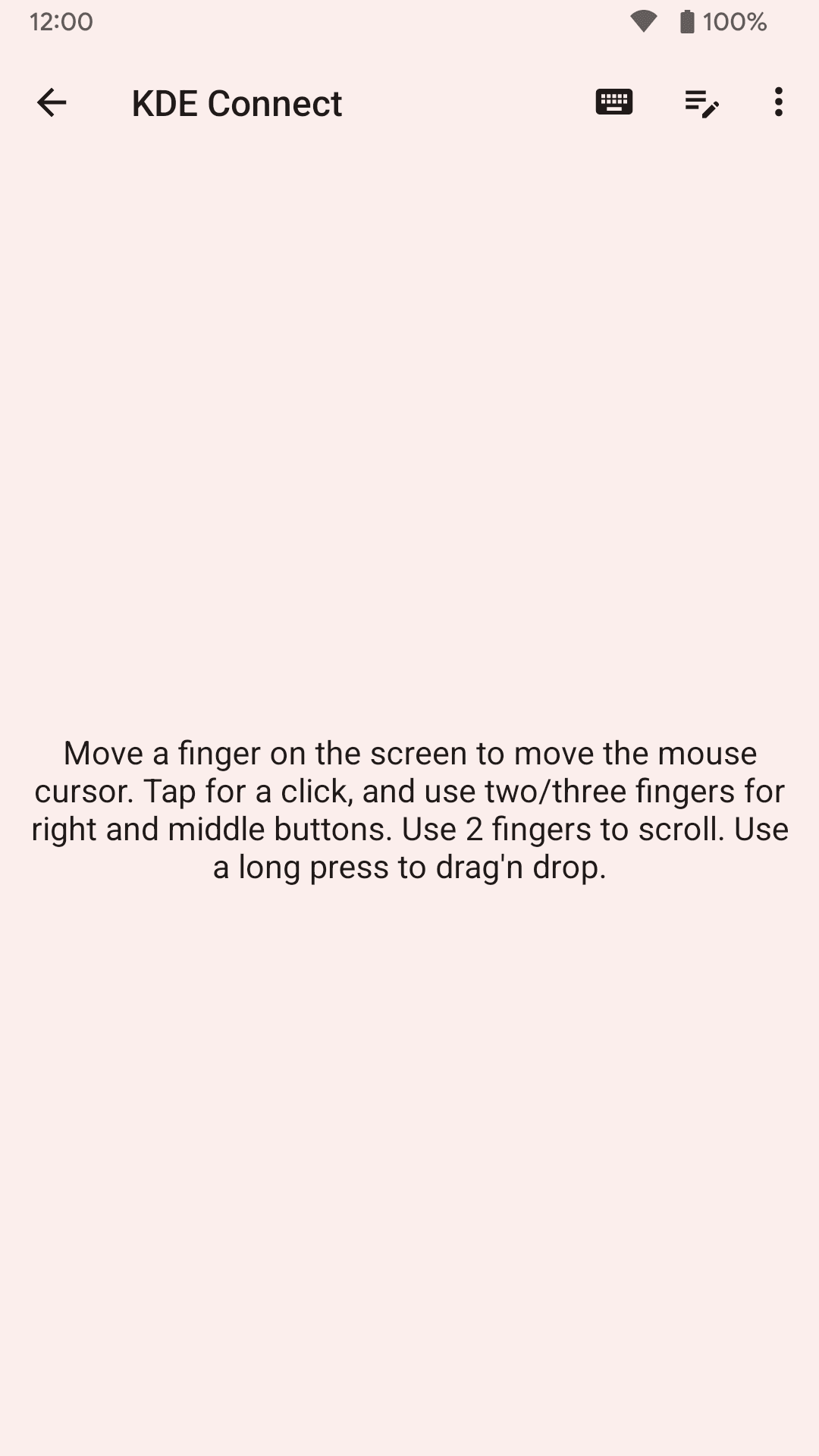
- Use the phone as a touchpad and keyboard
- Encrypted local connection, no account or cloud

Key features
Screenshots
About KDE Connect
KDE Connect joins your Android phone to your computer over the local Wi-Fi network, so the two devices can work together. It is made by the KDE Community and is free, open-source software. The desktop side runs on Linux, Windows and macOS, and also works with GSConnect on GNOME.
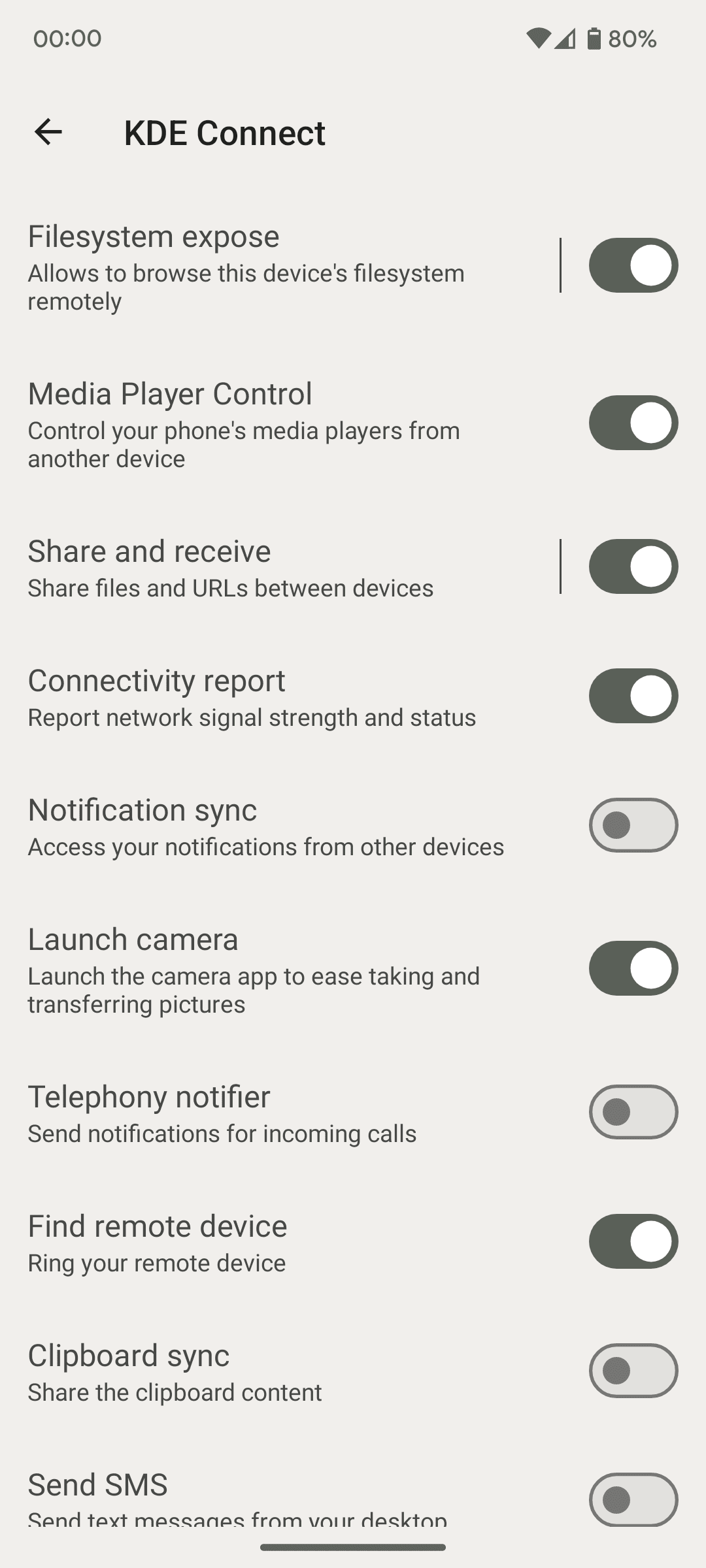
Once the devices are paired, phone notifications show up on the computer, and you can reply to text messages from the desktop. You can send files and links in either direction, share the clipboard, control music and video playback from the phone, use the phone as a touchpad and keyboard, and run commands you set up in advance. All traffic between the devices is encrypted, and nothing is sent through an outside server.
Source: F-Droid, https://f-droid.org/packages/org.kde.kdeconnect_tp/ . Developer: KDE Community. Licence: GPL-3.0. The download on this page is the official F-Droid build.
How to install KDE Connect
- Tap the download button on this page to get the KDE Connect APK (about 7 MB).
- Open the file and allow installs from your browser or file manager if Android asks.
- Install KDE Connect on your computer as well (Linux, Windows or macOS).
- Put both devices on the same network, open the app and pair them.
Version history
v1.37.0Latest
Oct 28, 2026 · 7.1 MB
KDE Connect 1.37.0 as published on F-Droid on 29 October 2026.
Comments
Loading comments…
Similar

