
- Encrypted VPN tunnel using WireGuard, OpenVPN (UDP/TCP) or IKEv2
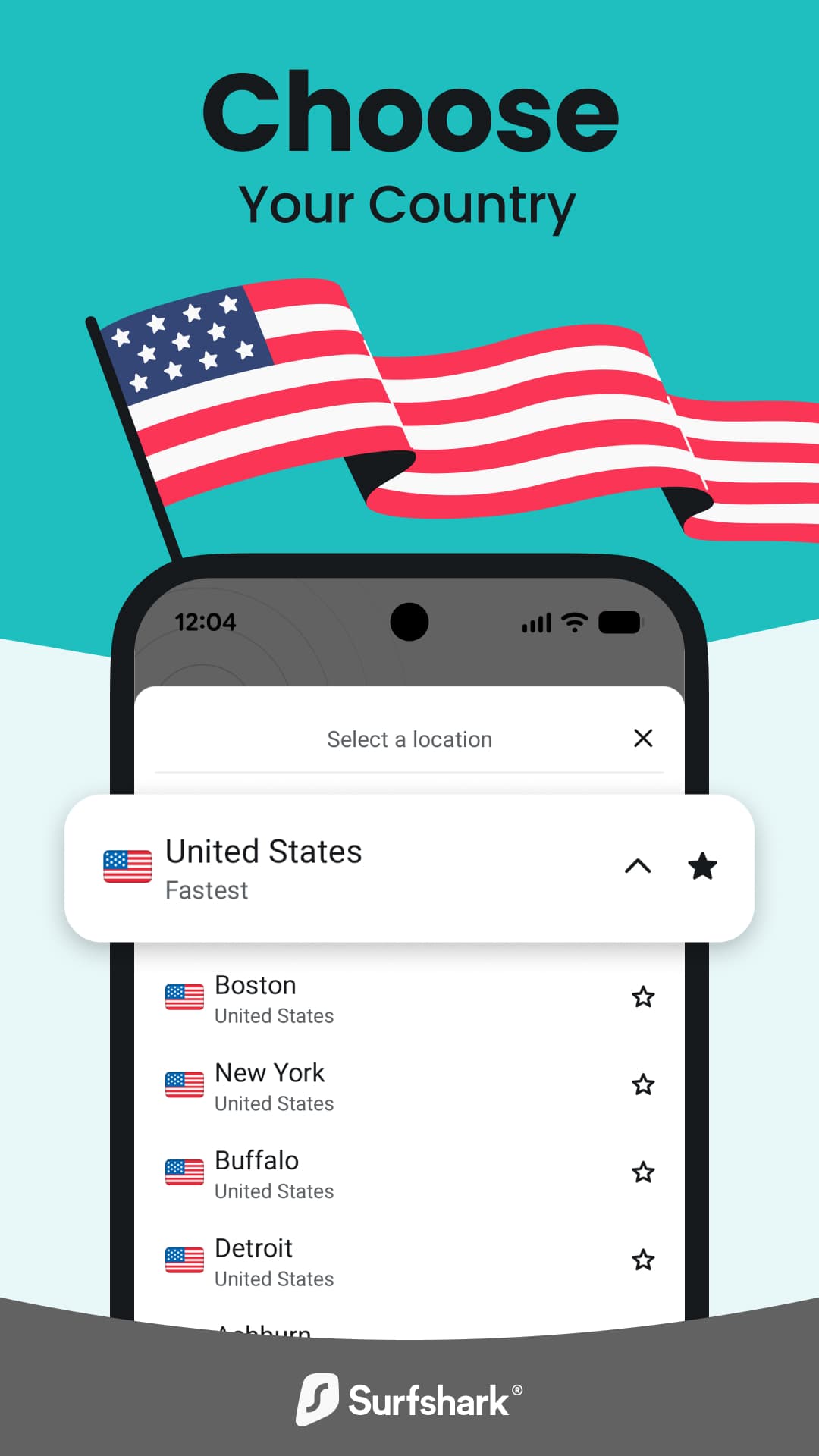
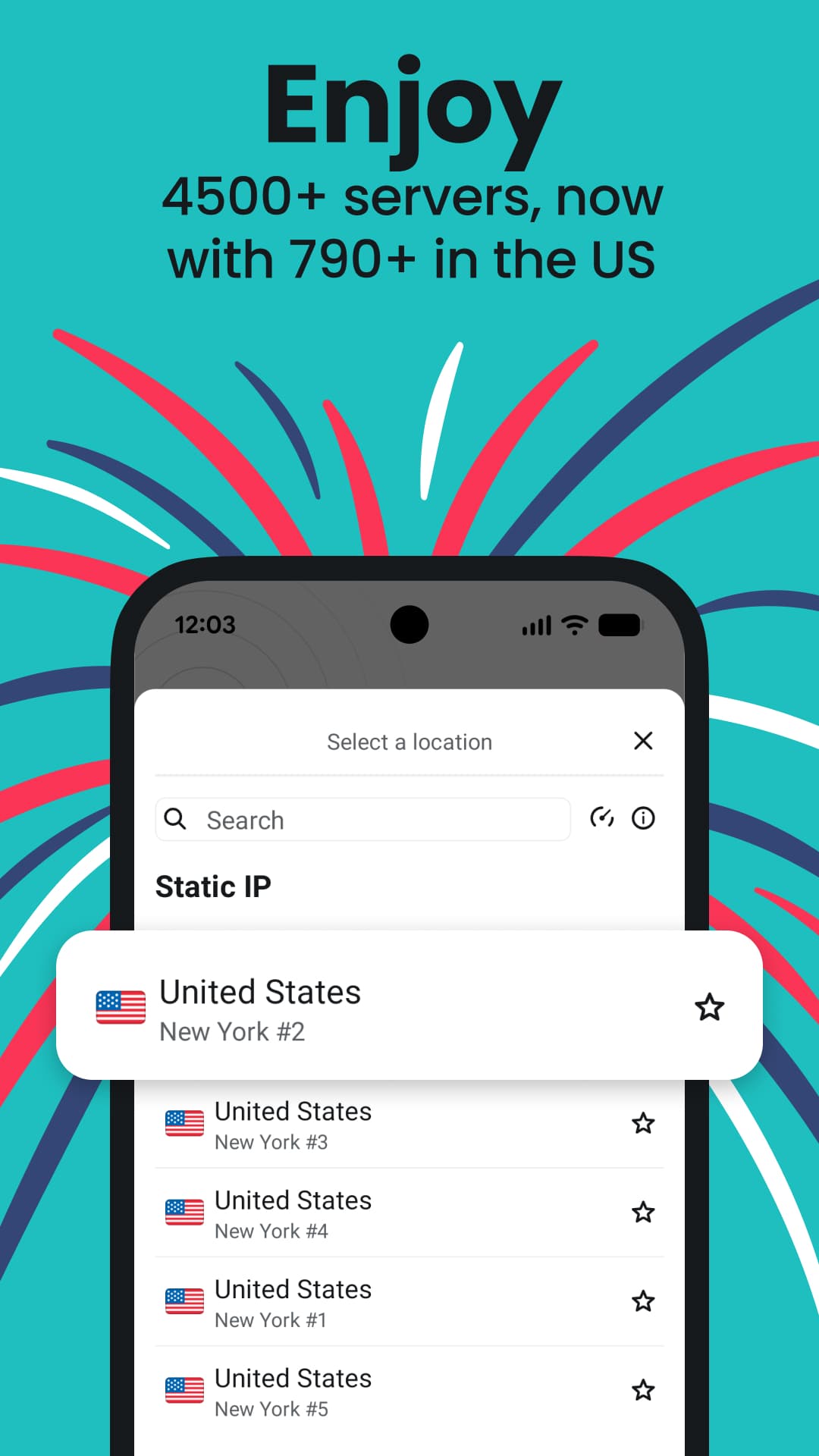
- Servers in about 100 countries, with a "fastest location" quick connect
- Unlimited simultaneous devices on one subscription
- CleanWeb blocks ads, trackers and known malicious sites
- Kill switch that cuts the connection if the VPN drops
- Bypasser (split tunnelling) to let chosen apps or sites skip the VPN
- Audited no-logs policy and private DNS on every server
- Works on phones, tablets and Android TV

Key features
Screenshots

About Surfshark VPN
Surfshark VPN is the Android client for Surfshark's subscription VPN service. Once you sign in, it routes your phone's traffic through an encrypted tunnel to a server of your choice, which hides your real IP address from the sites you visit and keeps your activity private on public Wi-Fi in cafés, hotels and airports.
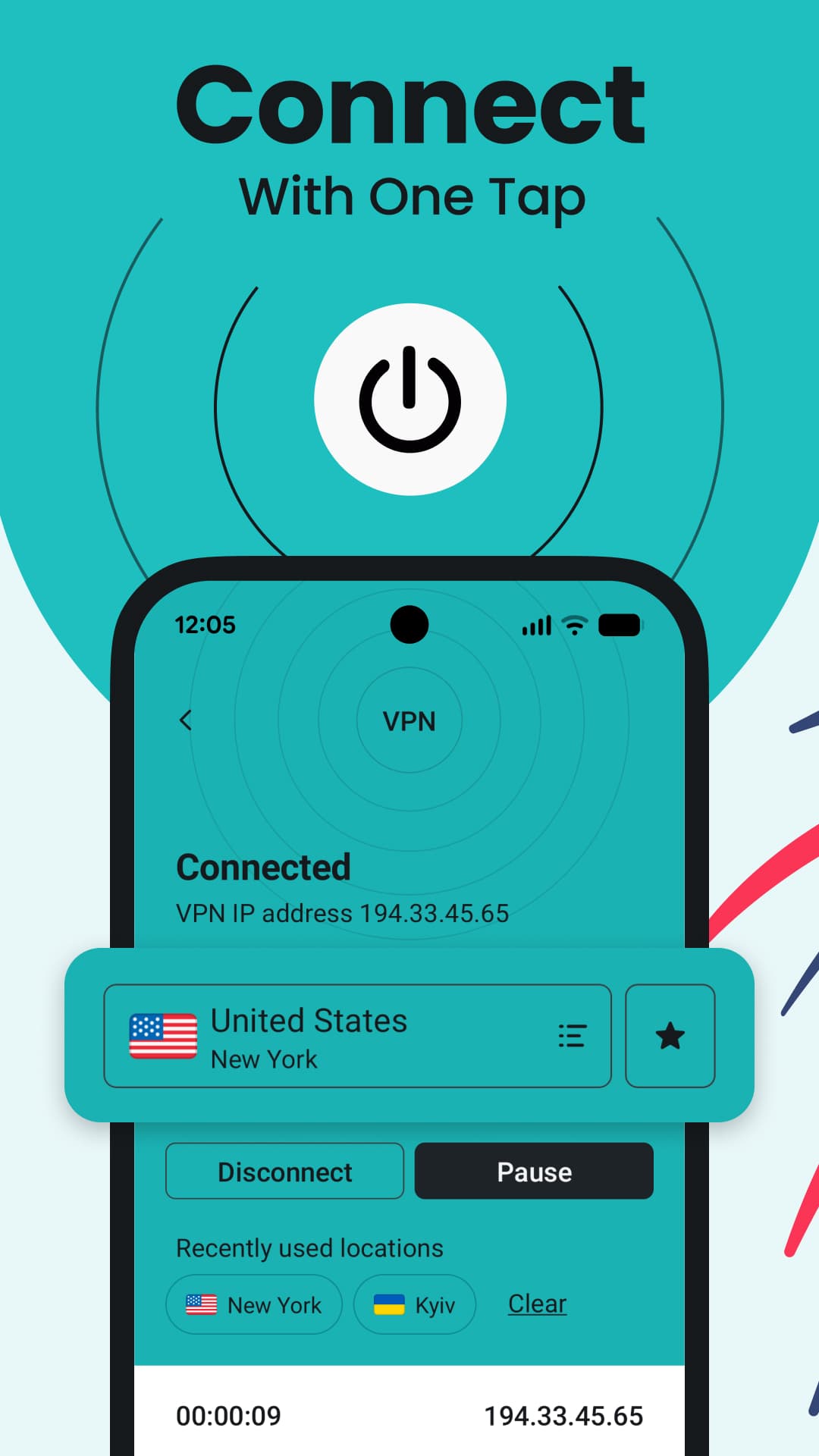
The app is built for people who want one subscription for every device: a single account covers an unlimited number of phones, tablets, computers and TVs at the same time. Connecting takes one tap, and the app can pick the fastest nearby location for you or let you choose a specific country or city.
The app itself is free to install, but using the VPN requires a paid Surfshark plan (new accounts usually come with a money-back guarantee). This page links to the APK that Surfshark publishes on its own website, which also runs on Android 6.0, one version older than the Google Play build supports.
Source: official APK from surfshark.com/download/android (developer: Surfshark B.V.). Version 3.37.2, updated November 2026.
How to install Surfshark VPN
- Tap the download button on this page to get the official Surfshark APK.
- Open the file and allow installs from your browser or file manager if Android asks.
- Tap Install and wait for it to finish.
- Open Surfshark, then log in or create an account and pick a plan.
- Accept the Android VPN connection request and tap Connect.
Version history
v3.37.2Latest
Nov 9, 2026 · 149.0 MB
Latest release from Surfshark (November 2026): stability fixes and general improvements.
Comments
Loading comments…
Similar
More from Utilities

ZArchiver
ZDevs
0.00.0 out of 5 starsLightweight archive manager that opens, creates and extracts ZIP, 7z, RAR, TAR and more.
Utilities0
Proton VPN
Proton AG
0.00.0 out of 5 starsFree VPN from the Swiss team behind Proton Mail: no data cap, no ads, an audited no-logs policy and open-source apps.
Utilities0

Proton Pass
Proton AG
0.00.0 out of 5 starsEnd-to-end encrypted password manager from Proton with autofill, a built-in 2FA code generator and hide-my-email aliases.
Utilities0