
- Multi-track timeline with trimming, splitting, layering and masks
- Keyframe animation, speed curves, chroma key and transitions
- Auto-captions and automatic background removal
- Templates and script-to-video for short-form content
- Text presets, text-to-speech, stickers, filters and a music library
- Export up to 4K 60 fps with no watermark on the video
- Cloud sync with the desktop version
- Free, with an optional Pro subscription

CapCut: Photo & Video Editor
by Bytedance Pte. Ltd. · v19.7.0
Key features
Screenshots
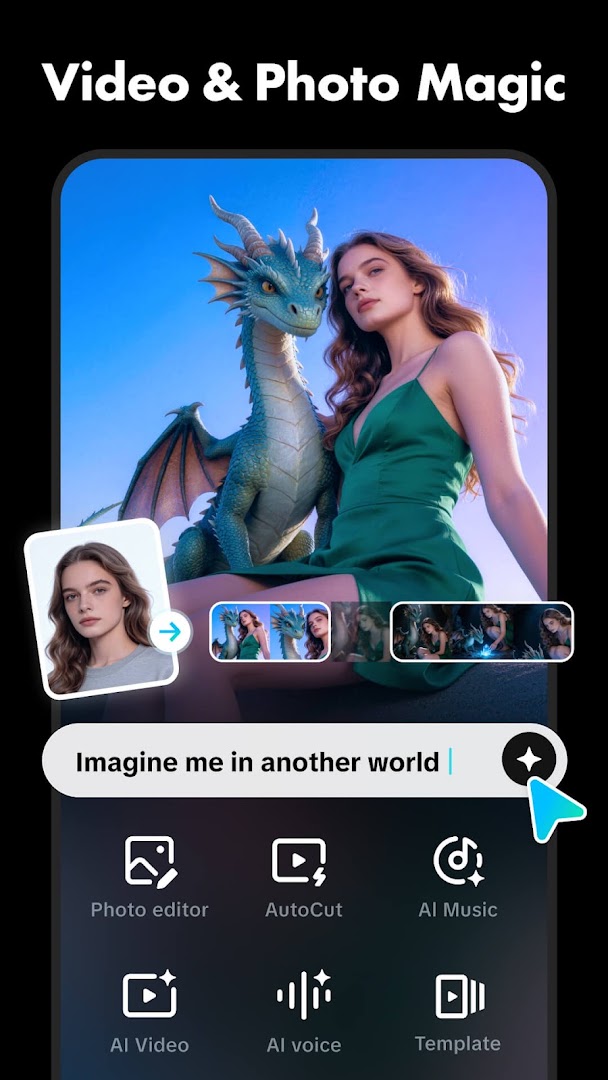
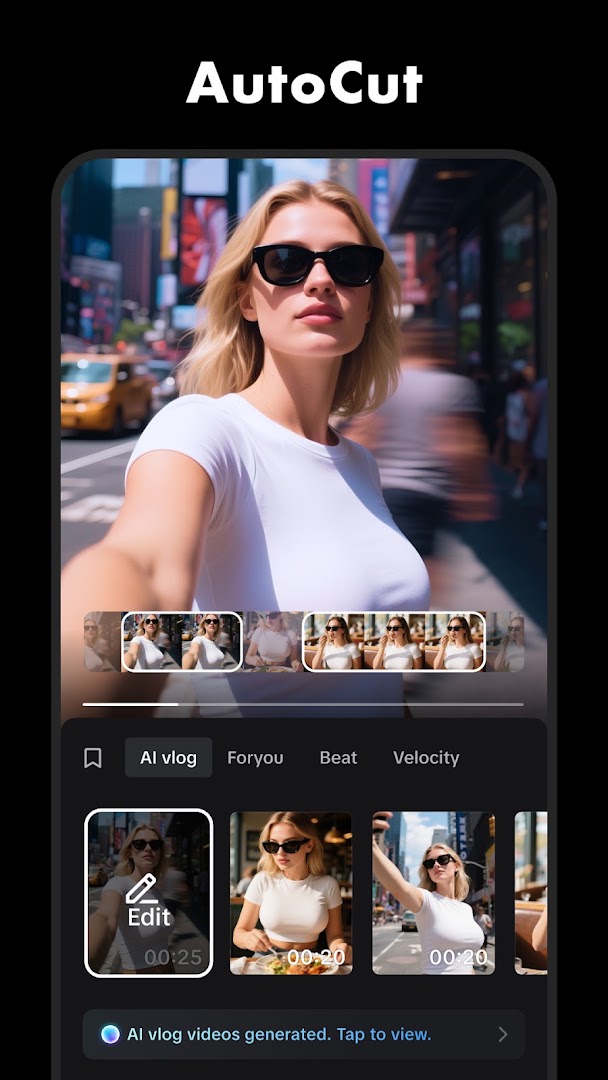
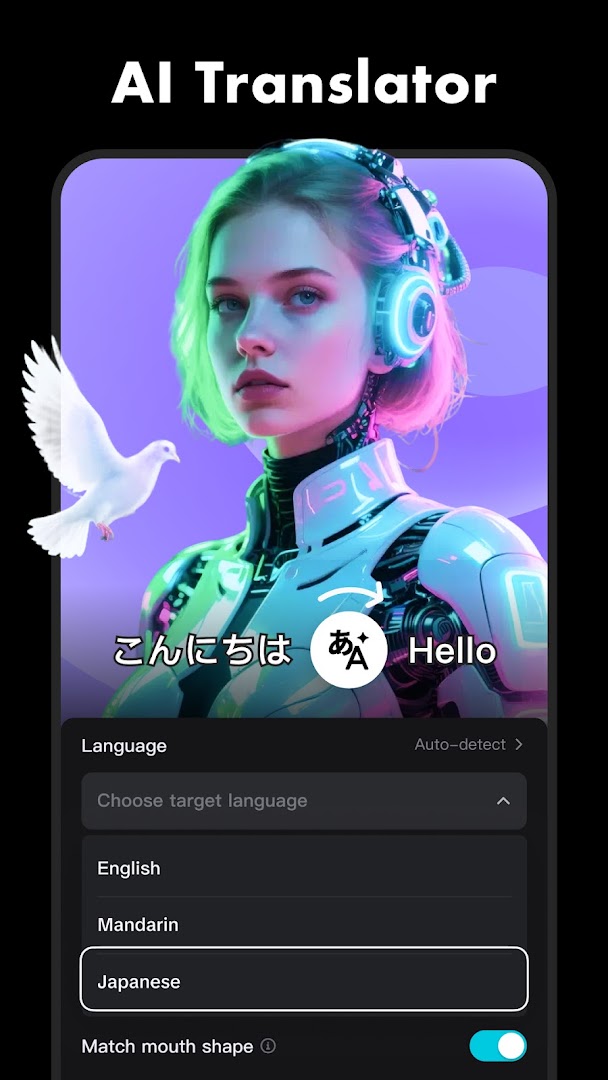
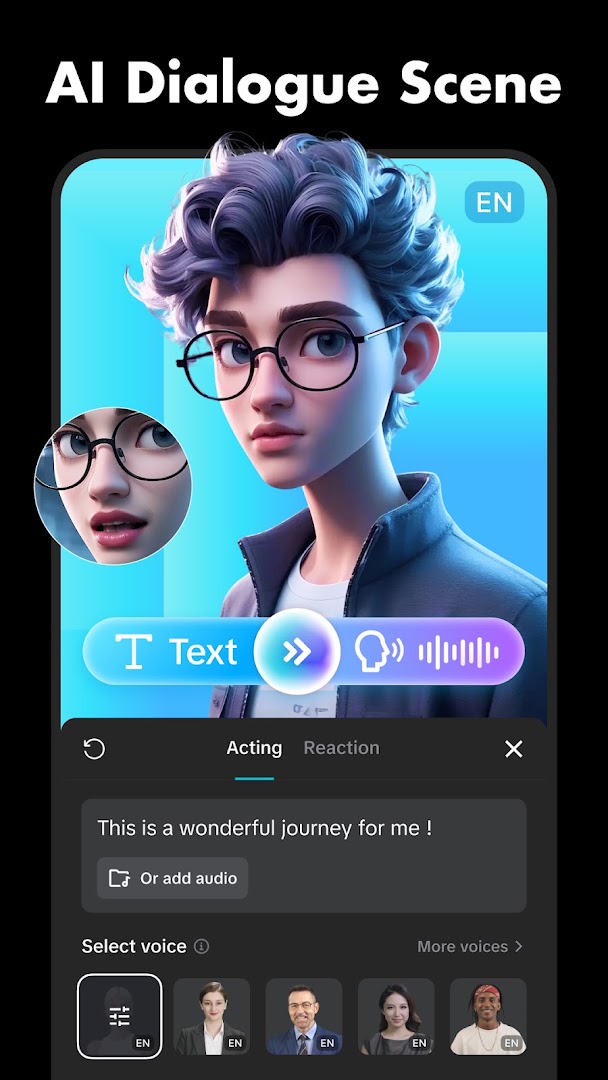
About CapCut: Photo & Video Editor
The CapCut APK is the official Android build of the free video editor from Bytedance, the company behind TikTok, and it has grown into a full editing suite that stands on its own. The editor is a proper multi-track timeline: trim, split, reorder, layer video over video, add text and stickers, and animate anything with keyframes. Transitions, filters, speed curves, chroma key and a licensed music library are included, and nothing in the core toolset is locked behind a paywall.
Editing with the CapCut APK
Projects start from clips in your gallery or from a template. The timeline supports several video and audio tracks, picture-in-picture, masks, blend modes and curve-based speed ramps, and every property can be keyframed for movement and fades. Text comes with hundreds of fonts, animated presets and a text-to-speech voice-over, and stickers, overlays and effects are searchable. Audio tools cover trimming, fade, voice changers, noise reduction and beat detection so cuts land on the music.
Automatic tools
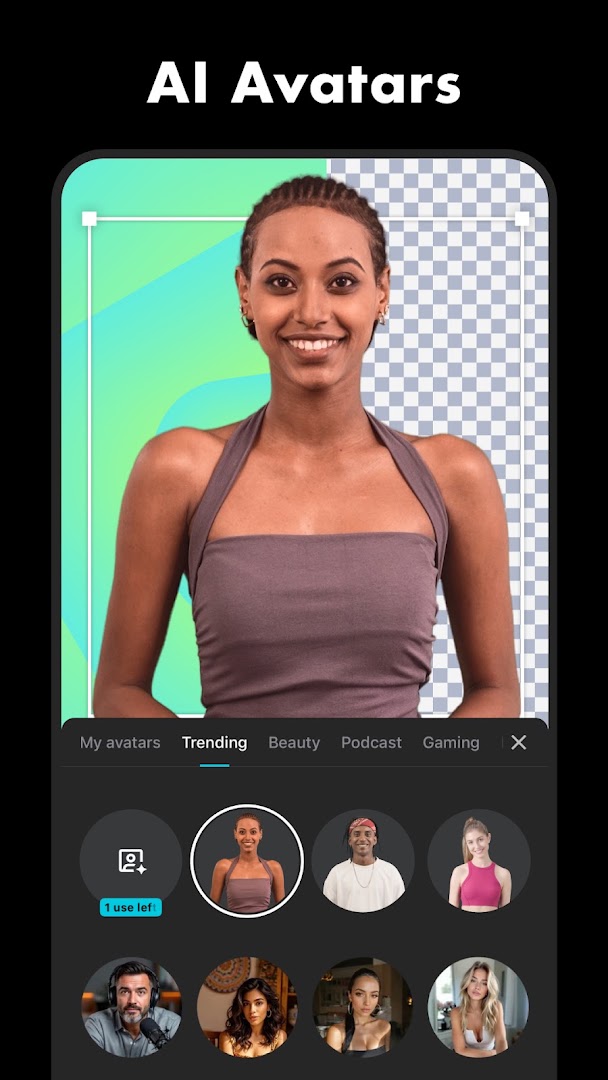
The automatic tools are the reason people choose CapCut over heavier editors. Auto-captions transcribe speech into editable, styled subtitles in a few seconds. Background removal cuts a person out without a green screen, and a retouch panel smooths skin and adjusts features. Templates turn a handful of clips into a finished short with transitions and music already timed, and a script-to-video tool drafts a storyboard from a line of text. Most of these run in the cloud and need a connection; ordinary timeline editing works offline.
Export and sharing
Exports go up to 4K at 60 frames per second with adjustable bitrate, and there is no watermark on the video itself; only the optional ending clip carries the CapCut logo and it can be removed before export. Finished videos share straight to TikTok, Instagram and other apps, and projects can be synced to CapCut's cloud space for editing on a second phone or on the desktop version.
Free and Pro
The editor, timeline, captions and the large majority of effects are free. CapCut Pro is an optional subscription that unlocks some premium effects, filters and fonts, raises cloud storage and removes limits on a few AI tools. It is never required to export a video, which is what separates CapCut from most mobile editors.
About this build
This is CapCut version 19.7.0, about 306 MB, and it needs Android 6.0 or later. It is the stock release matching the Google Play listing linked below, with nothing altered. An account is optional for editing and only needed for cloud sync, templates and Pro features.
How to install CapCut: Photo & Video Editor
- Download the CapCut APK (about 306 MB) over Wi-Fi.
- If Android asks, allow installs from this source in Settings.
- Open the file and tap Install.
- Launch CapCut and start a new project; sign in only if you want templates, cloud sync or Pro.
Frequently asked questions
Is CapCut free?
The editor, timeline and most effects are free. CapCut Pro is an optional subscription that unlocks some premium effects, filters and cloud storage.
Does CapCut add a watermark?
Exported videos have no watermark by default. Only the optional ending clip carries the CapCut logo, and it can be removed before export.
Can CapCut export in 4K?
Yes. Export resolution goes up to 4K at 60 frames per second, depending on what the phone can handle.
Does CapCut work offline?
Editing works offline. Templates, cloud effects and auto-captions need an internet connection.
Version history
v19.7.0Latest
Oct 3, 2026 · 306.2 MB
Comments
Loading comments…