
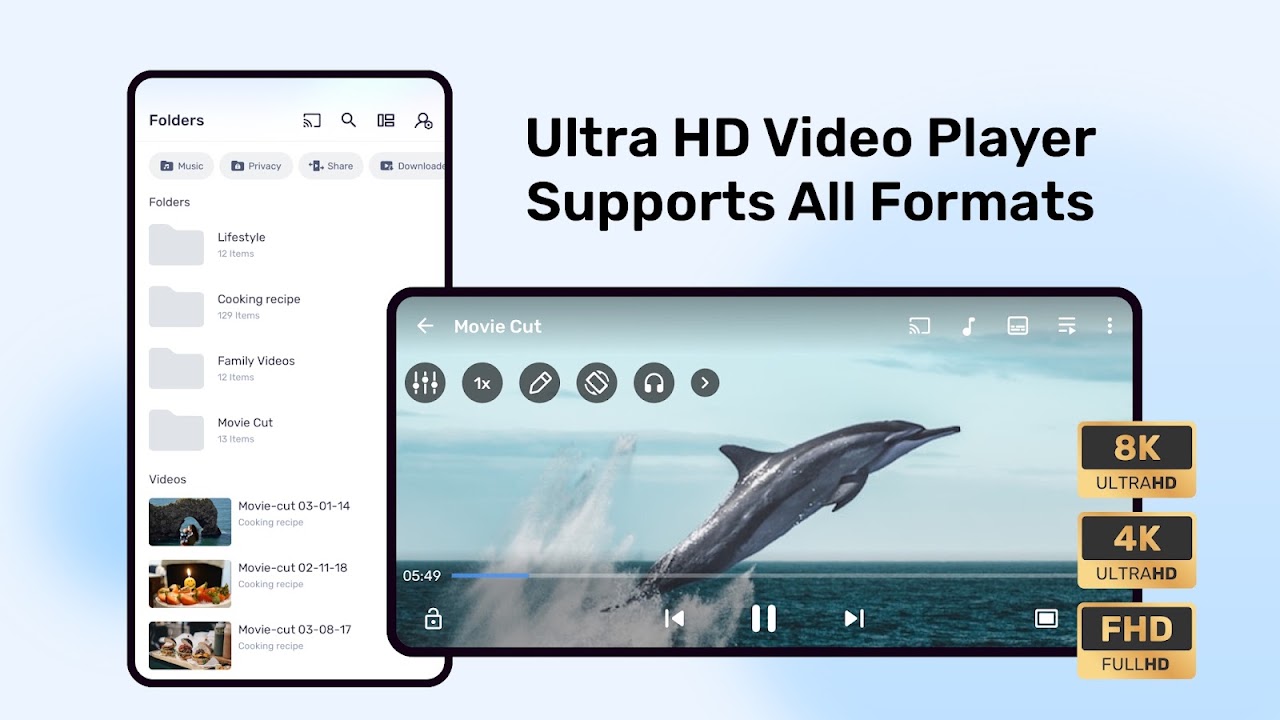
- Hardware and software decoding for most video formats
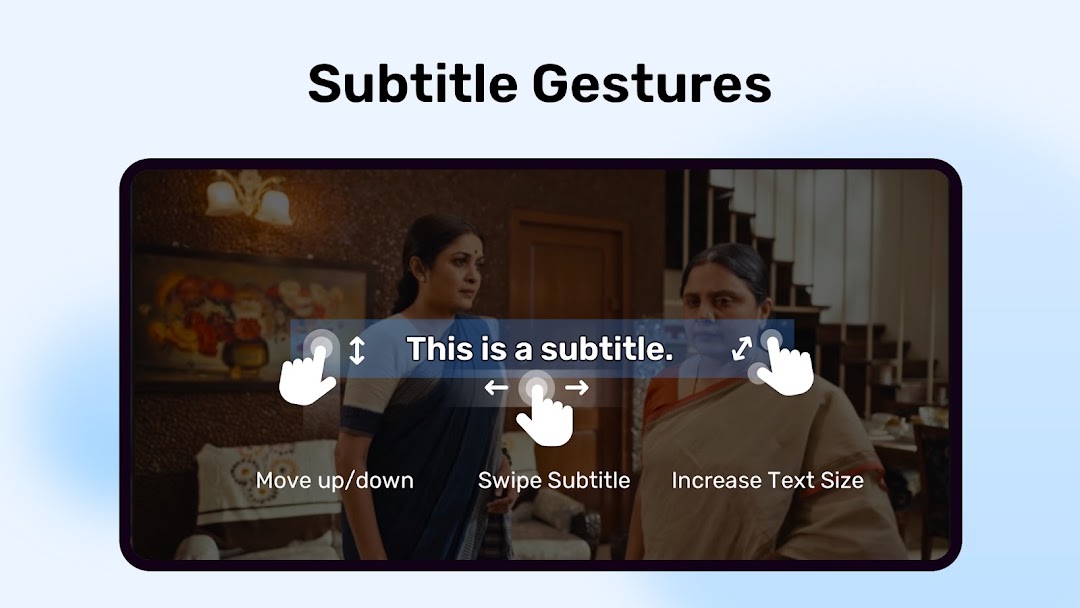
- Subtitle support with size, colour and sync controls
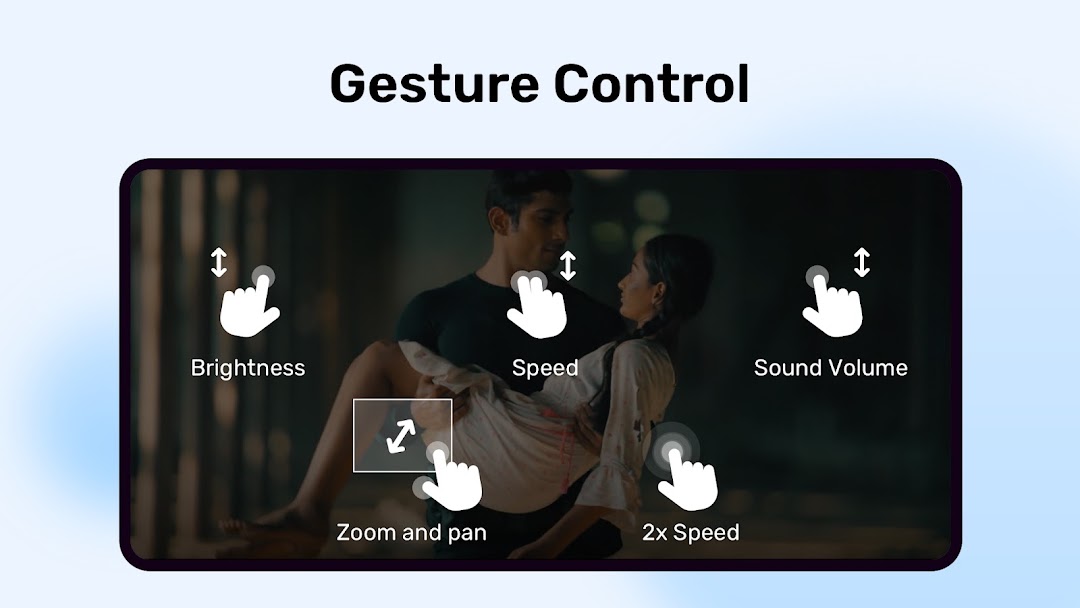
- Gestures for volume, brightness, seeking and zoom
- Kids Lock
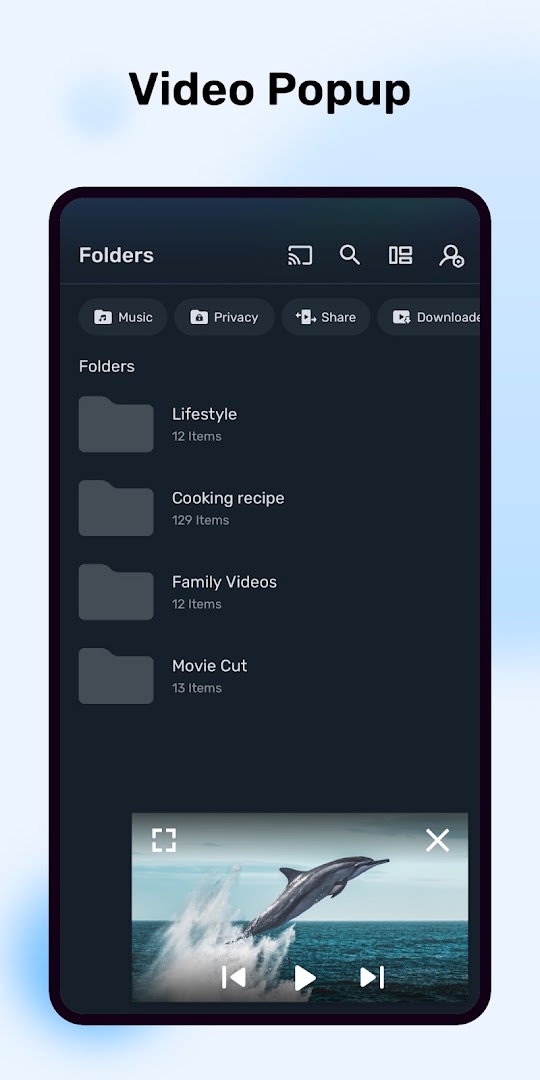
- Background play and floating window
- Plays files from storage, SD card and network shares
- Free, with adverts

Key features
Screenshots
About MX Player
MX Player is a long-established video player for Android, known for playing almost any file you throw at it. Hardware decoding keeps playback smooth on supported devices, and software decoding covers formats the chip does not. Subtitles load automatically from the same folder, and you can adjust their size, colour and timing while you watch.
Gestures do the work: swipe to change brightness or volume, drag to seek, and pinch to zoom the picture. A Kids Lock stops small hands from leaving the video, and background play and a floating-window mode let you keep audio or video going while you use other apps.
The player is free and supported by advertising. This build is about 104 MB.
How to install MX Player
- Download the MX Player APK (about 104 MB).
- Allow installs from this source if asked.
- Open the file and tap Install.
- Open MX Player and grant access to your media when asked.
Frequently asked questions
Is MX Player free?
Yes. It is free and supported by advertising.
Can MX Player show subtitles?
Yes. It loads subtitle files stored beside the video, and you can change their size, colour and timing.
Does MX Player play any video format?
It plays most common formats using hardware or software decoding, depending on your device and the file.
What is Kids Lock?
A mode that disables touch controls so a child cannot exit or change the video.
Version history
v3.3.0Latest
Oct 3, 2026 · 104.4 MB
Comments
Loading comments…