- One library for movies, TV shows, music and photos with automatic artwork and info
- Plays nearly every audio and video format, including 4K and HDR on capable hardware
- Streams from your home network over SMB, NFS and UPnP/DLNA
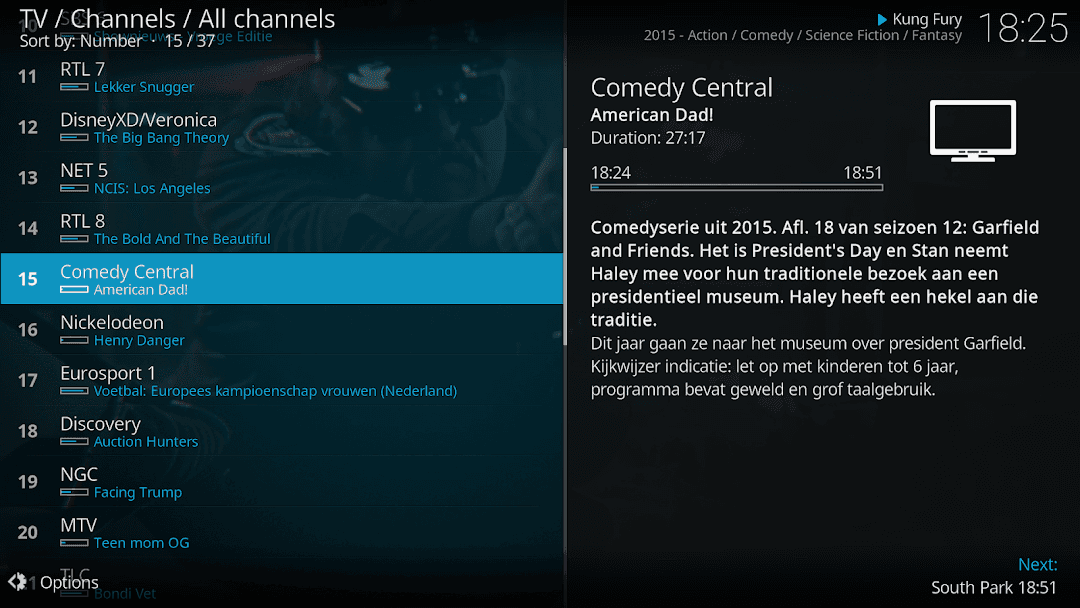
- Live TV and recording through PVR add-ons and a compatible backend
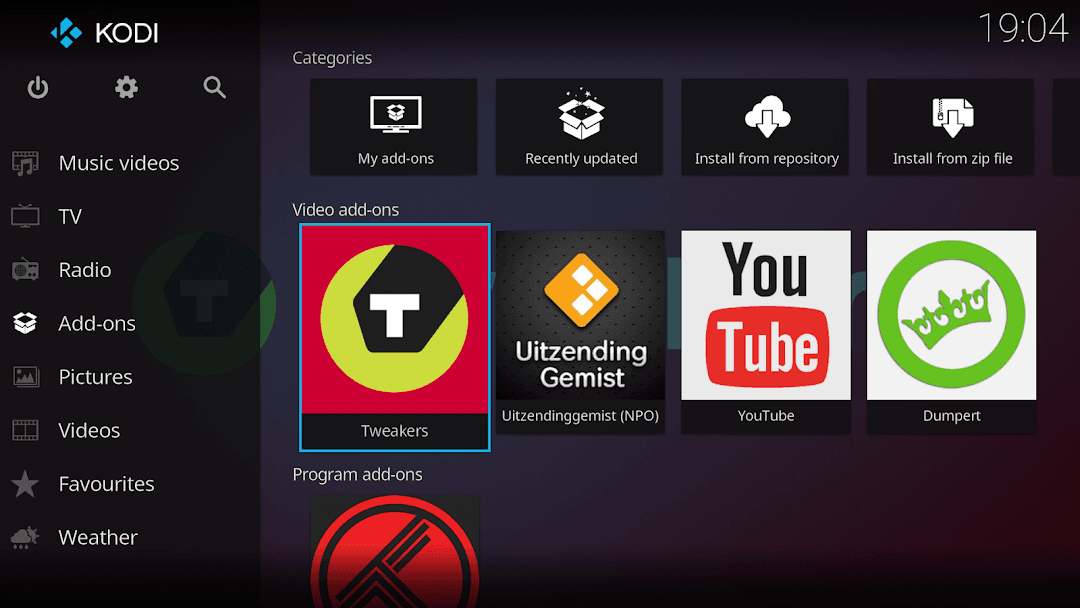
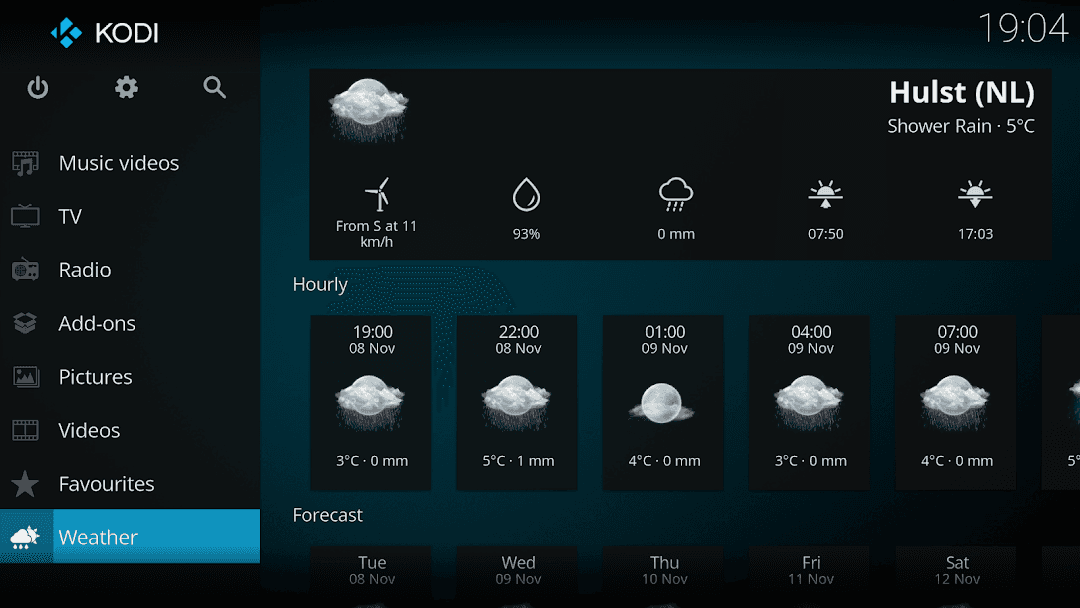
- Official add-on repository for subtitles, skins, weather and more
- Interface designed for TV remotes, game pads and touch screens
- Remote-control apps and a web interface supported
- Free, ad-free and open source (GPL-2.0)
Key features
Screenshots
About Kodi
Kodi is a free, open-source media center that turns an Android phone, tablet or TV box into a home theater hub. It collects the films, TV episodes, music and photos you already own, whether they sit on the device, a USB drive or a home server, and shows them in one big-screen interface with posters, plot summaries and cast details pulled in automatically.
The app is made by the non-profit XBMC Foundation and a large volunteer community. It plays almost every common audio and video format, can stream from shares on your local network (SMB, NFS, UPnP/DLNA), and can be extended with official add-ons for things like subtitles, weather, music visualisations and live TV through a PVR backend. Kodi itself ships with no content: what you watch is up to you.
This page links to the current stable release, Kodi 21.3 "Omega", taken straight from the Kodi project's own download mirrors (64-bit ARM build, which suits most phones and TV boxes made in the last few years).
Source: official APK from kodi.tv/download/android via mirrors.kodi.tv (developer: XBMC / Kodi Foundation; licence GPL-2.0). Version 21.3 "Omega".
How to install Kodi
- Tap the download button on this page to get the official Kodi APK (64-bit ARM).
- Open the file and allow installs from your browser or file manager if Android asks.
- Tap Install and wait for it to finish.
- Open Kodi and grant access to storage so it can find your media.
- Add your media folders or network shares under Videos or Music to build your library.
Version history
v21.3 OmegaLatest
Dec 12, 2025 · 65.0 MB
Kodi 21.3 "Omega" maintenance release: bug fixes and stability improvements to the stable 21.x series.
Comments
Loading comments…
Similar
