
- Turn-by-turn navigation for car, transit, bike and walking
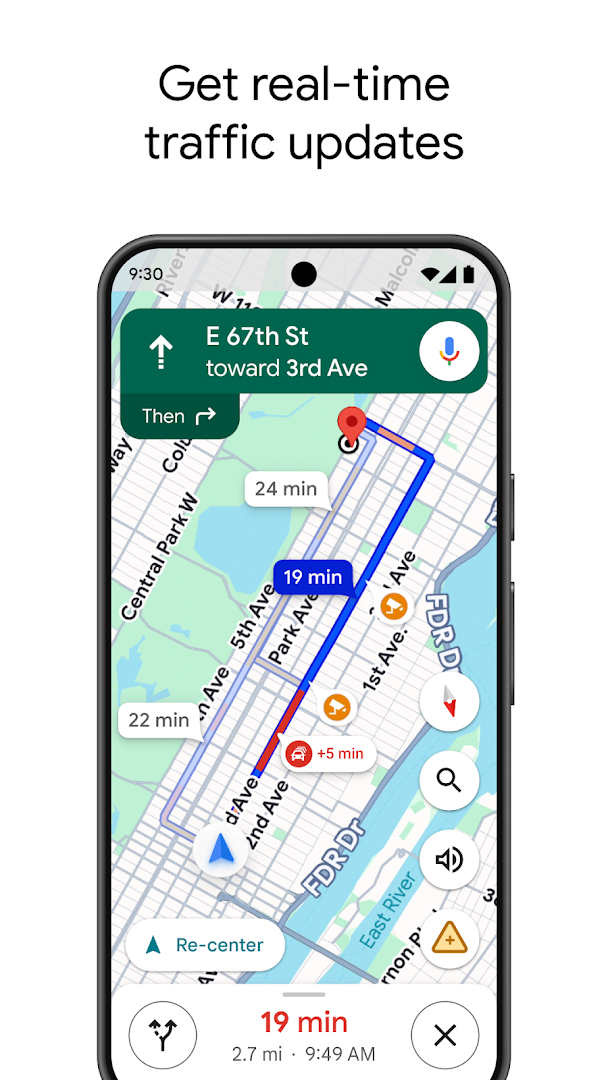
- Live traffic and route alternatives
- Offline maps
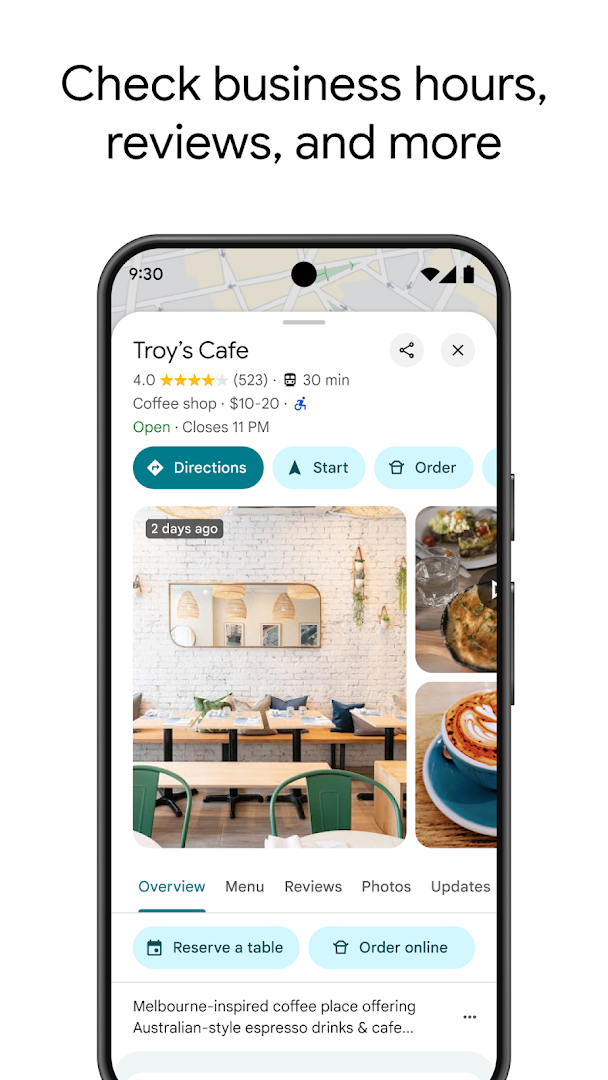
- Place details, photos, reviews and opening hours
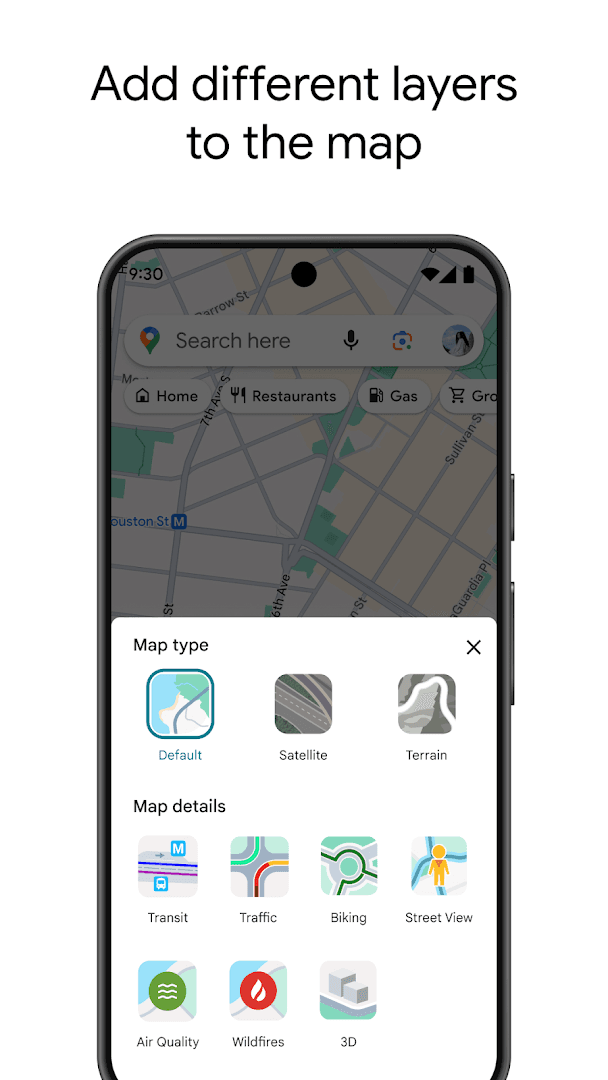
- Street View and Live View
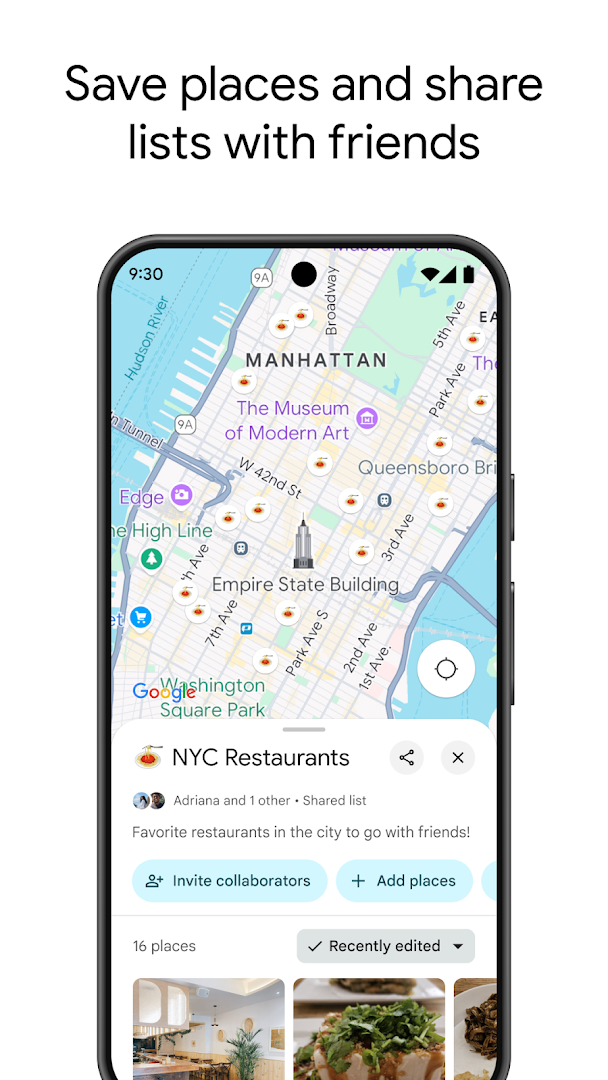
- Saved lists and location sharing
- Free

Key features
Screenshots
About Google Maps
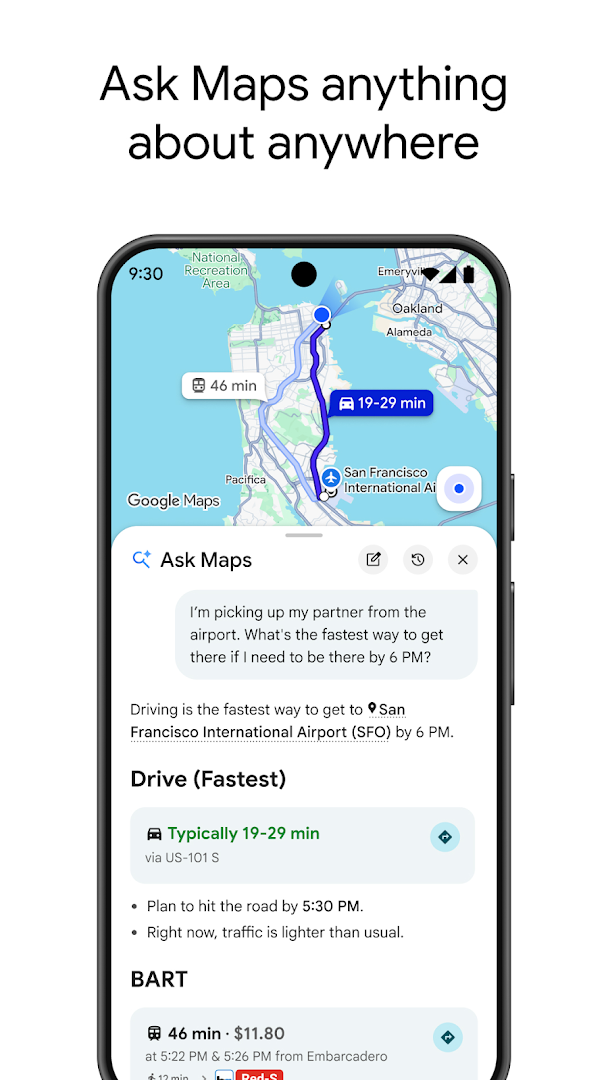
Google Maps is the map most people reach for. Search for a place, see its photos, reviews and opening hours, and get directions by car, public transport, bicycle or on foot. Live traffic shows delays on your route, and the app suggests alternatives when something changes ahead of you.
Offline maps let you download an area and navigate without a connection, saved lists keep favourite places together, and Street View and Live View help you check what a street looks like or follow arrows through a station. Timeline-style history and location sharing with friends are optional and under your control.
Maps is free. It works best with a Google account and location access. This build is about 289 MB.
How to install Google Maps
- Download the Google Maps APK (about 289 MB).
- Allow installs from this source if Android asks.
- Open the file and tap Install; an existing Maps app is updated in place.
- Open Maps and allow location access.
Frequently asked questions
Can I use Google Maps offline?
Yes. Download an area in advance and you can search and navigate in it without a connection.
Is Google Maps free?
Yes. Navigation, traffic and offline maps are free.
Is Google Maps already on my phone?
Most Android phones include it. Installing this APK updates it where the Play Store is not available.
Does Google Maps need location access?
It works best with it. You can search without sharing location, but navigation needs it.
Version history
v26.40.00Latest
Oct 3, 2026 · 288.5 MB
Comments
Loading comments…