
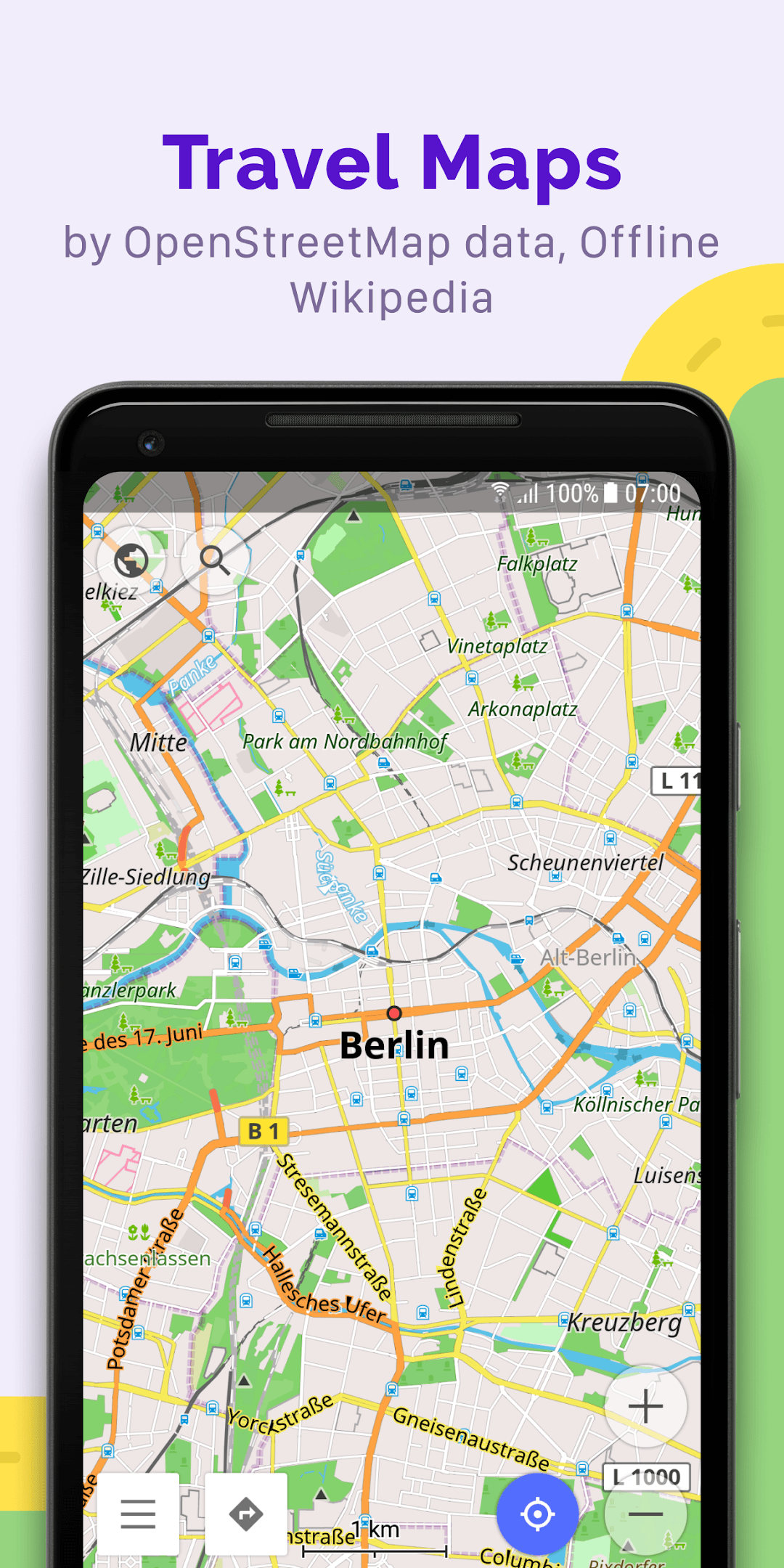
- Offline vector maps for countries and regions, based on OpenStreetMap
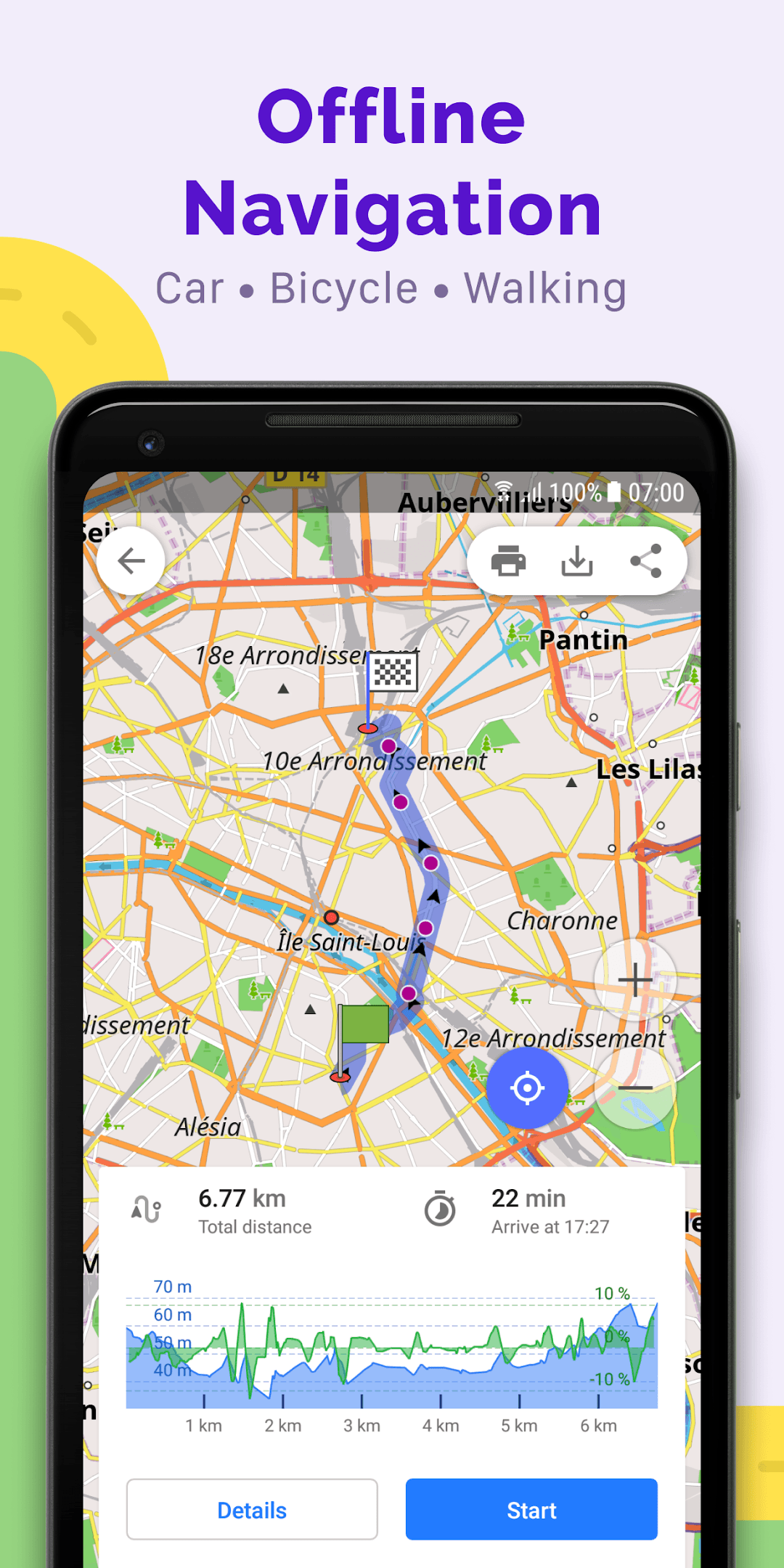
- Turn-by-turn voice navigation for car, bike, foot and public transport
- Lane guidance, speed-limit and speed-camera warnings
- Record, import and follow GPX tracks
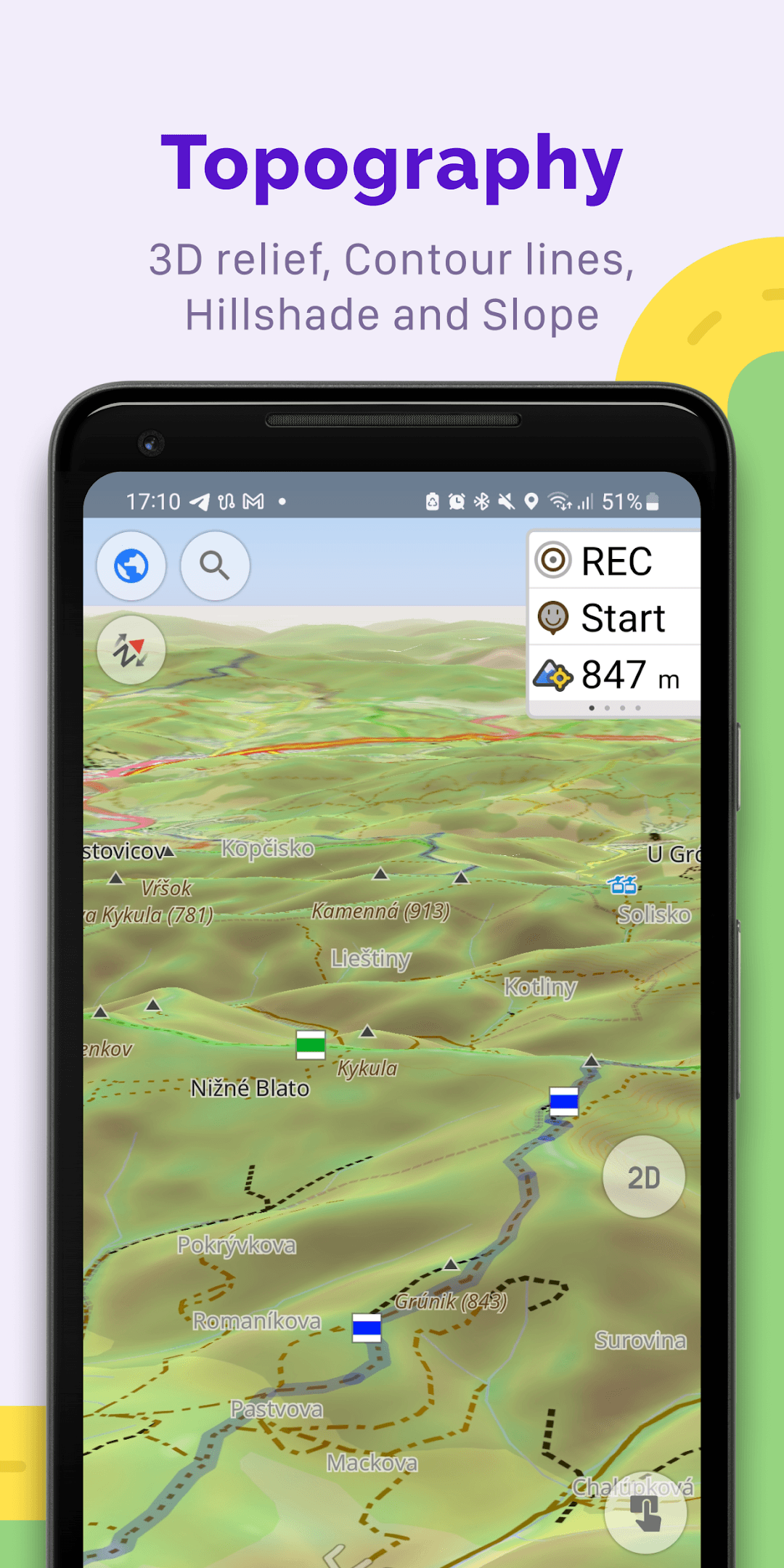
- Contour lines, hillshade and terrain for hiking and cycling
- Trip planner with multiple waypoints and favourites
- Wikipedia and travel guide points of interest
- No account required to start using maps

OsmAnd — Maps & GPS Offline
by OsmAnd B.V. · v5.5.0
Key features
Screenshots

About OsmAnd — Maps & GPS Offline
OsmAnd is a map and navigation app that keeps working when your phone has no signal. It draws its maps from OpenStreetMap, the community-edited world map, and lets you store whole countries or regions on your device so you can search, browse and get directions completely offline.
It suits drivers, cyclists, hikers and travellers alike. Routing profiles cover car, bicycle, walking, public transport, boat and more, with spoken guidance, lane hints and speed-limit warnings. Outdoor fans can record GPS tracks, follow GPX routes, view contour lines and hillshading, and plan trips with multiple waypoints.
The core app is free. Some extras, such as unlimited map downloads and live map updates, are offered as optional in-app subscriptions from the developer.
Source: official OsmAnd download server (download.osmand.net), developer OsmAnd B.V., version 5.5.0 published 5 November 2026. The app's source code is available under the GPL-3.0 licence.
How to install OsmAnd — Maps & GPS Offline
- Tap the Download button on this page to get the official OsmAnd APK (about 371 MB).
- Open the file from your notifications or Downloads folder.
- If asked, allow your browser or file manager to install unknown apps.
- Tap Install and wait for it to finish.
- Open OsmAnd, allow location access, and download the map of your region for offline use.
Requires Android 7.0 or later.
Version history
v5.5.0Latest
Nov 4, 2026 · 371.1 MB
OsmAnd 5.5.0 release from the official download server (5 Nov 2026).
Comments
Loading comments…