
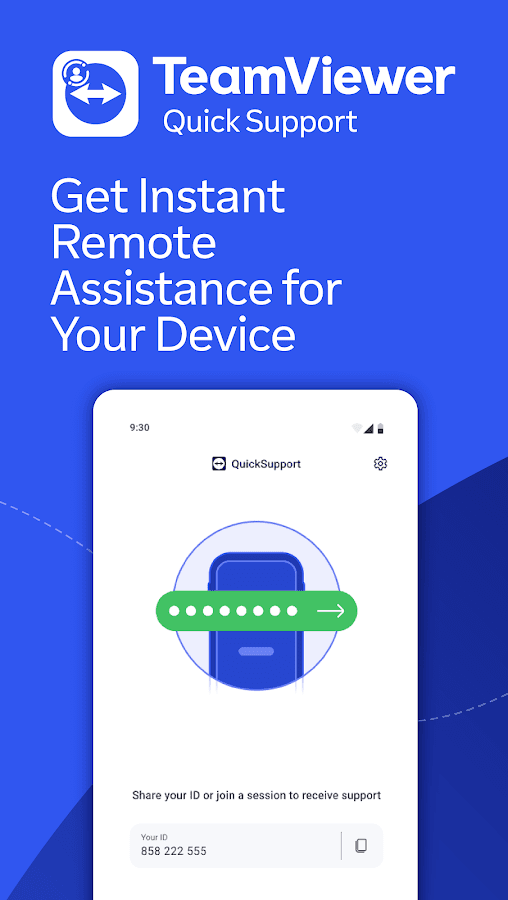
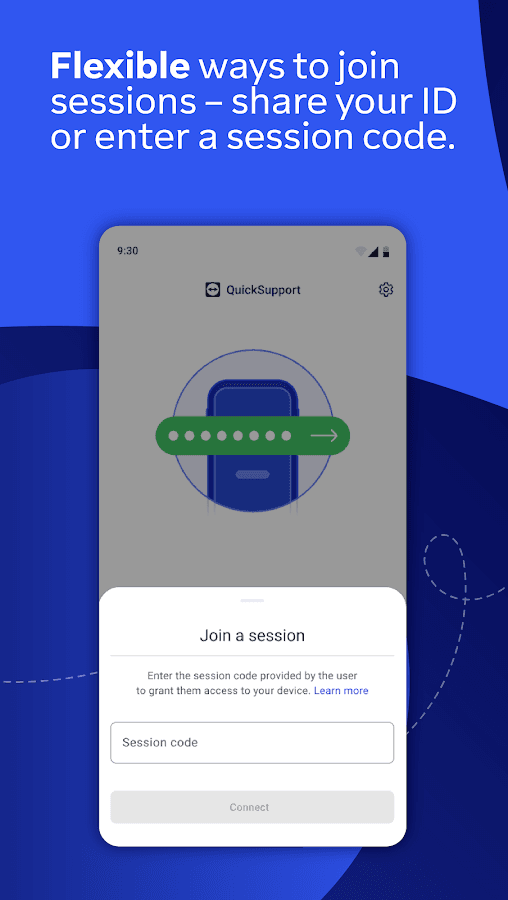
- Shows a session ID to share with your supporter
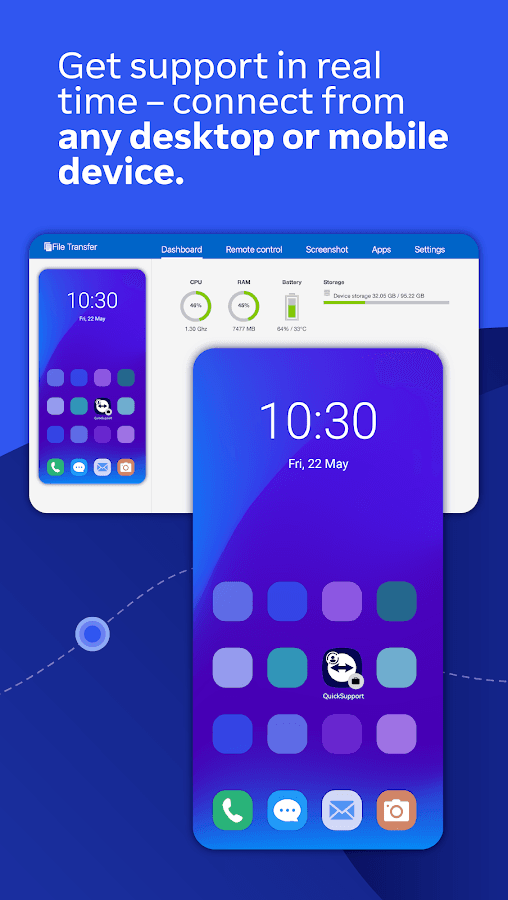
- Screen sharing, plus remote control on supported devices
- Chat during the session
- File transfer in both directions
- Device information view for faster troubleshooting
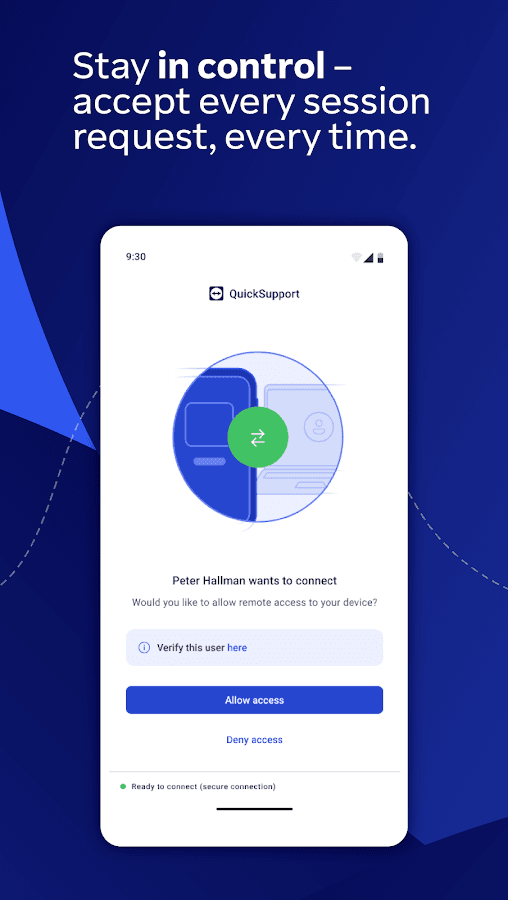
- Every connection must be approved on the device

TeamViewer QuickSupport
by TeamViewer Germany GmbH · v15.83.285
Key features
Screenshots
About TeamViewer QuickSupport
TeamViewer QuickSupport is the receiving side of TeamViewer remote support. Install it on the Android phone or tablet that needs help, open it, and give the ID it shows to the person helping you. Once you accept their connection request, they can see your screen from a computer or another device running TeamViewer and guide you through the fix.
On many devices, including Samsung phones and other brands that offer a supported add-on, the supporter can also operate the device remotely; elsewhere screen sharing is available. Sessions include a chat, file transfer in both directions and a device information view showing system details and installed apps, so problems can be diagnosed without handing the phone over.
Every session has to be approved on the device and can be ended at any time. QuickSupport is free for personal use; businesses need a TeamViewer licence. Only accept connections from people you know and trust.
Source: official APK from teamviewer.com. Developer: TeamViewer Germany GmbH. Free for personal use.
How to install TeamViewer QuickSupport
- Tap the download button on this page to get the official QuickSupport APK from teamviewer.com.
- Open the file and allow installs from your browser or file manager if Android asks.
- Tap Install, then open QuickSupport.
- Give the ID shown in the app to your supporter and approve their connection request when it appears.
Requires Android 12L or newer (per Uptodown). The person helping you needs TeamViewer on their own computer or device.
Version history
v15.83.285Latest
Oct 26, 2026 · 49.1 MB
Current QuickSupport build from the official teamviewer.com download link.
Comments
Loading comments…
Similar
More from Utilities

ZArchiver
ZDevs
0.00.0 out of 5 starsLightweight archive manager that opens, creates and extracts ZIP, 7z, RAR, TAR and more.
Utilities0

Proton VPN
Proton AG
0.00.0 out of 5 starsFree VPN from the Swiss team behind Proton Mail: no data cap, no ads, an audited no-logs policy and open-source apps.
Utilities0

Surfshark VPN
Surfshark B.V.
0.00.0 out of 5 starsFast, ad-free VPN that encrypts your connection on Android
Utilities0

Proton Pass
Proton AG
0.00.0 out of 5 starsEnd-to-end encrypted password manager from Proton with autofill, a built-in 2FA code generator and hide-my-email aliases.
Utilities0
Most downloaded

Kiwix
Kiwix
0.00.0 out of 5 starsRead Wikipedia and other reference sites fully offline
Education0

PPSSPP - PSP emulator
Henrik Rydgard
0.00.0 out of 5 starsOpen-source PSP emulator that plays your own PlayStation Portable games in HD on Android
Entertainment0

Proton Calendar
Proton AG
0.00.0 out of 5 starsEncrypted calendar from Proton that keeps event titles, notes and guest lists private, with widgets, reminders and sync across devices.
Productivity0

Feeder
Jonas Kalderstam
0.00.0 out of 5 starsFree, private RSS and Atom feed reader with offline reading and no account required.
Productivity0