
- Download, upload, latency and jitter in about 30 seconds
- Choose a test server
- Result history
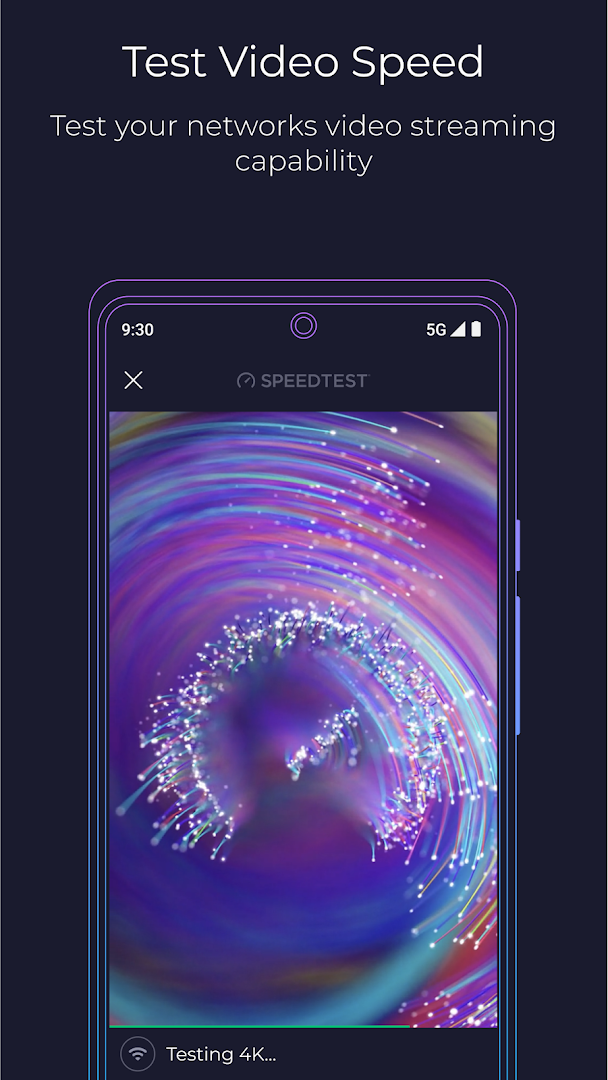
- Video streaming quality test
- Wi-Fi and mobile data tests
- Coverage maps
- Free, with adverts

Key features
Screenshots
About Speedtest by Ookla
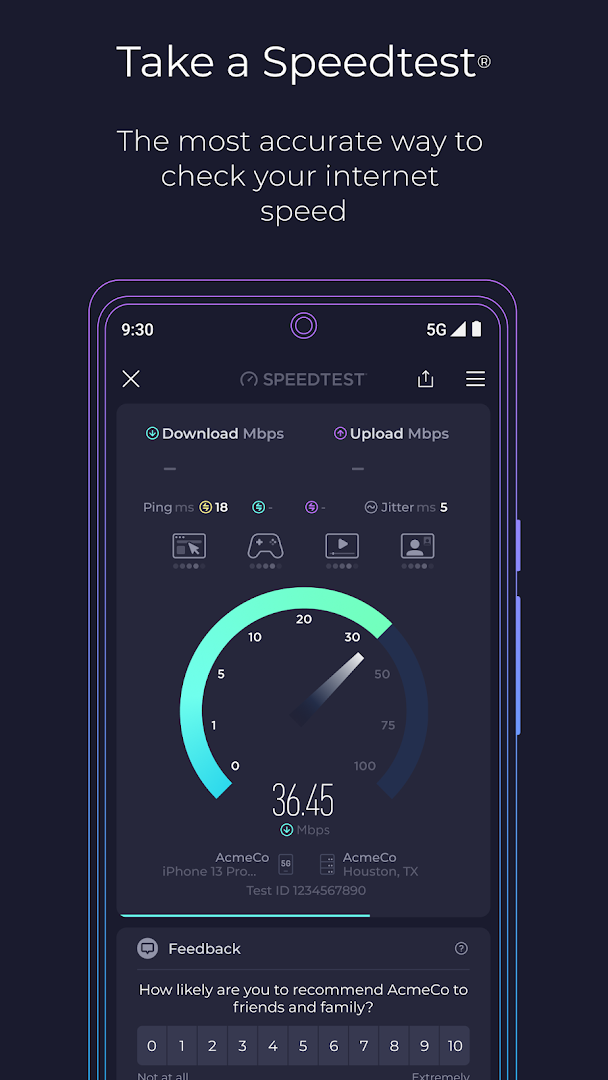
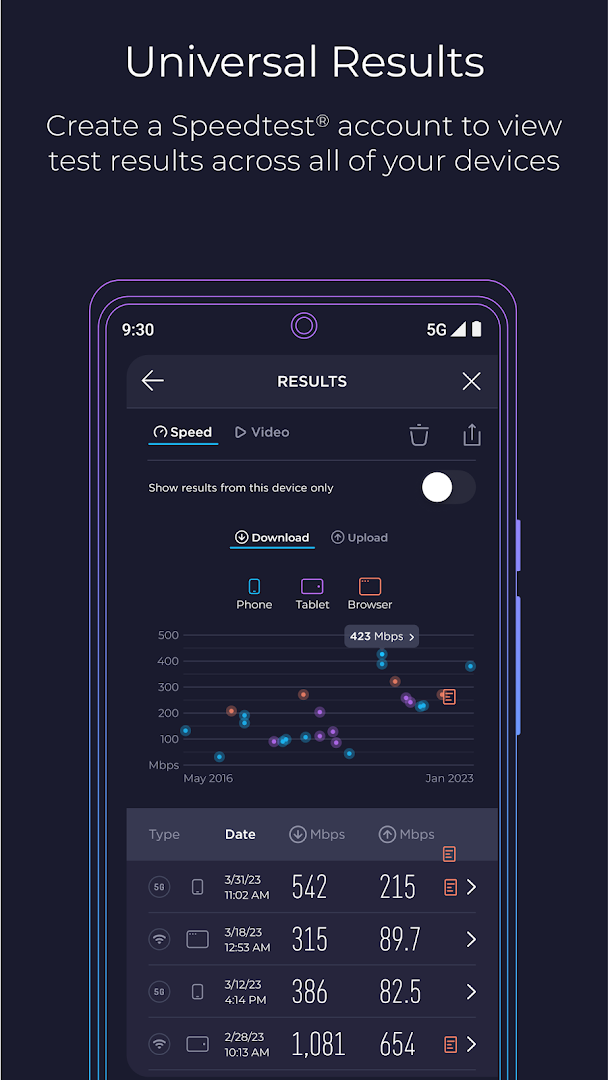
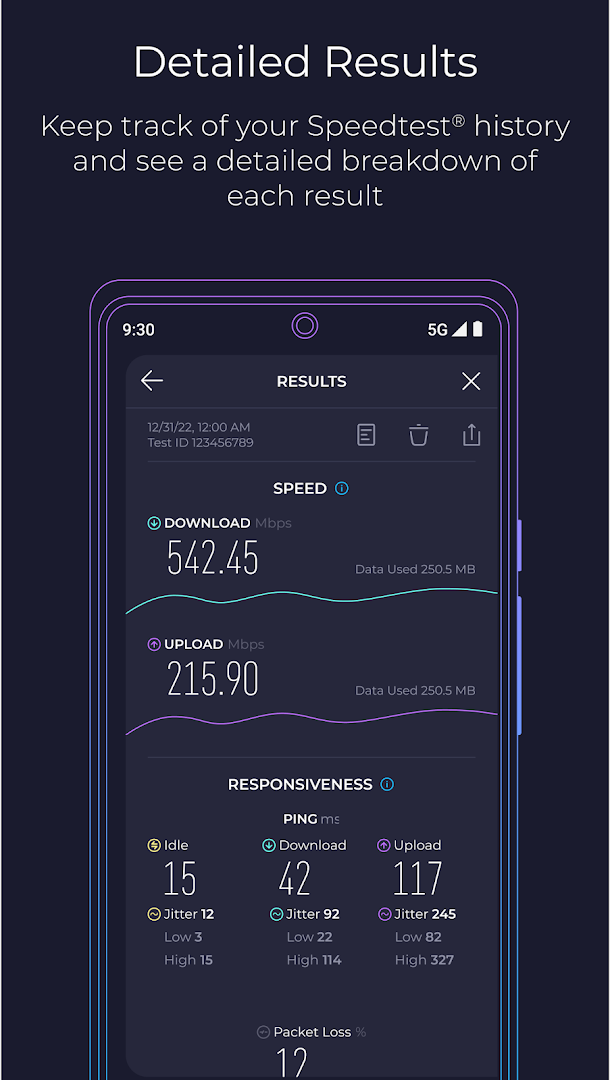
Speedtest by Ookla measures how fast your connection really is. A test takes about half a minute and reports download speed, upload speed, latency (ping) and jitter, using a server near you by default or one you choose. Results are saved to a history so you can see whether a problem comes and goes.
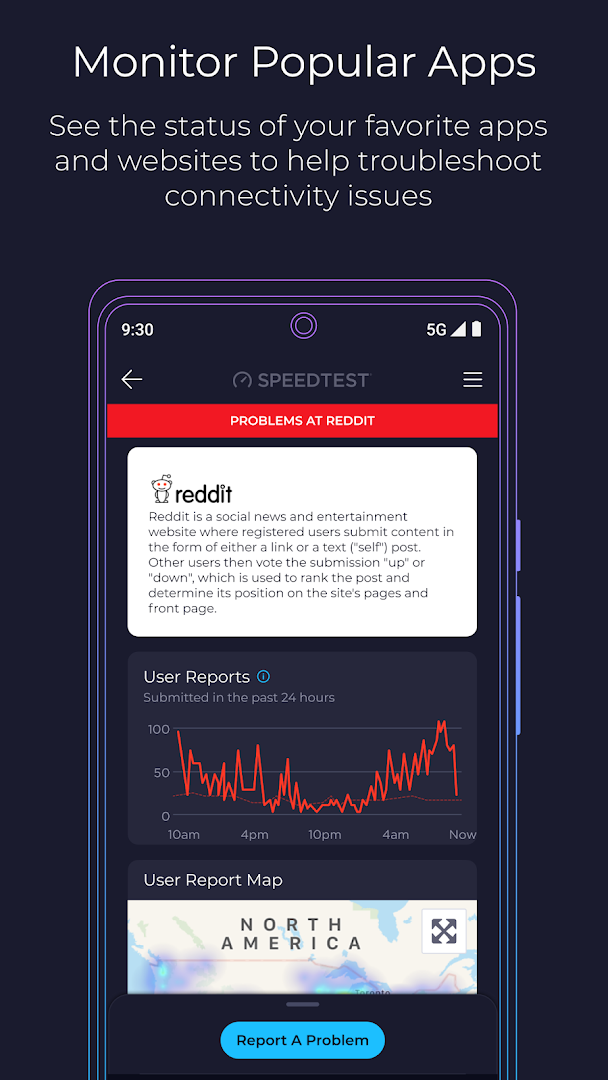
Running the test on Wi-Fi and then on mobile data shows which one is the bottleneck, and a video test estimates the quality your connection can stream. Coverage maps built from other people's tests help compare networks in an area.
The app is free with advertising. This build is about 28 MB.
How to install Speedtest by Ookla
- Download the Speedtest APK (about 28 MB).
- Allow installs from this source if Android asks.
- Open the file and tap Install.
- Open the app and tap Go to run your first test.
Frequently asked questions
Is Speedtest free?
Yes. The app is free and supported by advertising.
What do ping and jitter mean?
Ping is how long a signal takes to reach a server and return. Jitter is how much that time varies, which matters for calls and games.
Why do my results change?
Speed depends on signal strength, network congestion, the test server and what else is using your connection.
Does a test use a lot of data?
A test can use tens to hundreds of megabytes on a fast connection, so use Wi-Fi if your data plan is limited.
Version history
v7.1.1Latest
Oct 3, 2026 · 28.1 MB
Comments
Loading comments…
Similar
