
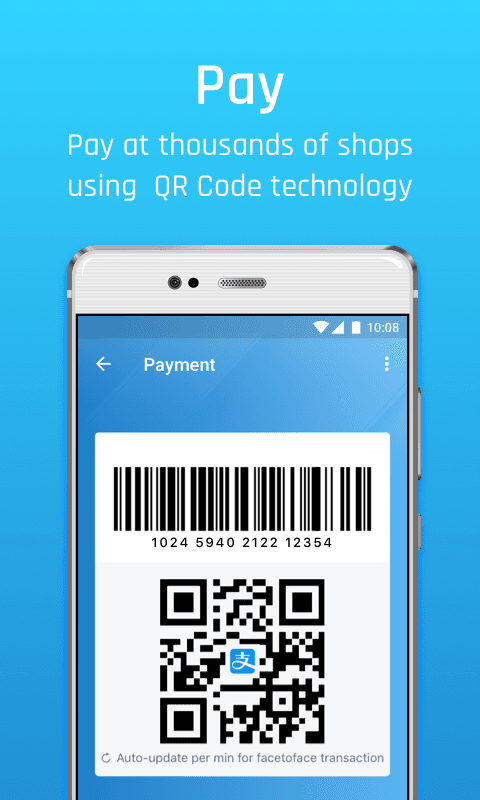
- Pay in shops and online by scanning a QR code or showing your payment code
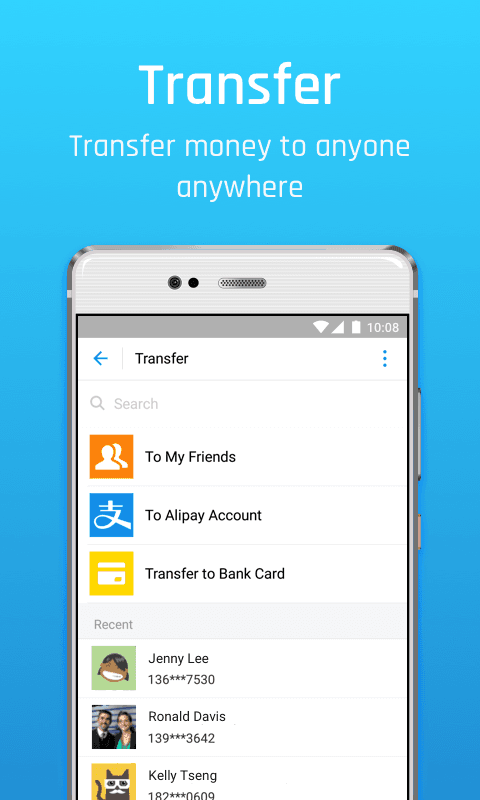
- Send and receive money and split bills with other users
- Pay utility, phone and other household bills
- Mini programs for food delivery, ride hailing, travel booking and city services
- Visitors can link an international bank card to pay at Chinese merchants
- Security features such as payment passwords, biometrics and transaction alerts

Alipay
by Alipay (Hangzhou) Technology Co. Ltd · v12.12.56.8000
Key features
Screenshots

About Alipay
Alipay is the mobile payment and lifestyle app run by Alipay (Hangzhou) Technology Co. Ltd, part of Ant Group. It is one of the most widely used digital wallets in China: shops, taxis, market stalls and online services accept it, usually by scanning a QR code or by showing your own payment code at the till.
Besides paying, the app handles transfers between users, utility and phone bills, public transport codes and a large catalogue of built-in mini programs for food delivery, ride hailing, hotel and ticket booking, and government services. Visitors to China can register with a foreign phone number and link an international Visa, Mastercard or other supported card to pay at local merchants. Some financial services in the app are only available to users with a mainland Chinese identity.
This listing links to the official APK served from Alipay's own download server (t.alipayobjects.com), version 12.12.56.8000 dated 16 November 2026, for Android 7.0 and newer.
Source: official download from Alipay (https://render.alipay.com/p/s/download). Developer: Alipay (Hangzhou) Technology Co. Ltd. Licence: free app.
How to install Alipay
- Tap the download button on this page to get the official Alipay APK (about 252 MB).
- Open the downloaded file. If Android asks, allow your browser or file manager to install unknown apps.
- Tap Install and wait for the installation to finish.
- Open Alipay, sign up with your phone number and follow the steps to add a payment method.
Version history
v12.12.56.8000Latest
Nov 15, 2026 · 252.1 MB
Version 12.12.56.8000 of Alipay, published on the official download server on 16 November 2026.
Comments
Loading comments…
Similar
More from Utilities

ZArchiver
ZDevs
0.00.0 out of 5 starsLightweight archive manager that opens, creates and extracts ZIP, 7z, RAR, TAR and more.
Utilities0

Proton VPN
Proton AG
0.00.0 out of 5 starsFree VPN from the Swiss team behind Proton Mail: no data cap, no ads, an audited no-logs policy and open-source apps.
Utilities0

Surfshark VPN
Surfshark B.V.
0.00.0 out of 5 starsFast, ad-free VPN that encrypts your connection on Android
Utilities0

Proton Pass
Proton AG
0.00.0 out of 5 starsEnd-to-end encrypted password manager from Proton with autofill, a built-in 2FA code generator and hide-my-email aliases.
Utilities0
Most downloaded

Kiwix
Kiwix
0.00.0 out of 5 starsRead Wikipedia and other reference sites fully offline
Education0

PPSSPP - PSP emulator
Henrik Rydgard
0.00.0 out of 5 starsOpen-source PSP emulator that plays your own PlayStation Portable games in HD on Android
Entertainment0

Proton Calendar
Proton AG
0.00.0 out of 5 starsEncrypted calendar from Proton that keeps event titles, notes and guest lists private, with widgets, reminders and sync across devices.
Productivity0

Feeder
Jonas Kalderstam
0.00.0 out of 5 starsFree, private RSS and Atom feed reader with offline reading and no account required.
Productivity0