
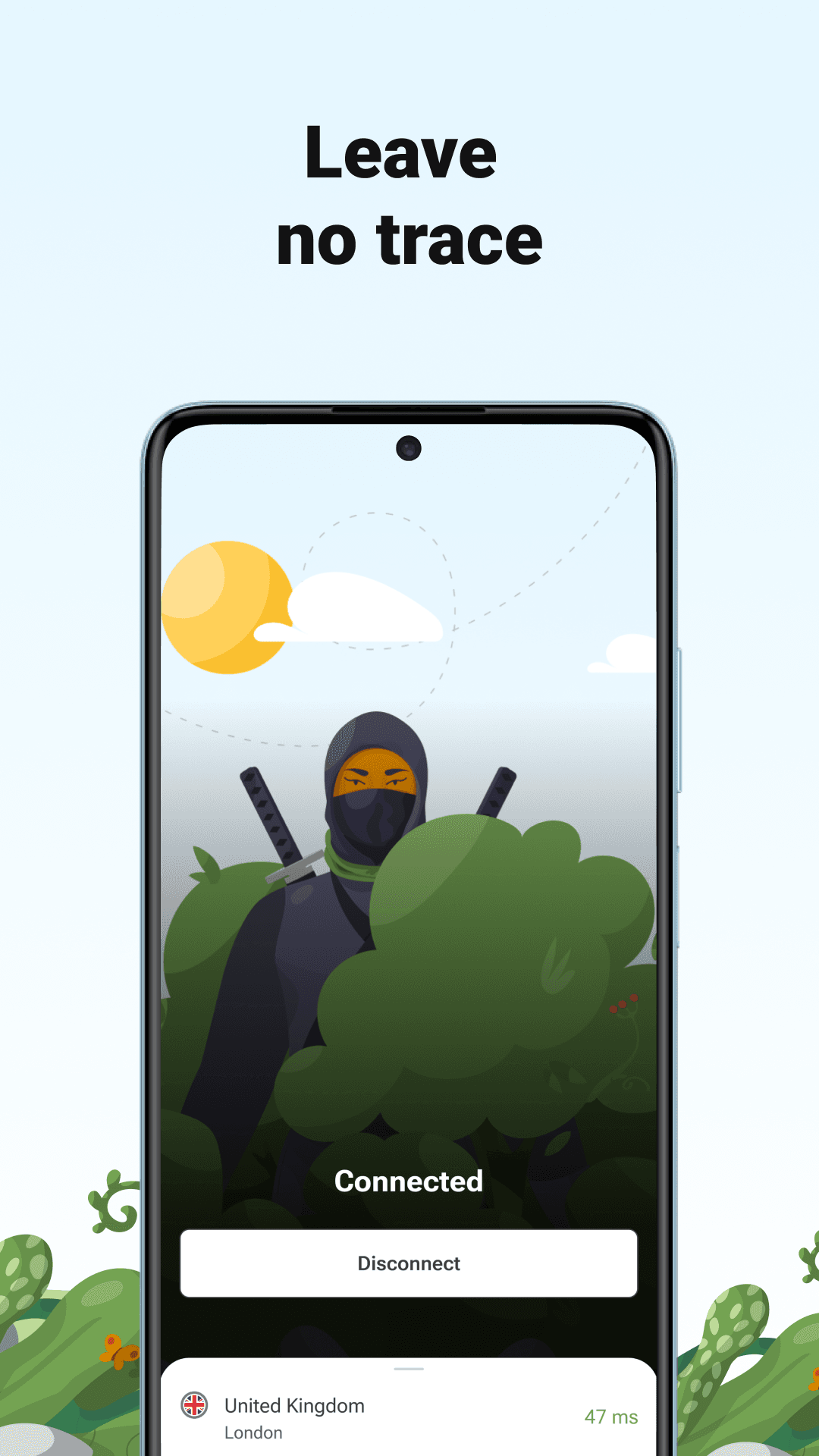
- Encrypts your connection and hides your IP address on public Wi-Fi and mobile data
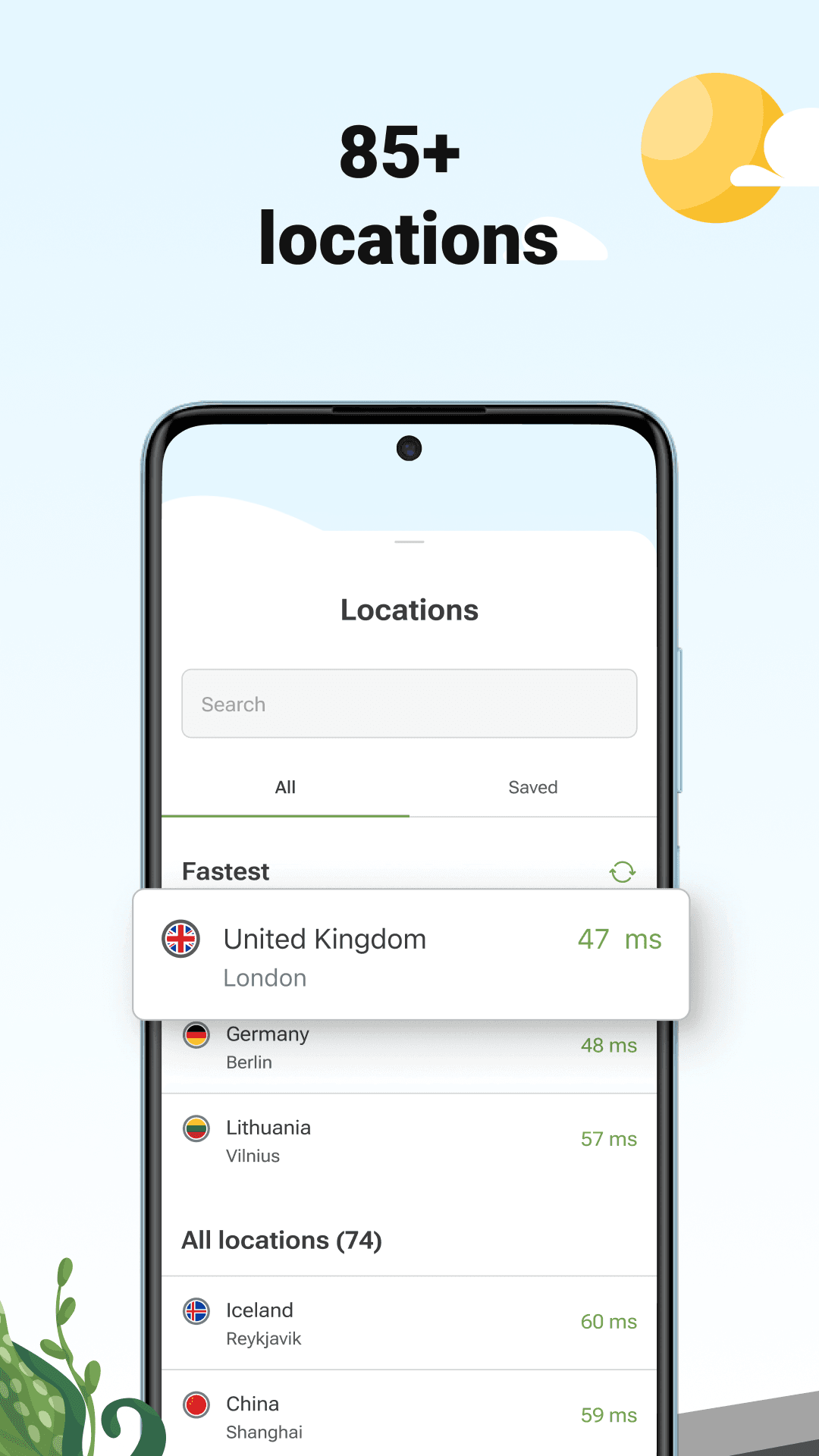
- More than 65 server locations, with ping shown for each one
- AdGuard's own VPN protocol, built to be fast and hard to tell apart from normal HTTPS
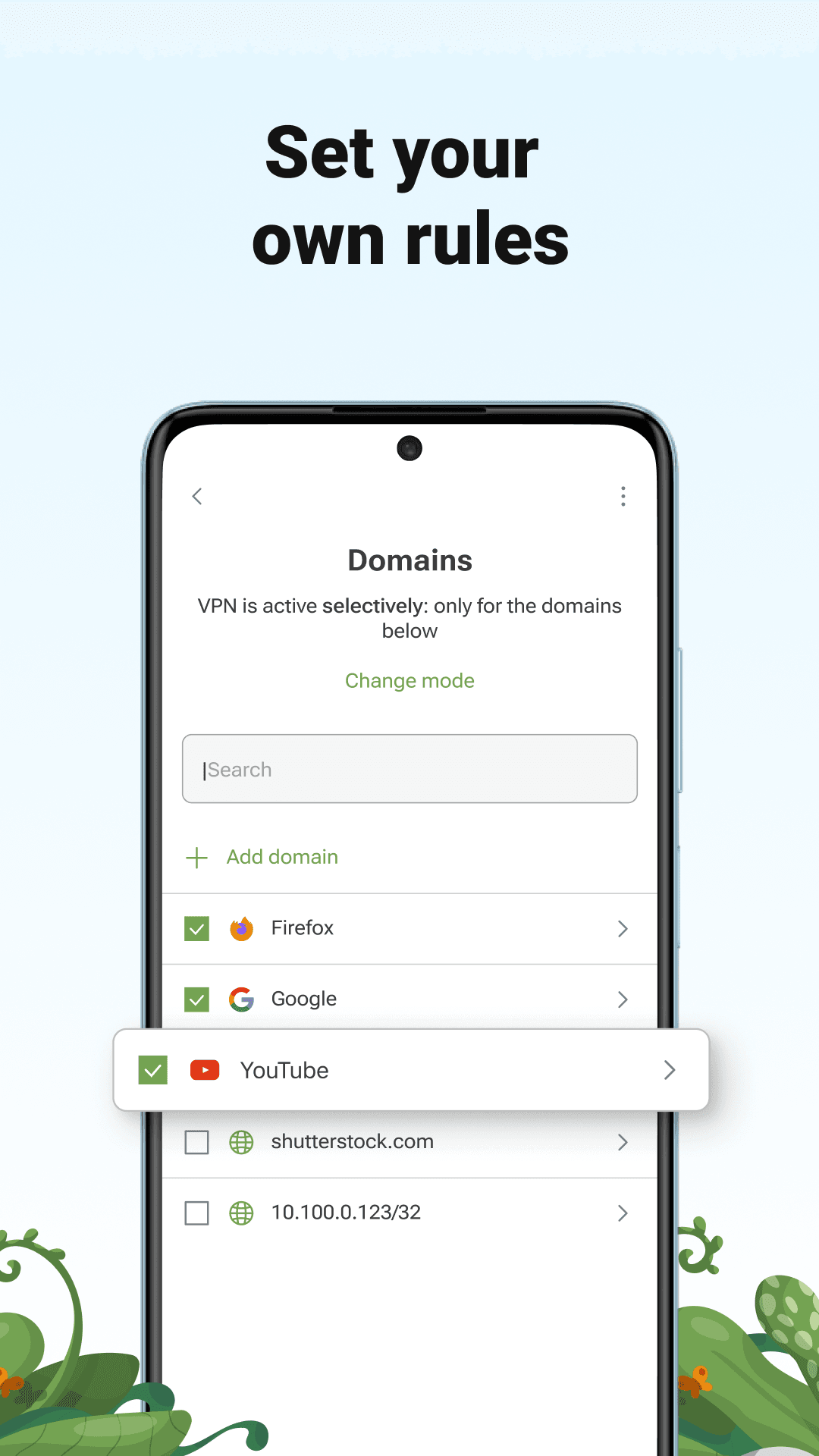
- Exclusions: pick which apps or websites go through the VPN and which do not
- Kill switch that stops traffic if the VPN connection drops
- Built-in DNS protection against ads, trackers and malicious domains
- No-logging policy; free plan with a monthly data allowance, paid plan without limits

Key features
Screenshots

About AdGuard VPN
AdGuard VPN is the virtual private network from AdGuard Software Ltd, the company behind the AdGuard ad blocker. It encrypts the connection between your phone and the internet and routes it through one of more than 65 server locations, so websites and networks see the server's address instead of yours.
Rather than relying only on standard tunnels, the app uses AdGuard's own VPN protocol, which is designed to look like ordinary HTTPS traffic and to keep speeds high on mobile networks. Exclusions let you choose which apps or websites skip the VPN, a kill switch blocks traffic if the tunnel drops, and DNS protection can filter ads and trackers while the VPN is on. AdGuard states that it keeps no activity logs.
The free plan offers a monthly data allowance and a limited set of locations; a paid subscription removes the data cap, unlocks every location and allows more devices at once.
This listing links to the official APK served from AdGuard's own download server (static.adtidy.net), version 2.17.2 released on 12 November 2026, for Android 9.0 and newer.
Source: official download from AdGuard Software Ltd (https://adguard-vpn.com/en/android/overview.html). Developer: AdGuard Software Ltd. Licence: free app with an optional paid subscription.
How to install AdGuard VPN
- Tap the download button on this page to get the official AdGuard VPN APK (about 49 MB).
- Open the downloaded file. If Android asks, allow your browser or file manager to install unknown apps.
- Tap Install and wait for it to finish, then open AdGuard VPN.
- Sign in or create a free AdGuard account, choose a location and tap Connect.
- Accept Android's VPN connection request; a key icon in the status bar shows the VPN is active.
Version history
v2.17.2Latest
Nov 11, 2026 · 49.4 MB
Release 2.17.2 of AdGuard VPN for Android (12 November 2026), a maintenance update to the 2.17 series.
Comments
Loading comments…
Similar
More from Utilities

ZArchiver
ZDevs
0.00.0 out of 5 starsLightweight archive manager that opens, creates and extracts ZIP, 7z, RAR, TAR and more.
Utilities0

Proton VPN
Proton AG
0.00.0 out of 5 starsFree VPN from the Swiss team behind Proton Mail: no data cap, no ads, an audited no-logs policy and open-source apps.
Utilities0

Surfshark VPN
Surfshark B.V.
0.00.0 out of 5 starsFast, ad-free VPN that encrypts your connection on Android
Utilities0

Proton Pass
Proton AG
0.00.0 out of 5 starsEnd-to-end encrypted password manager from Proton with autofill, a built-in 2FA code generator and hide-my-email aliases.
Utilities0
Most downloaded

Kiwix
Kiwix
0.00.0 out of 5 starsRead Wikipedia and other reference sites fully offline
Education0

PPSSPP - PSP emulator
Henrik Rydgard
0.00.0 out of 5 starsOpen-source PSP emulator that plays your own PlayStation Portable games in HD on Android
Entertainment0

Proton Calendar
Proton AG
0.00.0 out of 5 starsEncrypted calendar from Proton that keeps event titles, notes and guest lists private, with widgets, reminders and sync across devices.
Productivity0

Feeder
Jonas Kalderstam
0.00.0 out of 5 starsFree, private RSS and Atom feed reader with offline reading and no account required.
Productivity0