
- Opens and edits KeePass .kdbx and .kdb databases
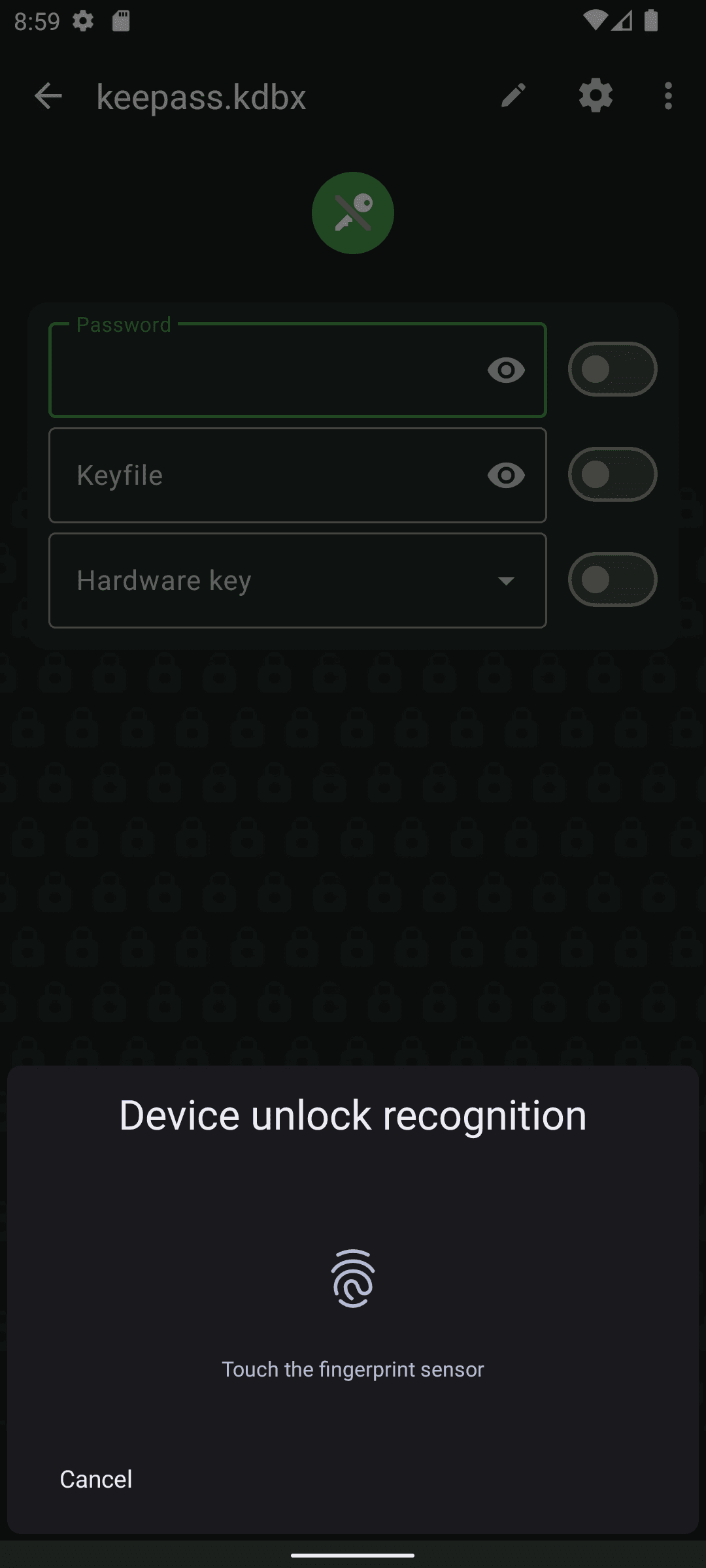
- Unlock with master password, key file or biometrics
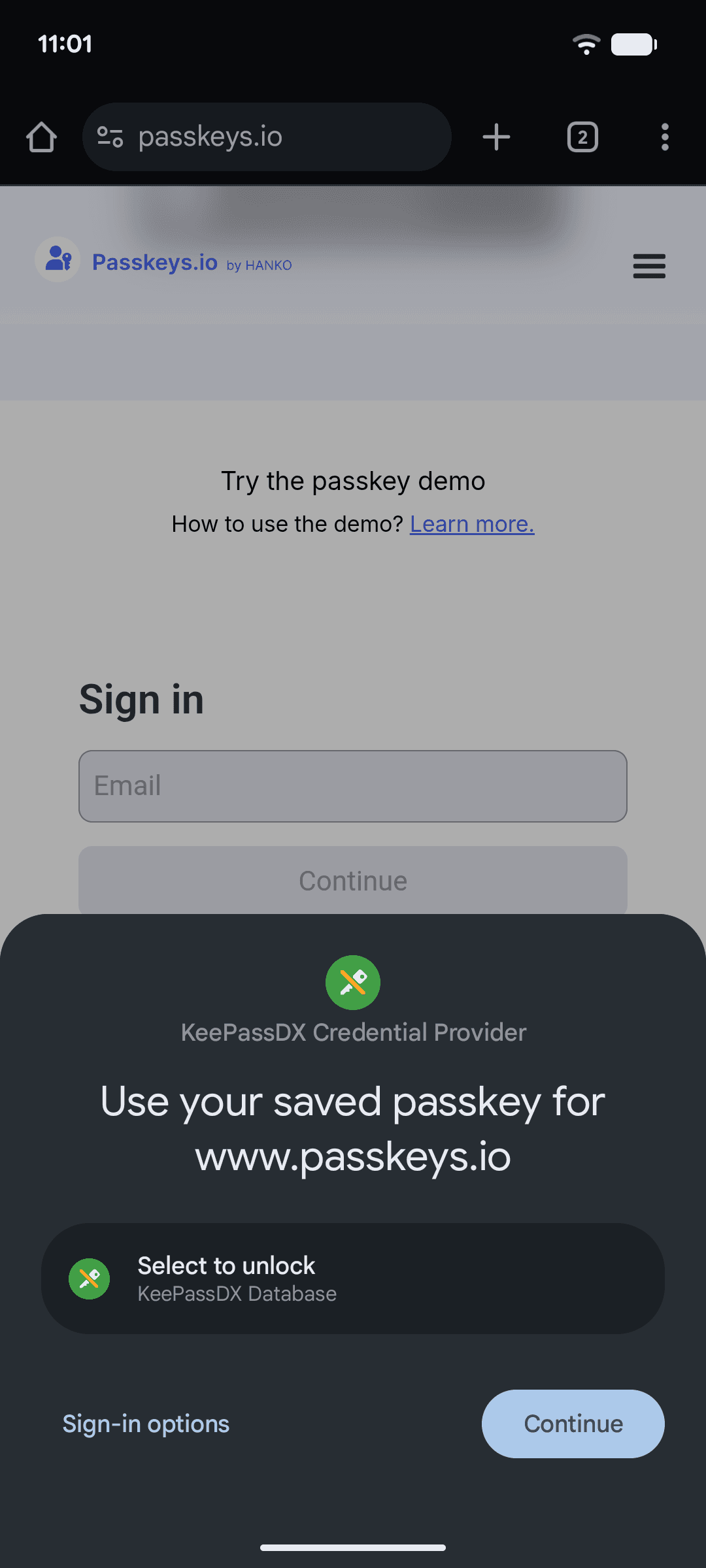
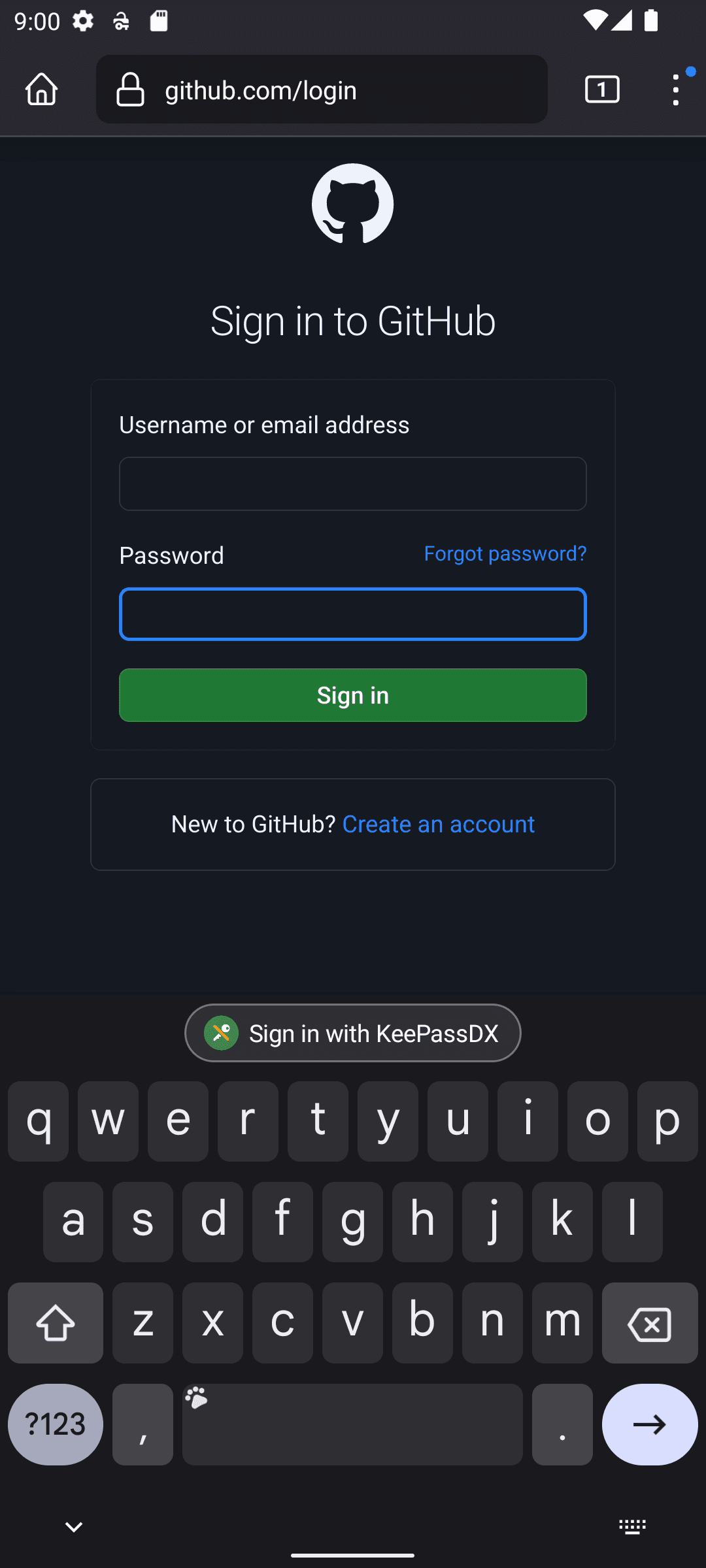
- Android autofill and magic keyboard for quick logins
- Built-in password generator and TOTP/HOTP codes
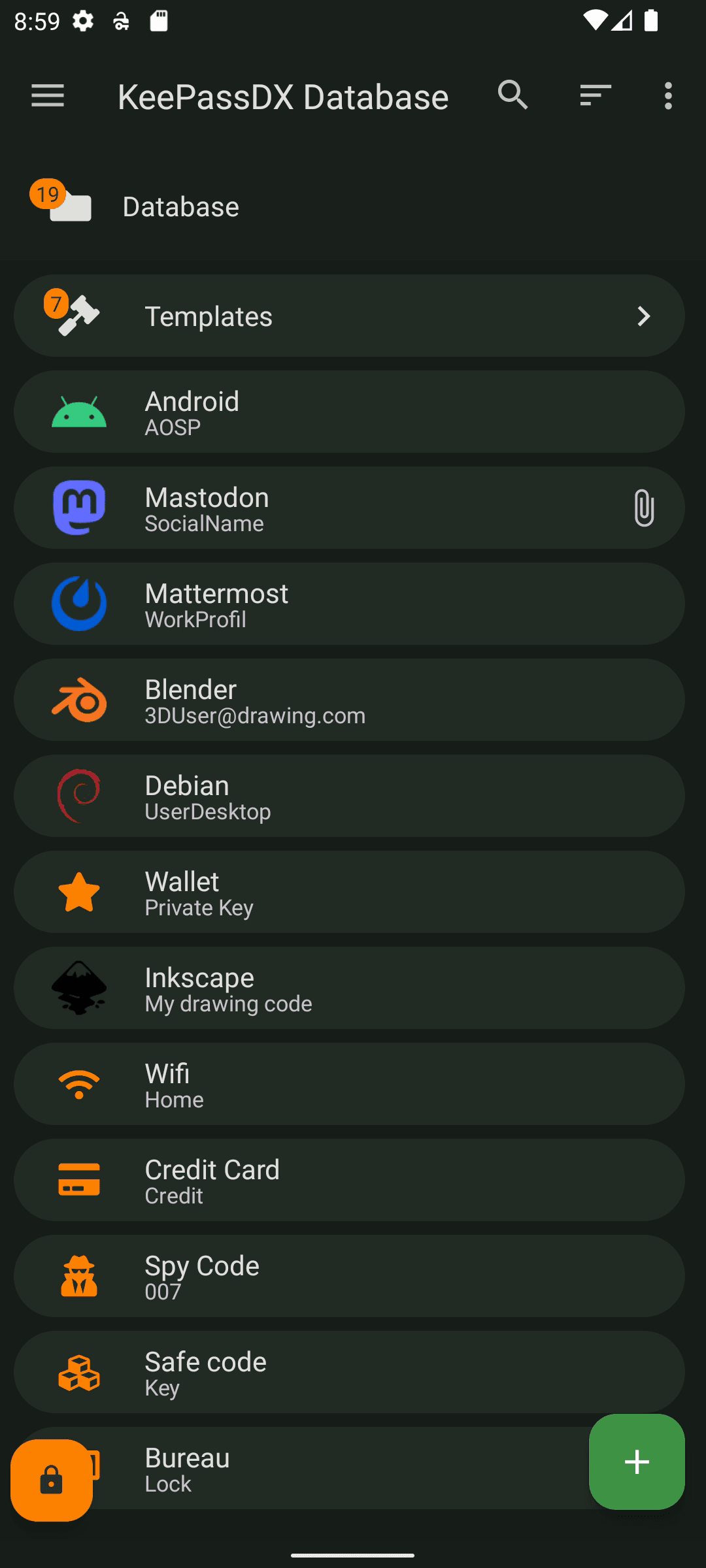
- Attachments, custom fields, entry history and recycle bin
- Works offline; sync the file with any storage you choose
- Free and open source (GPL-3.0), no ads

Key features
Screenshots
About KeePassDX
KeePassDX is a free, open-source password manager for Android built around the KeePass file format. All of your logins, notes and secrets live in a single encrypted database file (.kdbx) that you control, so you can keep it on the phone, sync it with your own cloud folder, or open the same file in KeePass-compatible apps on a computer.
The app unlocks with a master password, a key file, or biometrics, and it can fill usernames and passwords into other apps and browsers through Android's autofill service. It also generates strong passwords, stores one-time 2FA codes, keeps attachments and custom fields, and includes a history of every entry so older values are never lost.
This listing is the "libre" edition developed by Kunzisoft under the GPL-3.0 licence: no ads, no tracking and no paid features. The download link points to the official APK on the project's GitHub releases page.
How to install KeePassDX
- 1
Tap the download button to grab the v4.5.6 APK file.
- 2
Open Settings → Apps → Special access → Install unknown apps, and allow your browser to install packages.
- 3
Open the downloaded file from your notification shade or Files app and tap Install.
- 4
Once installed, you can turn the unknown-sources permission back off.
Version history
v4.5.6Latest
Oct 16, 2026 · 16.0 MB
Latest stable "libre" release from the official GitHub releases page.
Comments
Loading comments…
Similar
More from Utilities

ZArchiver
ZDevs
0.00.0 out of 5 starsLightweight archive manager that opens, creates and extracts ZIP, 7z, RAR, TAR and more.
Utilities0

Aegis Authenticator
Beem Development
0.00.0 out of 5 starsFree, open-source 2FA app that keeps your one-time login codes in an encrypted, backup-friendly vault.
Utilities0

Obtainium
Imran Remtulla
0.00.0 out of 5 starsOpen-source tool that installs and updates Android apps straight from their official release pages.
Utilities0

Speedtest by Ookla
Ookla, LLC
0.00.0 out of 5 starsTest your internet speed, latency and jitter on Wi-Fi or mobile data.
Utilities0