
- Supports TOTP, HOTP, Steam and Yandex codes
- Encrypted vault protected by password or biometrics
- Add accounts by scanning a QR code or typing the key
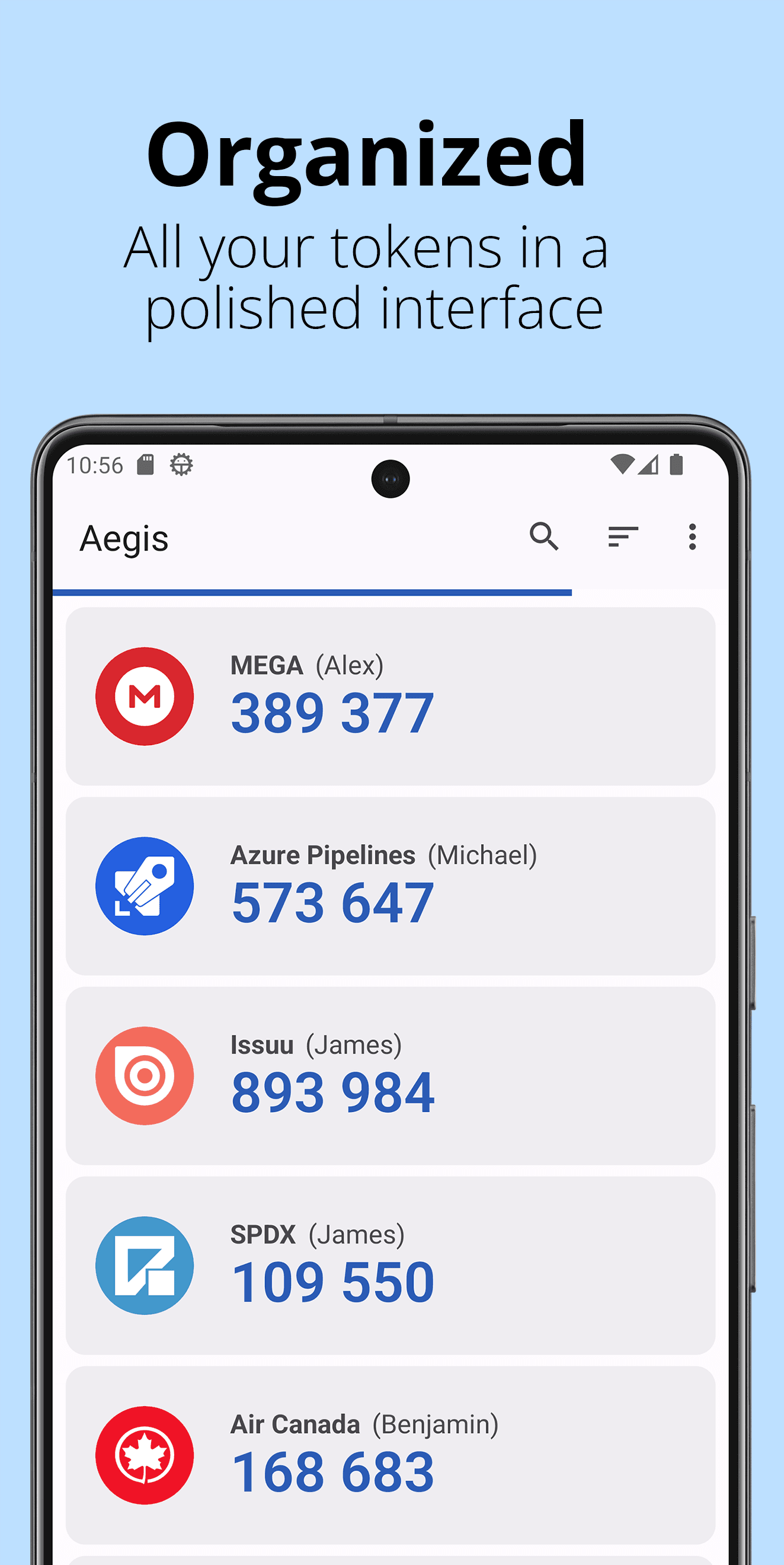
- Groups, custom icons, sorting and search
- Encrypted automatic backups and import from other apps
- No ads, no tracking, fully open source (GPL-3.0)

Aegis Authenticator
by Beem Development · v3.4.3
Key features
Screenshots
About Aegis Authenticator
Aegis Authenticator is a free and open-source app for two-factor authentication (2FA). It generates the short one-time codes that many online services ask for after your password, and it stores the secrets behind those codes in an encrypted vault on your own phone.
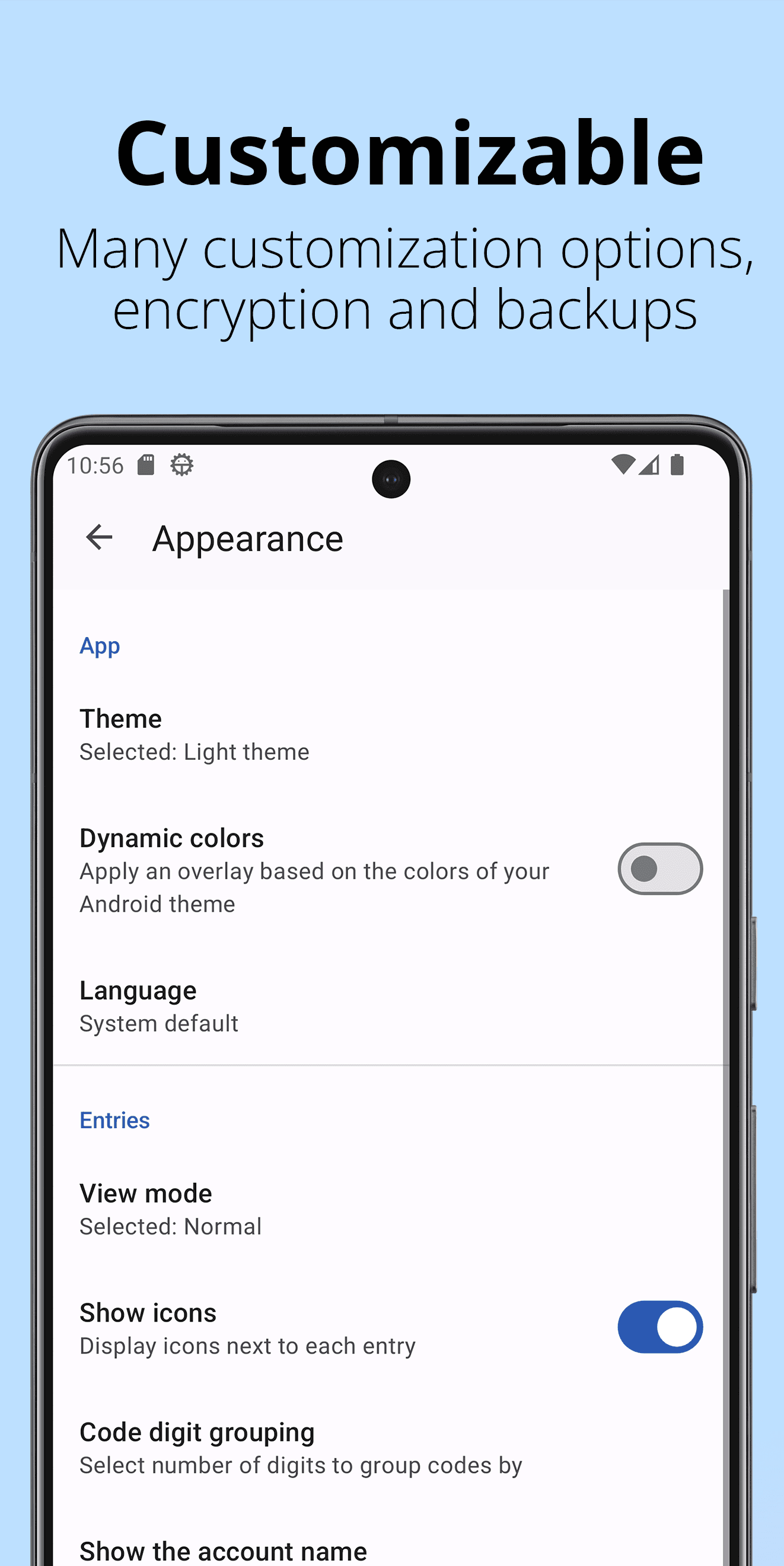
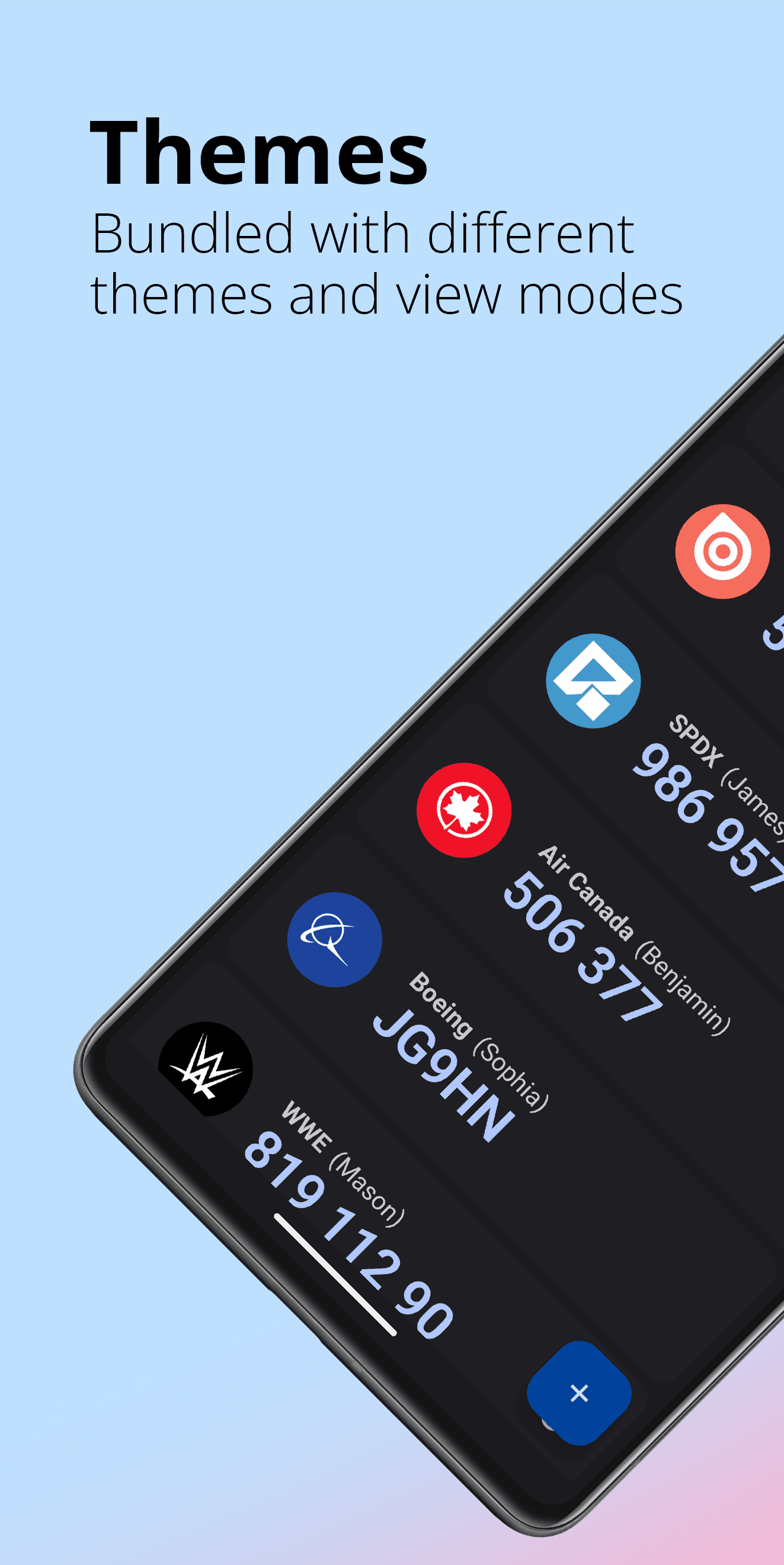
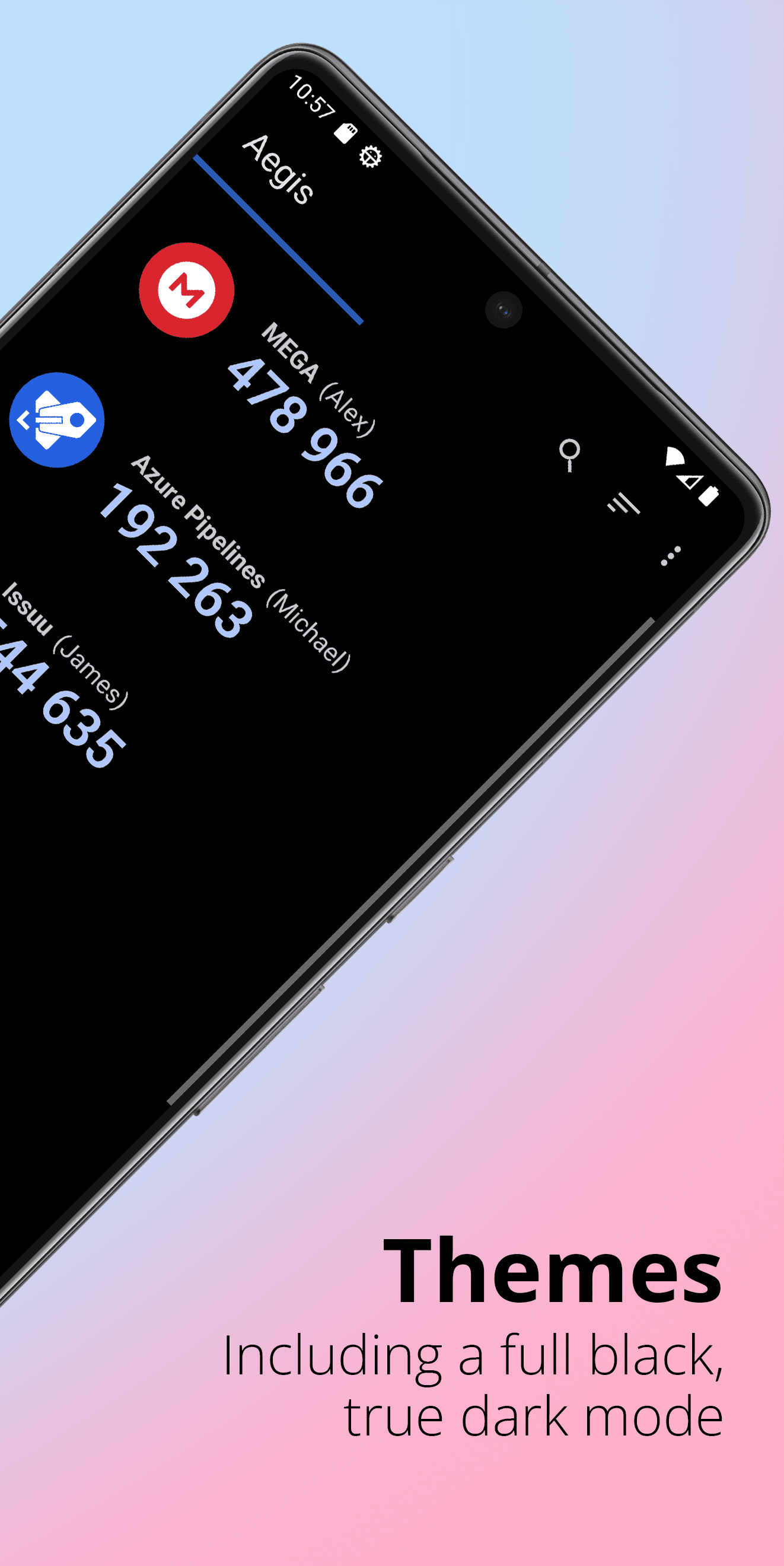
The vault can be unlocked with a password or with your fingerprint, and nothing is sent to a cloud account. You can organise entries into groups, give them custom icons, and search them quickly when you have dozens of accounts. When you change phones, Aegis can export an encrypted backup or import tokens from many other authenticator apps.
It is a good fit for anyone who wants a private, ad-free alternative to closed-source authenticators. Aegis is developed by Beem Development and released under the GPL-3.0 licence; this listing links to the official signed APK published on the project's GitHub releases page.
How to install Aegis Authenticator
- 1
Tap the download button to grab the v3.4.3 APK file.
- 2
Open Settings → Apps → Special access → Install unknown apps, and allow your browser to install packages.
- 3
Open the downloaded file from your notification shade or Files app and tap Install.
- 4
Once installed, you can turn the unknown-sources permission back off.
Version history
v3.4.3Latest
Sep 5, 2026 · 6.6 MB
Latest stable release from the official GitHub releases page.
Comments
Loading comments…
Similar
More from Utilities

ZArchiver
ZDevs
0.00.0 out of 5 starsLightweight archive manager that opens, creates and extracts ZIP, 7z, RAR, TAR and more.
Utilities0

Obtainium
Imran Remtulla
0.00.0 out of 5 starsOpen-source tool that installs and updates Android apps straight from their official release pages.
Utilities0

Speedtest by Ookla
Ookla, LLC
0.00.0 out of 5 starsTest your internet speed, latency and jitter on Wi-Fi or mobile data.
Utilities0