
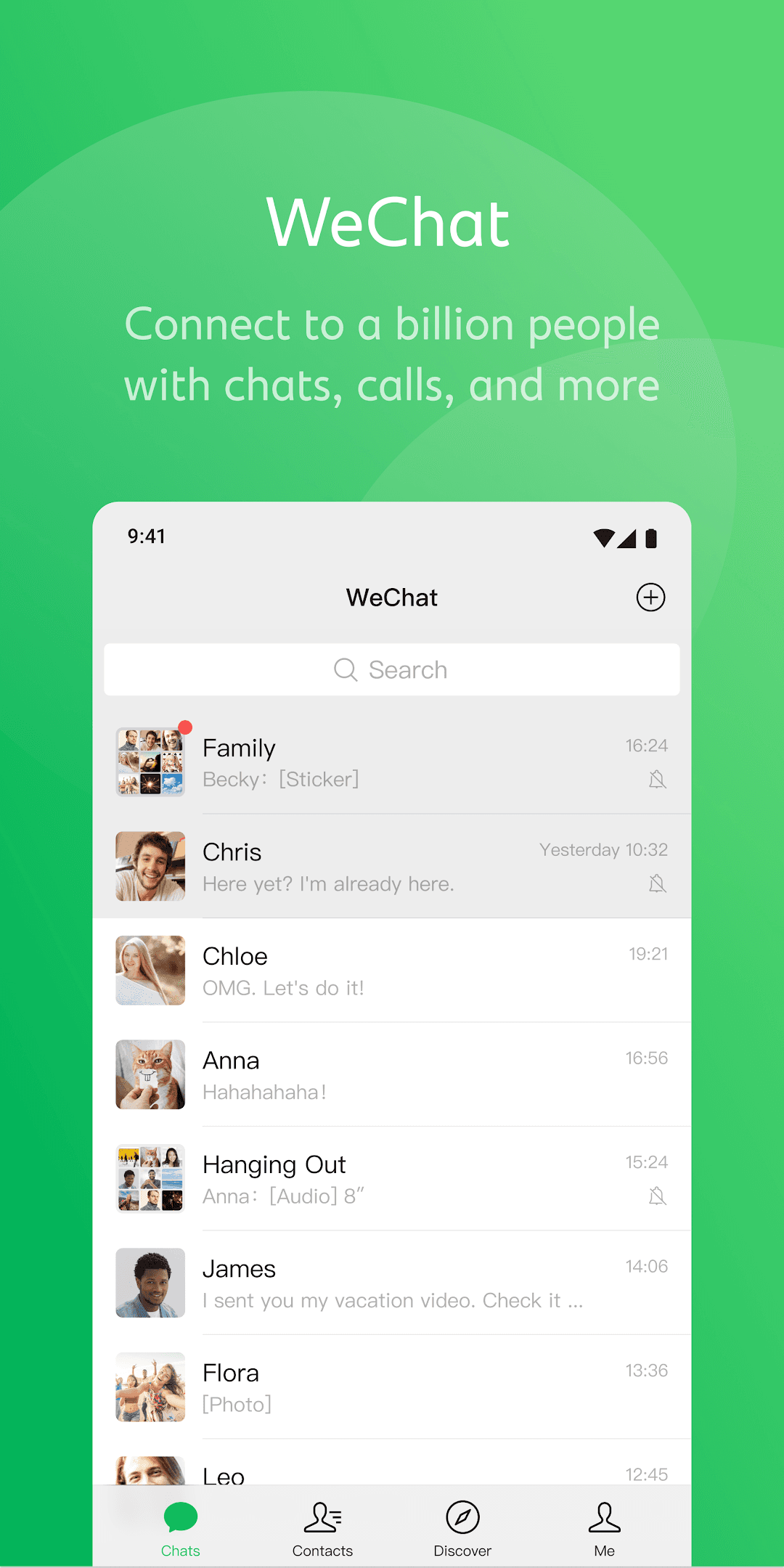
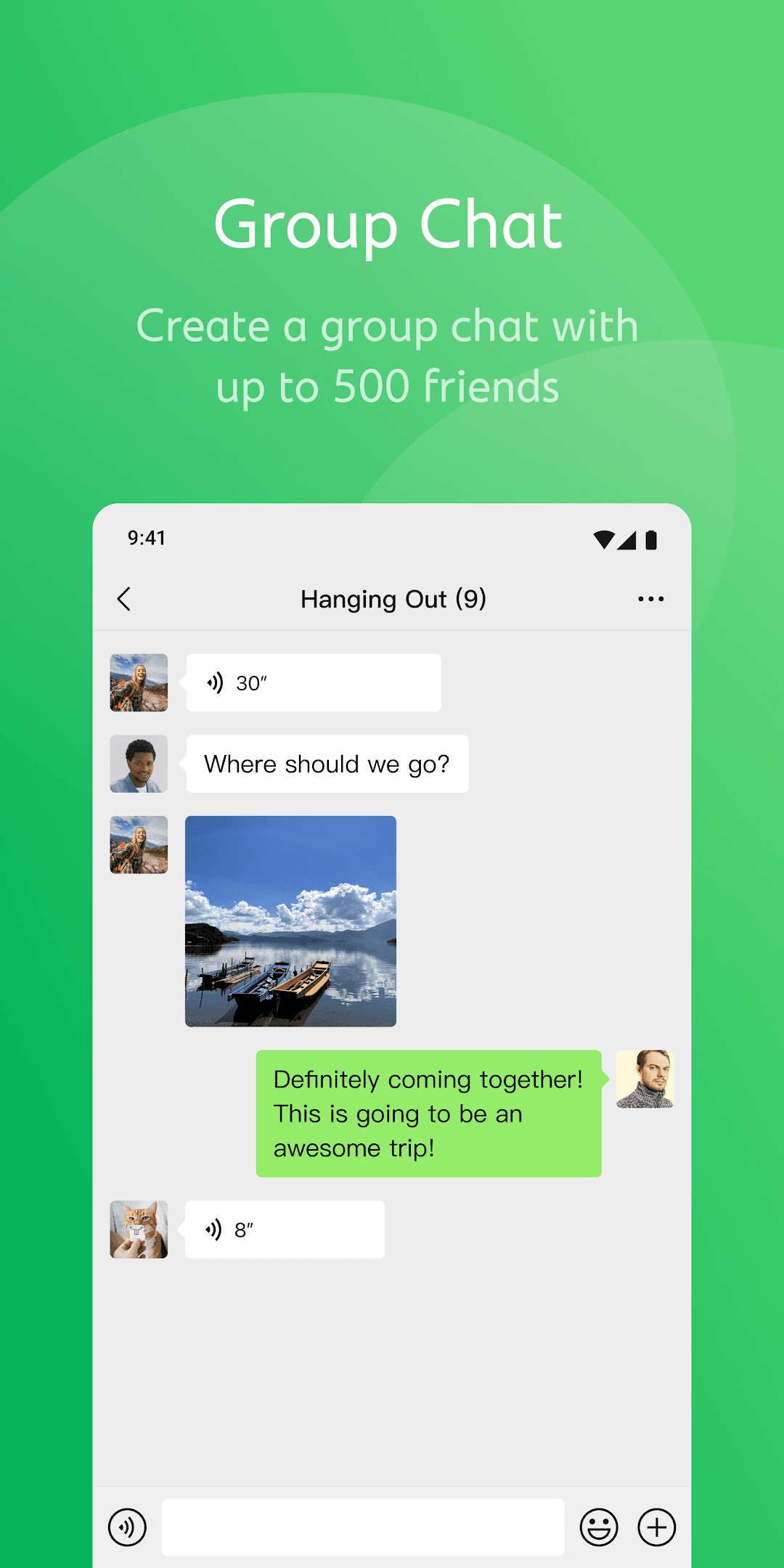
- Text, voice, photo, video and file messages, one-to-one or in large groups
- Free voice and video calls, including group calls
- Moments: share photos and updates privately with your contacts
- Channels for short videos and live streaming
- Mini programs that run services and games inside the app without separate installs
- Official accounts for following news, brands and creators
- Multi-device sign-in on computers and tablets, plus in-chat message translation

Key features
Screenshots


About WeChat
WeChat (known as Weixin in mainland China) is Tencent's all-in-one messaging app and one of the most widely used communication platforms in the world. Beyond text chat, it combines voice messages, voice and video calls, group chats, a social feed and a large ecosystem of services built on top of the app.
Chats support text, stickers, photos, videos, files and location sharing, and groups can hold hundreds of members. Moments is a private feed for sharing photos and updates with your contacts, while Channels offers short videos and live streams. Mini programs are lightweight apps that run inside WeChat for things like ordering, booking and games, and official accounts let brands and media publish articles to followers. Where available, WeChat Pay adds payments and transfers. You can also stay signed in on a computer or tablet and translate messages inside a chat.
Signing up needs a phone number, and some accounts are asked for an extra verification step by an existing user.
This listing links to the official 64-bit (arm64) APK published on weixin.qq.com and served from Tencent's own download server (dldir1v6.qq.com): version 8.0.80, file dated 1 November 2026, for Android 7.0 and newer.
Source: official download from Tencent (https://weixin.qq.com/). Developer: Tencent. Licence: free app.
How to install WeChat
- Tap the download button on this page to get the official WeChat APK (about 273 MB, 64-bit build).
- Open the downloaded file. If Android asks, allow your browser or file manager to install unknown apps.
- Tap Install and wait for it to finish, then open WeChat.
- Tap Sign Up, enter your phone number and complete the verification steps shown on screen.
- Add friends by phone number, WeChat ID or QR code and start chatting.
Version history
v8.0.80Latest
Oct 31, 2026 · 273.1 MB
WeChat 8.0.80 for Android, the 64-bit build published on weixin.qq.com (file dated 1 November 2026).
Comments
Loading comments…
Similar
More from Communication

Thunderbird: Free Your Inbox
MZLA Technologies (Thunderbird)
0.00.0 out of 5 starsOpen-source email client from the Thunderbird project, with unified inbox and multi-account support.
Communication0

Signal Private Messenger
Signal Messenger, LLC
0.00.0 out of 5 starsEnd-to-end encrypted messages, voice and video calls from the non-profit Signal Foundation.
Communication0

WhatsApp Messenger
WhatsApp LLC
0.00.0 out of 5 starsEnd-to-end encrypted messaging, voice and video calls over Wi-Fi or mobile data.
Communication0

Linphone
Belledonne Communications
0.00.0 out of 5 starsFree open-source SIP softphone for encrypted voice and video calls, messaging and conferences
Communication0
Most downloaded

ZArchiver
ZDevs
0.00.0 out of 5 starsLightweight archive manager that opens, creates and extracts ZIP, 7z, RAR, TAR and more.
Utilities0

Kiwix
Kiwix
0.00.0 out of 5 starsRead Wikipedia and other reference sites fully offline
Education0

Proton VPN
Proton AG
0.00.0 out of 5 starsFree VPN from the Swiss team behind Proton Mail: no data cap, no ads, an audited no-logs policy and open-source apps.
Utilities0

PPSSPP - PSP emulator
Henrik Rydgard
0.00.0 out of 5 starsOpen-source PSP emulator that plays your own PlayStation Portable games in HD on Android
Entertainment0