
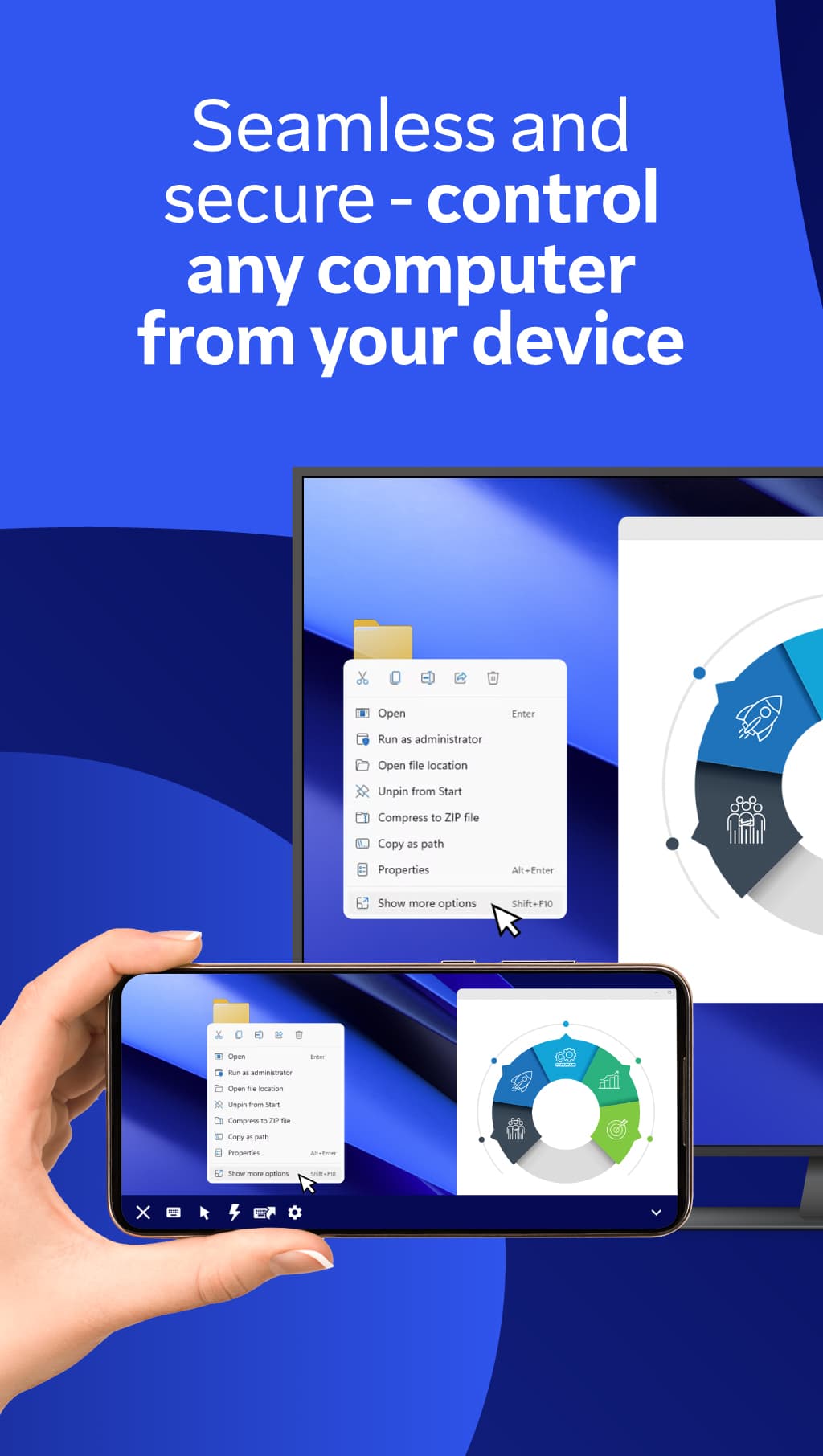
- Remote control of Windows, macOS and Linux computers and of other phones and tablets
- Touch-to-mouse gestures plus a full keyboard with shortcut and special keys
- File transfer in both directions between the phone and the remote device
- Text chat during a session and access to a saved list of your devices
- End-to-end encrypted connections with two-factor authentication support
- Works over Wi-Fi or mobile data, including behind most firewalls without setup

TeamViewer Remote Control
by TeamViewer Germany GmbH · v15.83.298
Key features
Screenshots

About TeamViewer Remote Control
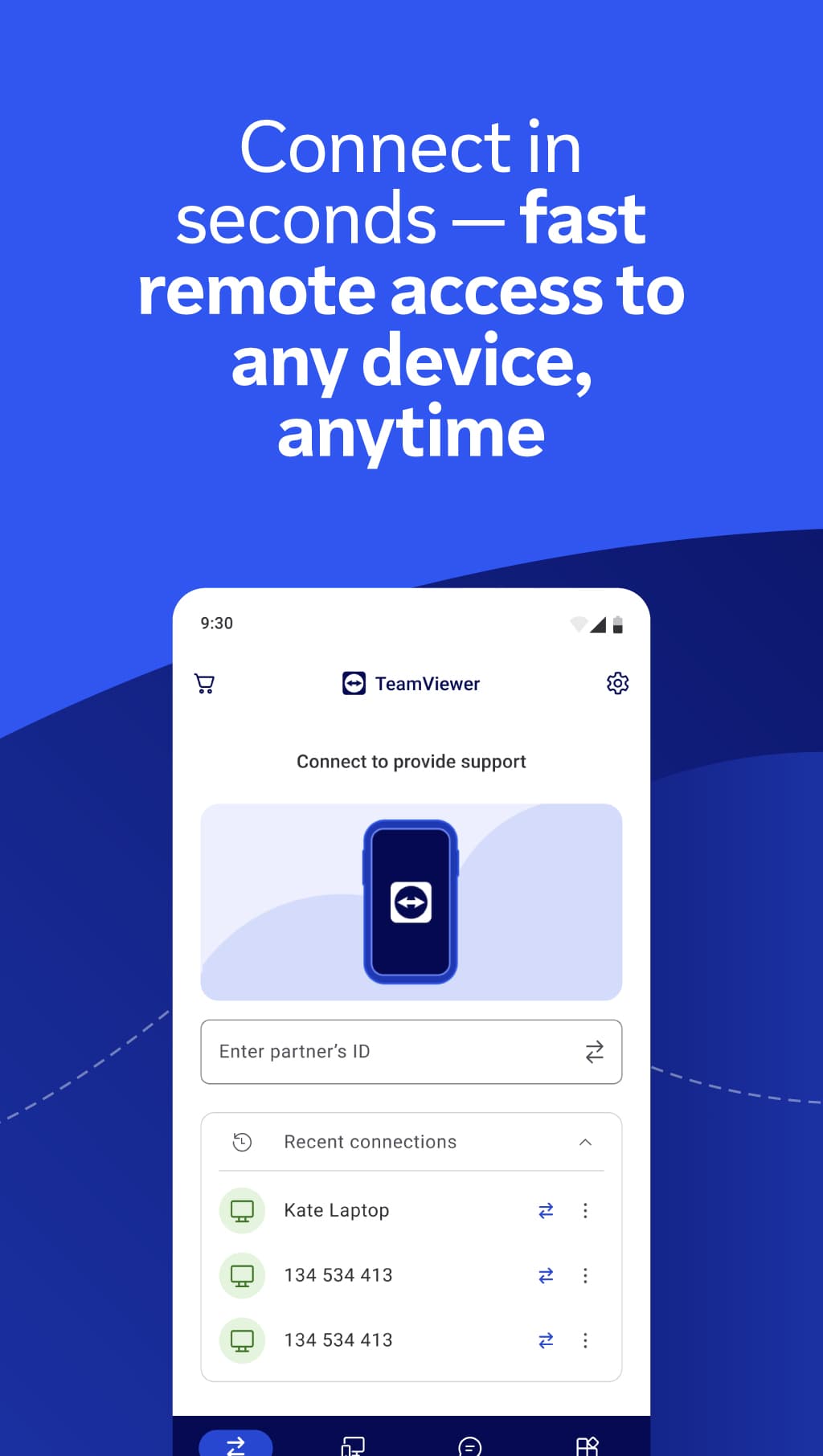
TeamViewer Remote Control turns an Android phone or tablet into a remote desktop client. Enter the ID of a computer (Windows, macOS or Linux) or another mobile device that runs TeamViewer, confirm the connection, and you can see its screen and work on it as if you were sitting in front of it — handy for fixing a relative's PC, grabbing a file from your home machine or checking on a server while away.
Touch gestures are translated into mouse actions, an on-screen keyboard covers shortcuts and special keys, and sessions are protected with end-to-end encryption and optional two-factor authentication. The app is free for personal, non-commercial use; business use needs a paid TeamViewer licence.
This is version 15.83.298, released by TeamViewer on 4 November 2026. The download is TeamViewer's own universal APK (about 242 MB) and needs Android 12L or newer. If you only want to receive help on this device, TeamViewer offers the separate QuickSupport app instead.
Source: official TeamViewer Android download page (teamviewer.com/en/download/android) · Developer: TeamViewer Germany GmbH · Licence: proprietary freeware for personal use.
How to install TeamViewer Remote Control
- Tap the download button on this page to get the official TeamViewer APK.
- Open the downloaded file and allow your browser or file manager to install apps when Android asks.
- Install, open TeamViewer Remote Control and accept the terms on first launch.
- On the computer you want to reach, install TeamViewer and note its ID.
- Type that ID in the app, connect, and approve the session on the other device.
Version history
v15.83.298Latest
Nov 3, 2026 · 241.9 MB
Bug-fix release: resolves a crash that could occur in the app (per TeamViewer's 4 Nov 2026 release notes).
Comments
Loading comments…
Similar
More from Utilities

ZArchiver
ZDevs
0.00.0 out of 5 starsLightweight archive manager that opens, creates and extracts ZIP, 7z, RAR, TAR and more.
Utilities0

Proton VPN
Proton AG
0.00.0 out of 5 starsFree VPN from the Swiss team behind Proton Mail: no data cap, no ads, an audited no-logs policy and open-source apps.
Utilities0

Proton Pass
Proton AG
0.00.0 out of 5 starsEnd-to-end encrypted password manager from Proton with autofill, a built-in 2FA code generator and hide-my-email aliases.
Utilities0