
- Private WireGuard-based network between all your devices
- No port forwarding or router setup needed
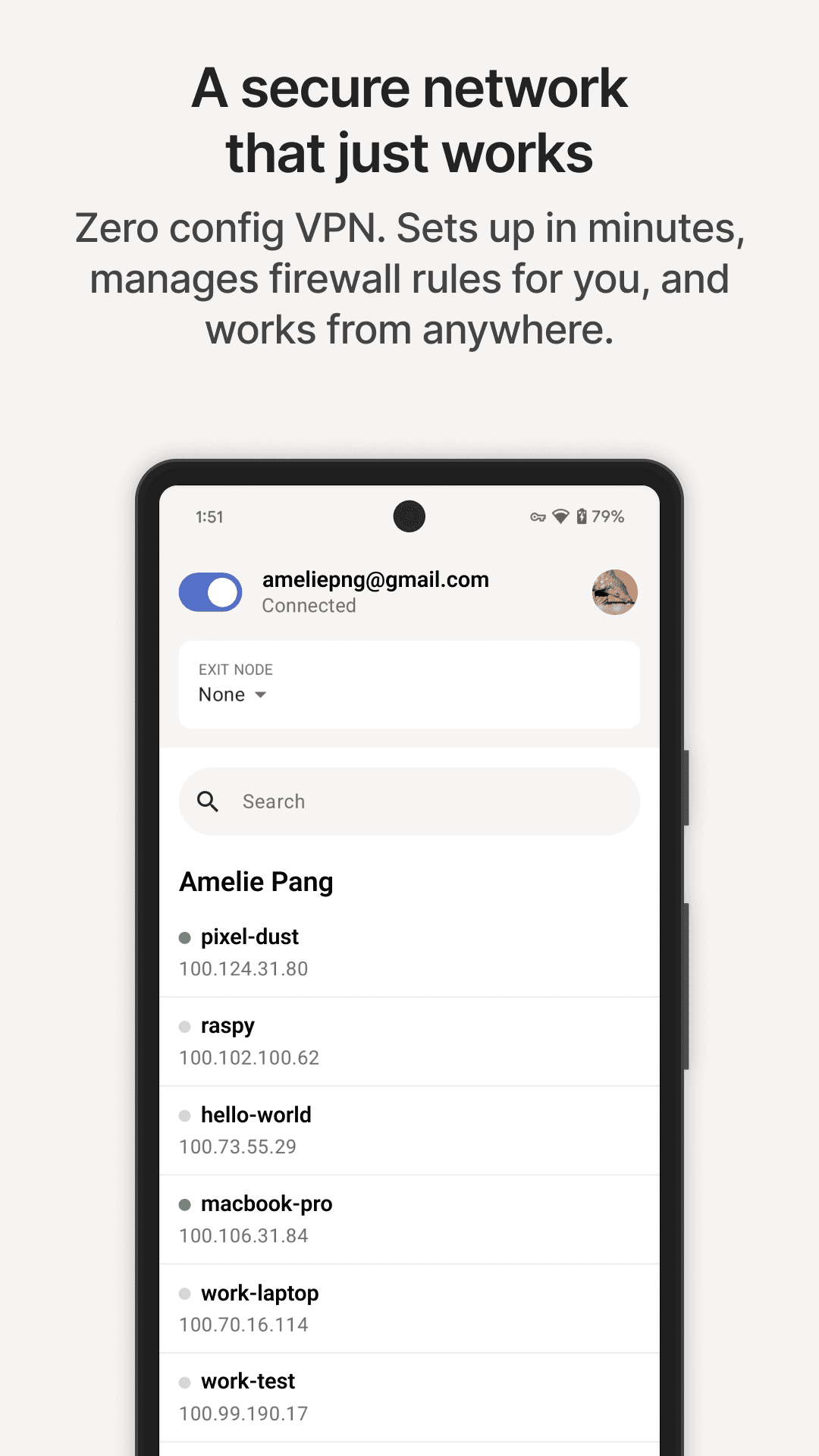
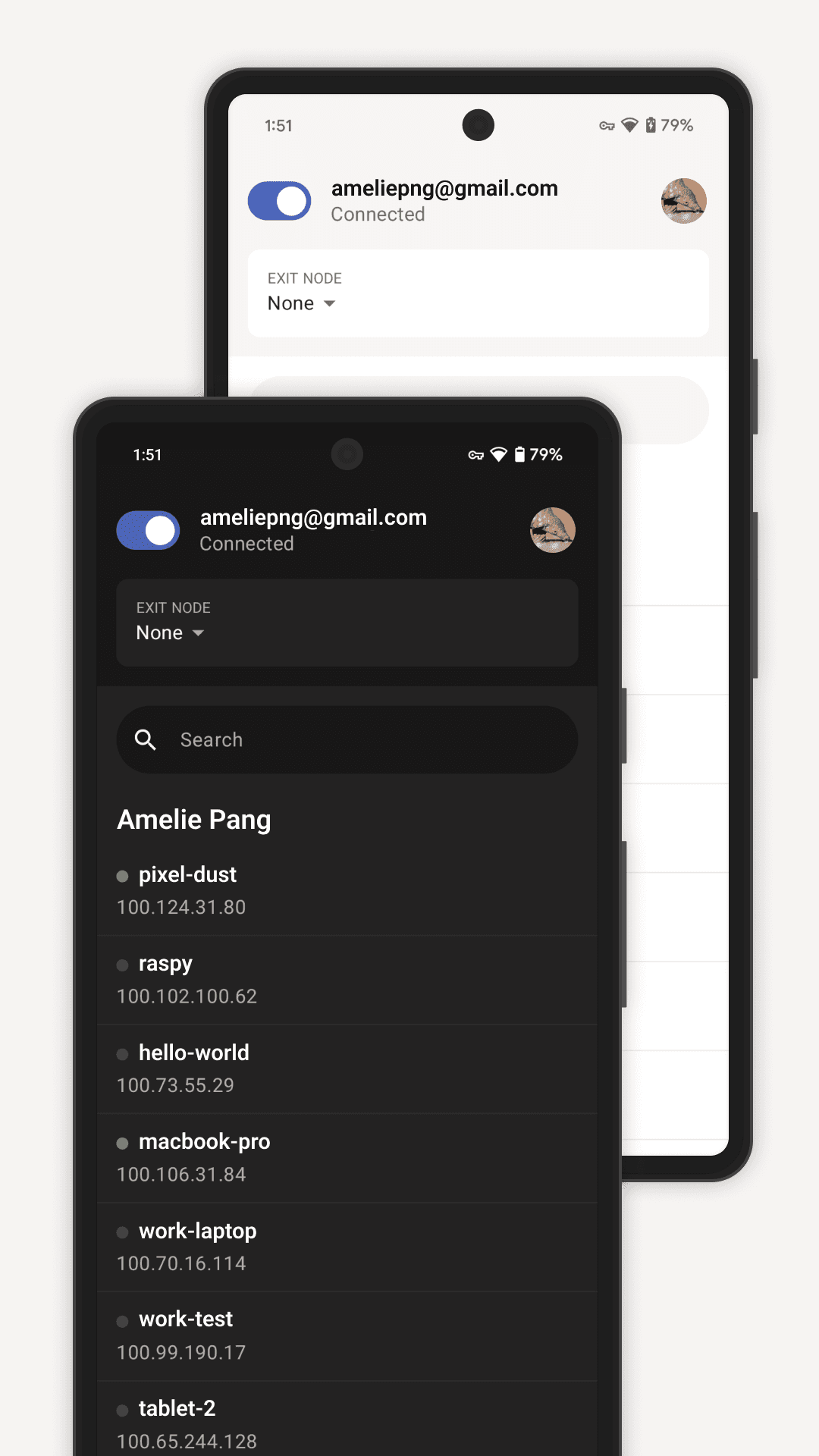
- Reach devices by name with MagicDNS
- Use one of your own machines as an exit node on public Wi-Fi
- Send files between your devices with Taildrop
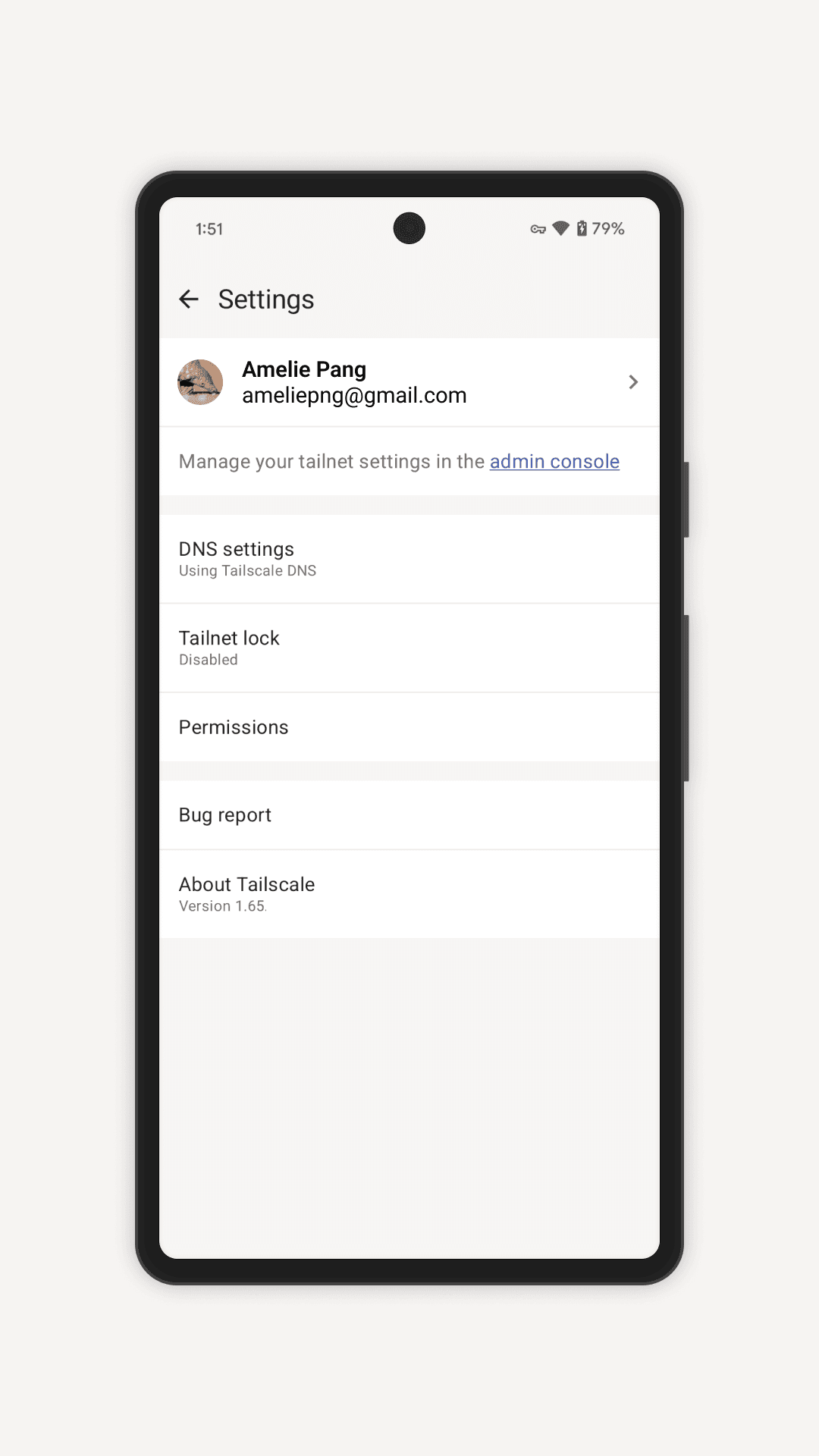
- Access controls to decide which devices can connect
- Open-source Android client; free Personal plan

Key features
Screenshots
About Tailscale
Tailscale builds a private network between the devices you own, so your phone can reach your home computer, a NAS, a Raspberry Pi or a cloud server as if they were all on the same Wi-Fi, wherever you are. It is based on the WireGuard protocol and sets up direct encrypted connections between devices instead of routing everything through one central VPN server.
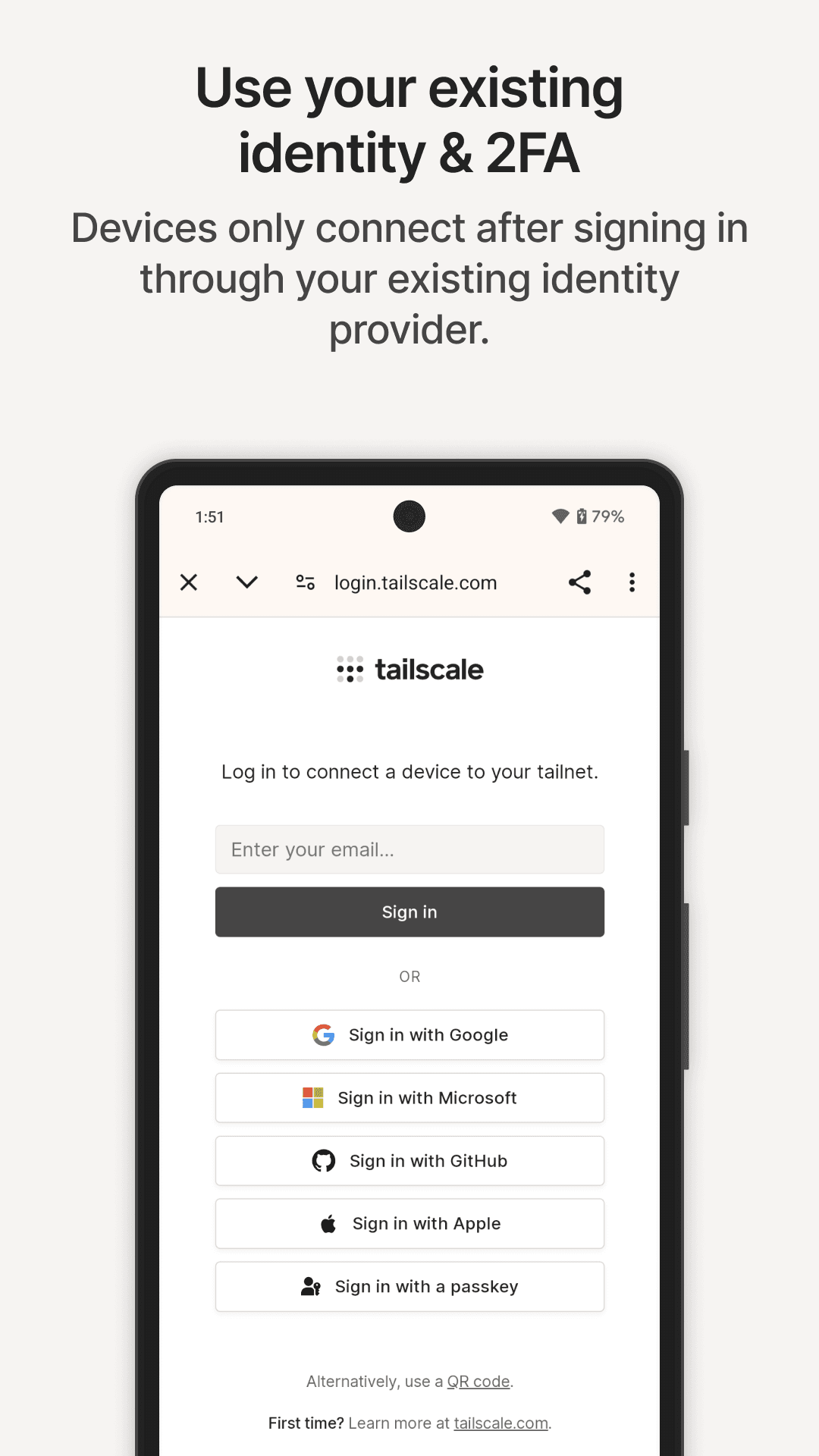
There is no router configuration or port forwarding: you sign in with an existing identity account, and every device you add to your "tailnet" can find the others by name. You can also send all phone traffic through one of your own machines (an exit node) when you are on public Wi-Fi, share files between devices with Taildrop, and use access rules to decide which device can talk to which.
The Android app is open source, and Tailscale's Personal plan is free for individual use with a generous device limit; paid plans are aimed at teams and businesses. Tailscale is a tool for connecting your own devices, not a service for changing your location or unblocking content.
Source: official Tailscale package server (pkgs.tailscale.com), developer Tailscale Inc. (Canada/USA), client licence BSD-3-Clause, version 1.104.5 universal APK, file published 2 November 2026.
How to install Tailscale
- Tap the Download button on this page to get the official Tailscale APK (about 101 MB, works on all phone processors).
- Open the file from your notifications or Downloads folder.
- If asked, allow your browser or file manager to install unknown apps.
- Tap Install and wait for it to finish.
- Open Tailscale, sign in, and accept the request to add a VPN connection. Install Tailscale on your other devices with the same account to connect them.
Requires Android 8.0 or later.
Version history
v1.104.5Latest
Nov 1, 2026 · 100.8 MB
Stability and connection fixes from the 1.104 stable branch.
Comments
Loading comments…
Similar
More from Utilities

ZArchiver
ZDevs
0.00.0 out of 5 starsLightweight archive manager that opens, creates and extracts ZIP, 7z, RAR, TAR and more.
Utilities0
Proton VPN
Proton AG
0.00.0 out of 5 starsFree VPN from the Swiss team behind Proton Mail: no data cap, no ads, an audited no-logs policy and open-source apps.
Utilities0

Proton Pass
Proton AG
0.00.0 out of 5 starsEnd-to-end encrypted password manager from Proton with autofill, a built-in 2FA code generator and hide-my-email aliases.
Utilities0