
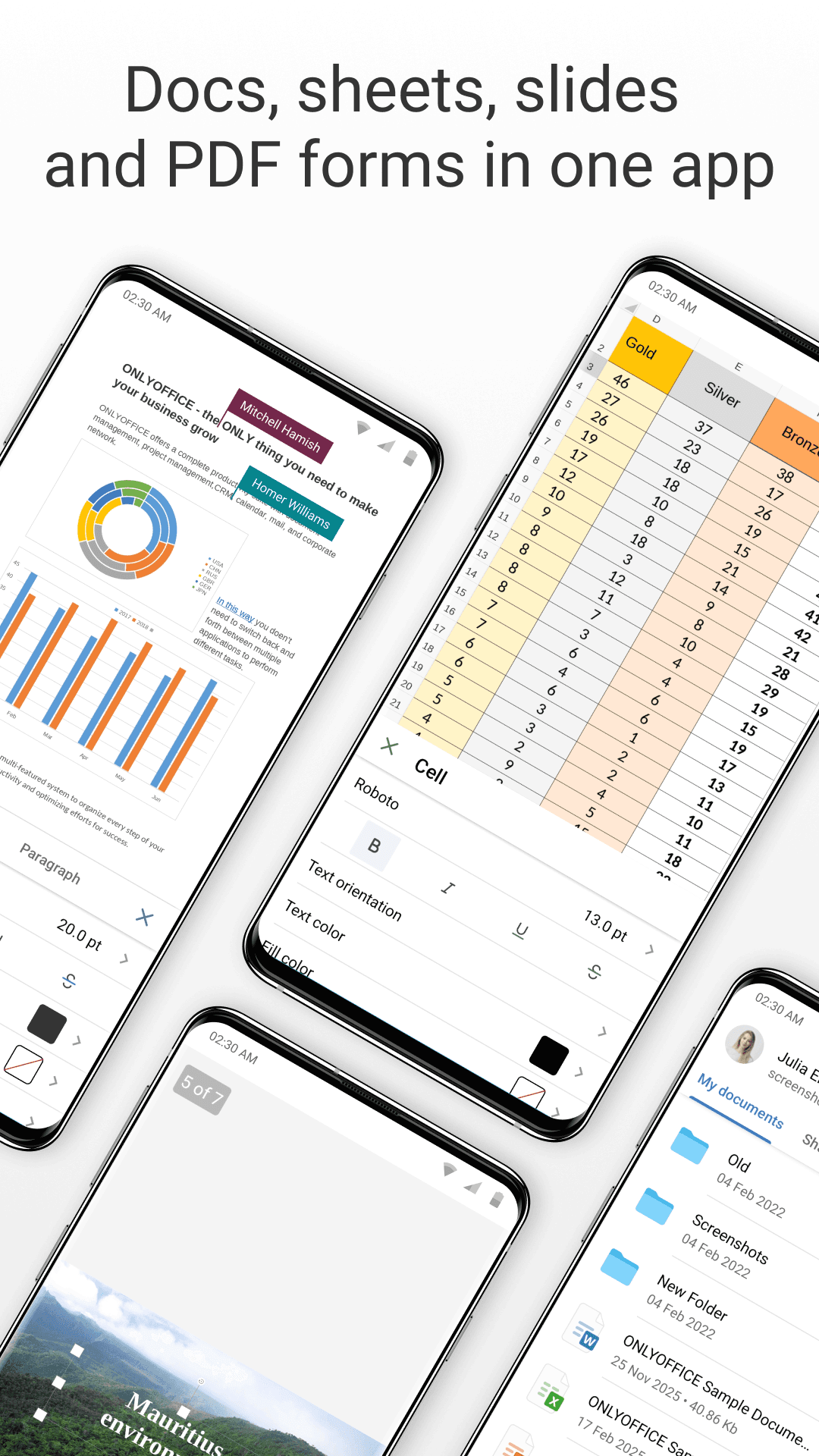
- Edit and create documents, spreadsheets and presentations with Microsoft Office compatibility
- View, annotate and fill in PDF files and ONLYOFFICE forms
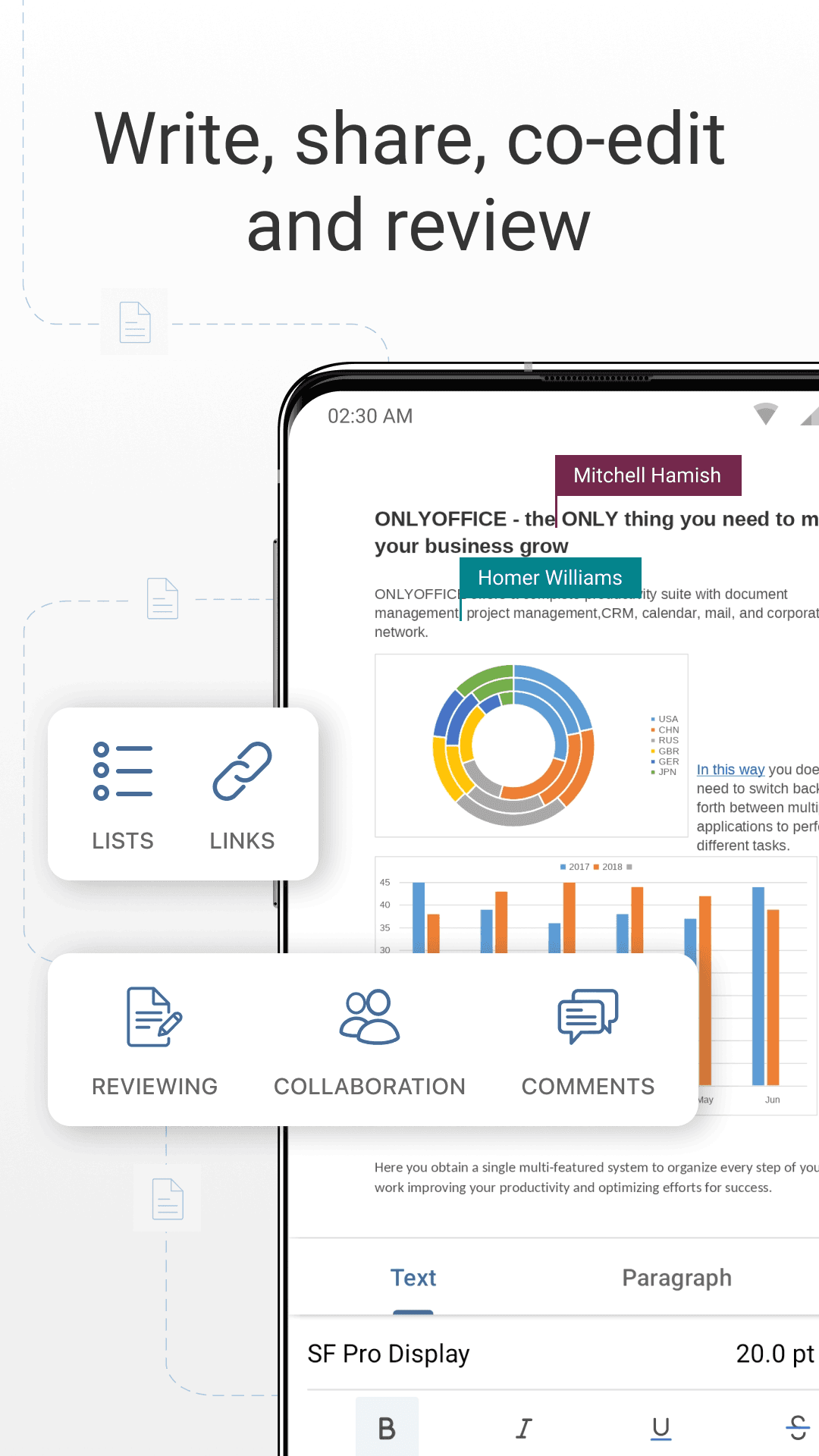
- Real-time co-editing, comments and change tracking when connected to DocSpace or Workspace
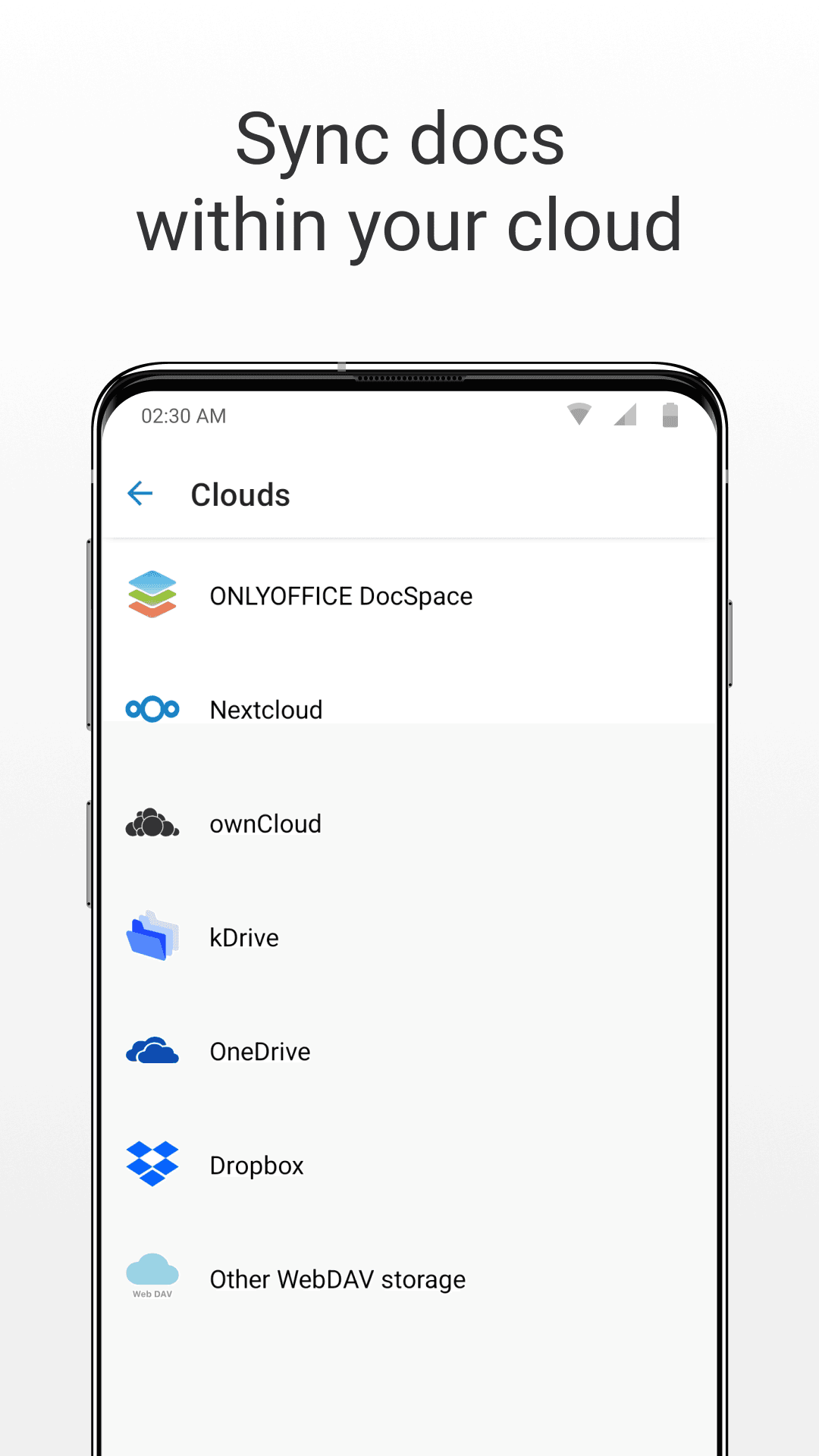
- Connects to Nextcloud, ownCloud, Seafile, Google Drive, Dropbox, OneDrive and WebDAV
- Works with local files without signing in
- Supports DOCX, XLSX, PPTX, ODT, ODS, ODP, PDF, TXT, CSV and more

Key features
Screenshots
About ONLYOFFICE Documents
ONLYOFFICE Documents is the mobile office app from Ascensio System SIA, the team behind the ONLYOFFICE open-source office suite. It opens, edits and creates text documents, spreadsheets and presentations right on your phone or tablet, and keeps the layout of Microsoft Office files (DOCX, XLSX, PPTX) intact, as well as working with ODF, PDF and other common formats.
Beyond the three classic editors, the app can view and annotate PDFs, fill in ONLYOFFICE forms, and connect to cloud storage such as ONLYOFFICE DocSpace, Nextcloud, ownCloud, Seafile, Google Drive, Dropbox and OneDrive or any WebDAV server. When it is connected to a DocSpace or Workspace portal, several people can edit the same file at once, leave comments and follow changes. Local files on the device can be edited without an account.
This listing links to the official APK hosted on ONLYOFFICE's own download server (download.onlyoffice.com), version 10.0.0 released in November 2026, for Android 8.0 and newer.
Source: official download from Ascensio System SIA (https://www.onlyoffice.com/office-for-android). Developer: Ascensio System SIA. Licence: free app.
How to install ONLYOFFICE Documents
- Tap the download button on this page to get the official ONLYOFFICE Documents APK (about 257 MB).
- Open the downloaded file. If Android asks, allow your browser or file manager to install unknown apps.
- Tap Install and wait for the installation to finish.
- Open ONLYOFFICE Documents and open a local file or connect your cloud storage.
Version history
v10.0.0Latest
Nov 2, 2026 · 256.8 MB
Version 10.0.0 of ONLYOFFICE Documents, published on the official download server in November 2026.
Comments
Loading comments…
Similar
More from Productivity

Proton Calendar
Proton AG
0.00.0 out of 5 starsEncrypted calendar from Proton that keeps event titles, notes and guest lists private, with widgets, reminders and sync across devices.
Productivity0

Feeder
Jonas Kalderstam
0.00.0 out of 5 starsFree, private RSS and Atom feed reader with offline reading and no account required.
Productivity0

Fossify Calendar
Fossify
0.00.0 out of 5 starsAd-free, open-source calendar with offline events, CalDAV sync and widgets
Productivity0

ChatGPT
OpenAI
0.00.0 out of 5 starsOpenAI's assistant app for chatting, voice conversations, image questions and writing help.
Productivity0
Most downloaded

ZArchiver
ZDevs
0.00.0 out of 5 starsLightweight archive manager that opens, creates and extracts ZIP, 7z, RAR, TAR and more.
Utilities0

Kiwix
Kiwix
0.00.0 out of 5 starsRead Wikipedia and other reference sites fully offline
Education0

Proton VPN
Proton AG
0.00.0 out of 5 starsFree VPN from the Swiss team behind Proton Mail: no data cap, no ads, an audited no-logs policy and open-source apps.
Utilities0

PPSSPP - PSP emulator
Henrik Rydgard
0.00.0 out of 5 starsOpen-source PSP emulator that plays your own PlayStation Portable games in HD on Android
Entertainment0