
- Create and edit .docx documents on the phone
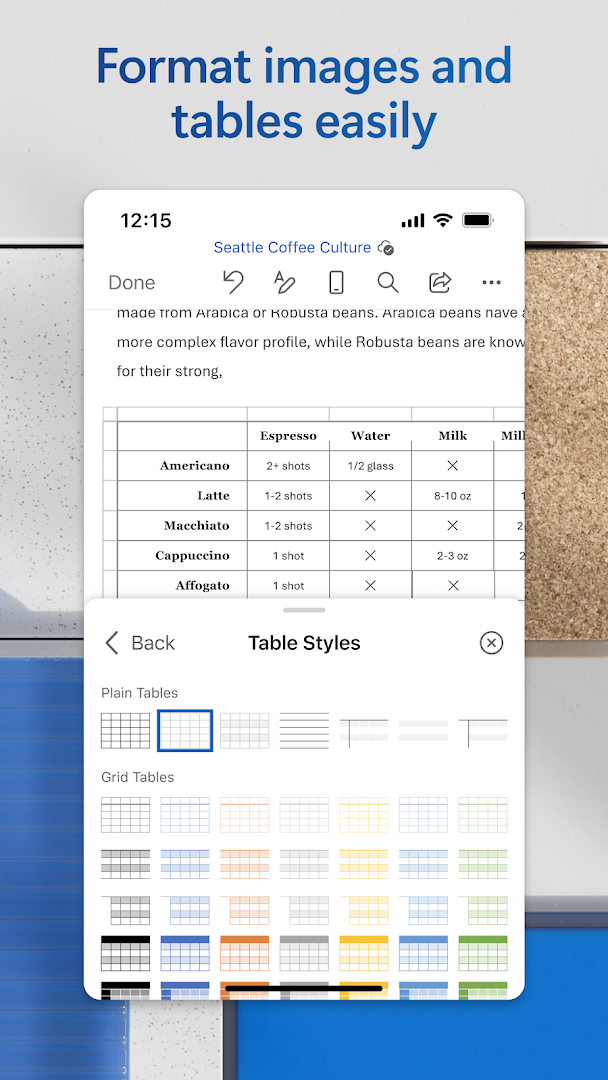
- Tables, images, comments and tracked changes
- Open and save files from OneDrive and other cloud storage
- Real-time co-authoring and link sharing
- Dictation, read aloud and reading view
- Export to PDF and scan documents
- Free for basic use, Microsoft 365 for premium features

Microsoft Word: Edit Documents
by Microsoft Corporation · v16.0.20228.20090
Key features
Screenshots
About Microsoft Word: Edit Documents
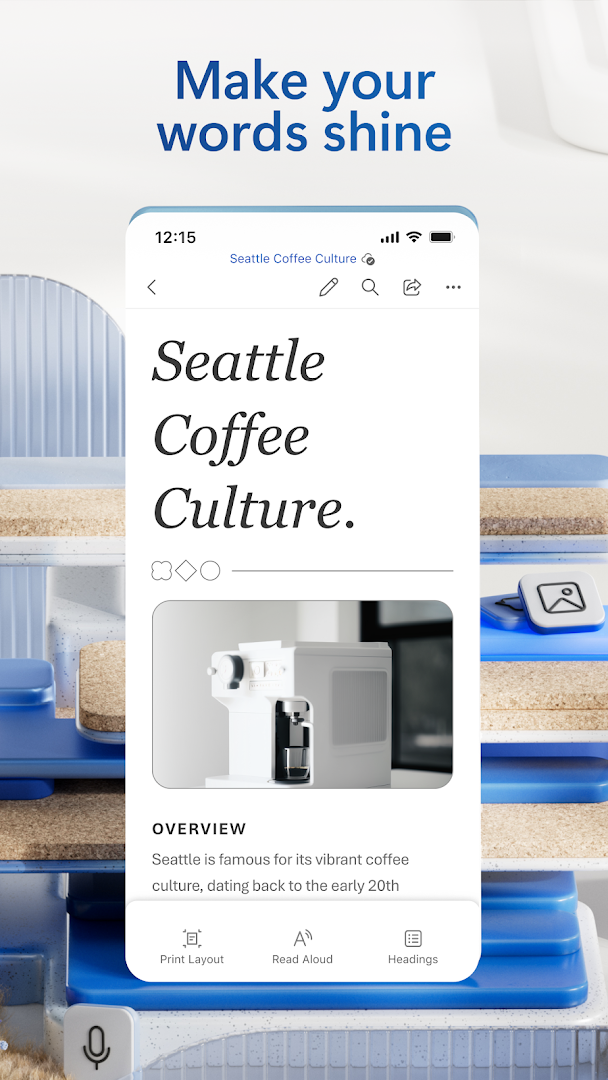
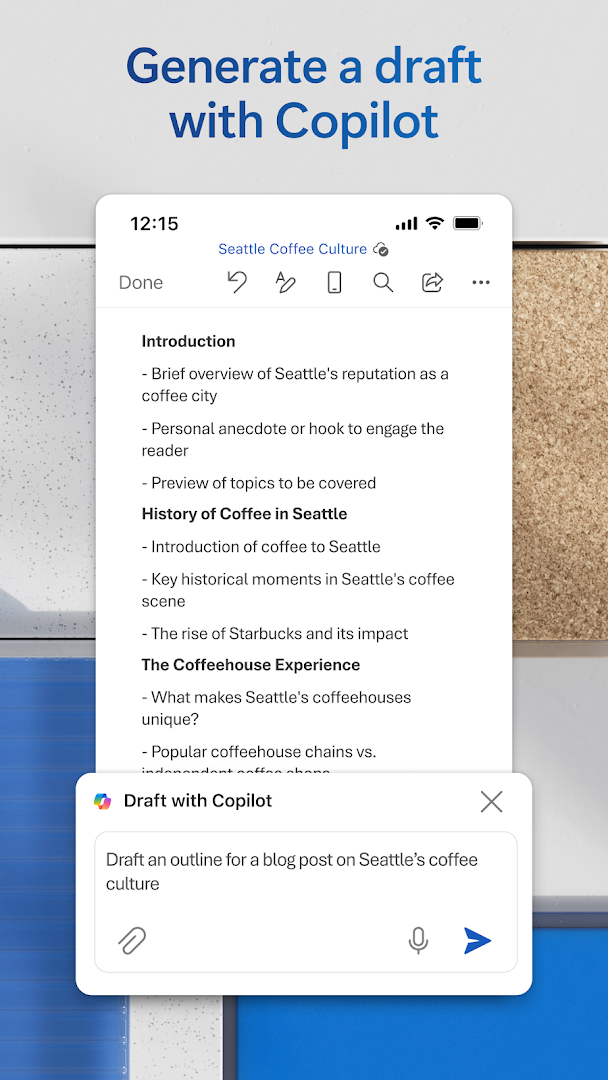
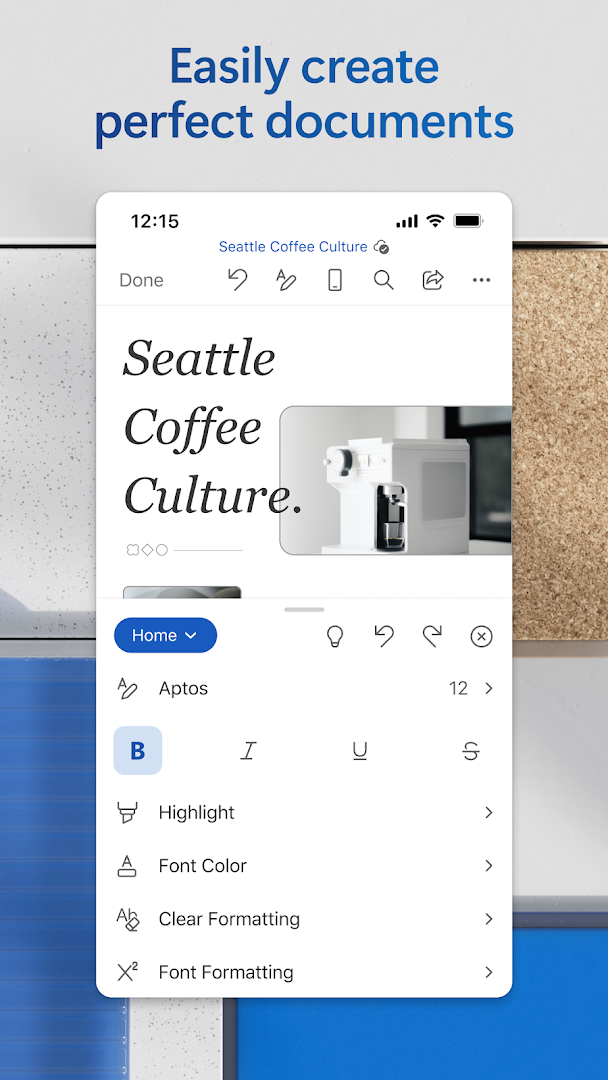
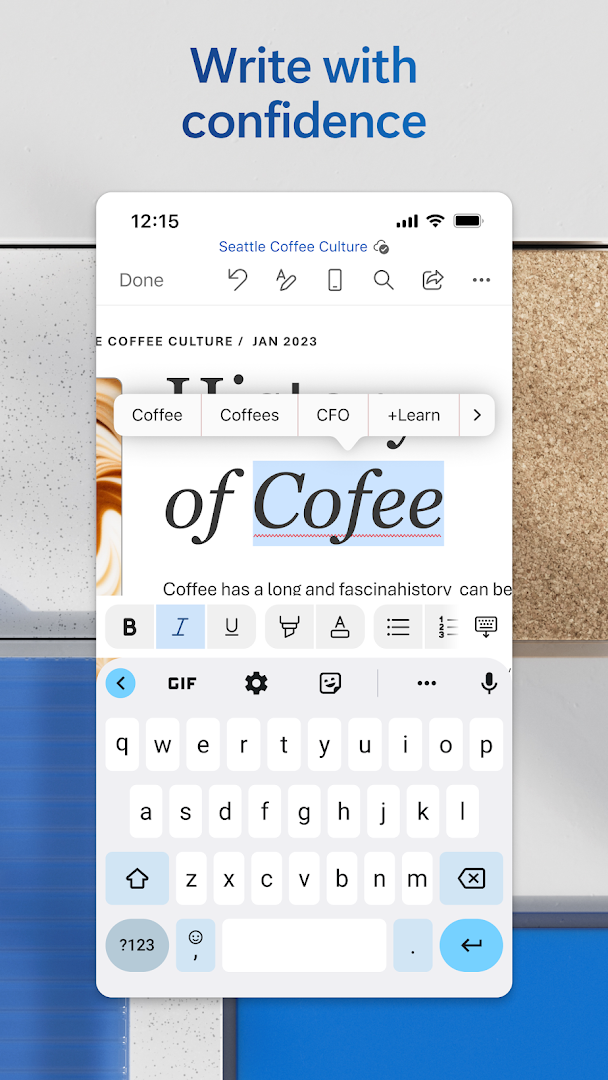
Microsoft Word for Android lets you open, write and edit documents on the phone with the same formatting you see on a computer. Headings, tables, images, comments and tracked changes carry over, and files open straight from your phone, OneDrive or other cloud services. Templates help with letters, resumes and reports, and a built-in scanner can turn paper into a document.
Sharing is simple: send a link, collaborate with others in the same file at the same time, or export a document as a PDF. Dictation, a read-aloud feature and a mobile-friendly reading view make longer documents easier to handle on a small screen.
Word is free for viewing and basic editing on phones and small tablets with a Microsoft account. A Microsoft 365 subscription unlocks premium features and larger-screen editing. This build is about 141 MB.
How to install Microsoft Word: Edit Documents
- Download the Microsoft Word APK (about 141 MB).
- Allow installs from this source if Android asks.
- Open the file and tap Install.
- Sign in with a Microsoft account to open and sync your documents.
Frequently asked questions
Is Microsoft Word free on Android?
Yes, for viewing and basic editing on phones and small tablets with a Microsoft account. Some features need a Microsoft 365 subscription.
Can I open .doc and .docx files?
Yes. Word opens both formats and saves new files as .docx by default.
Does Word work offline?
Yes. Files saved on the device can be edited offline; cloud files sync once you are back online.
Can I turn a document into a PDF?
Yes. Use the share or export option to save a copy as a PDF.
Version history
v16.0.20228.20090Latest
Oct 3, 2026 · 140.5 MB
Comments
Loading comments…
Similar
