
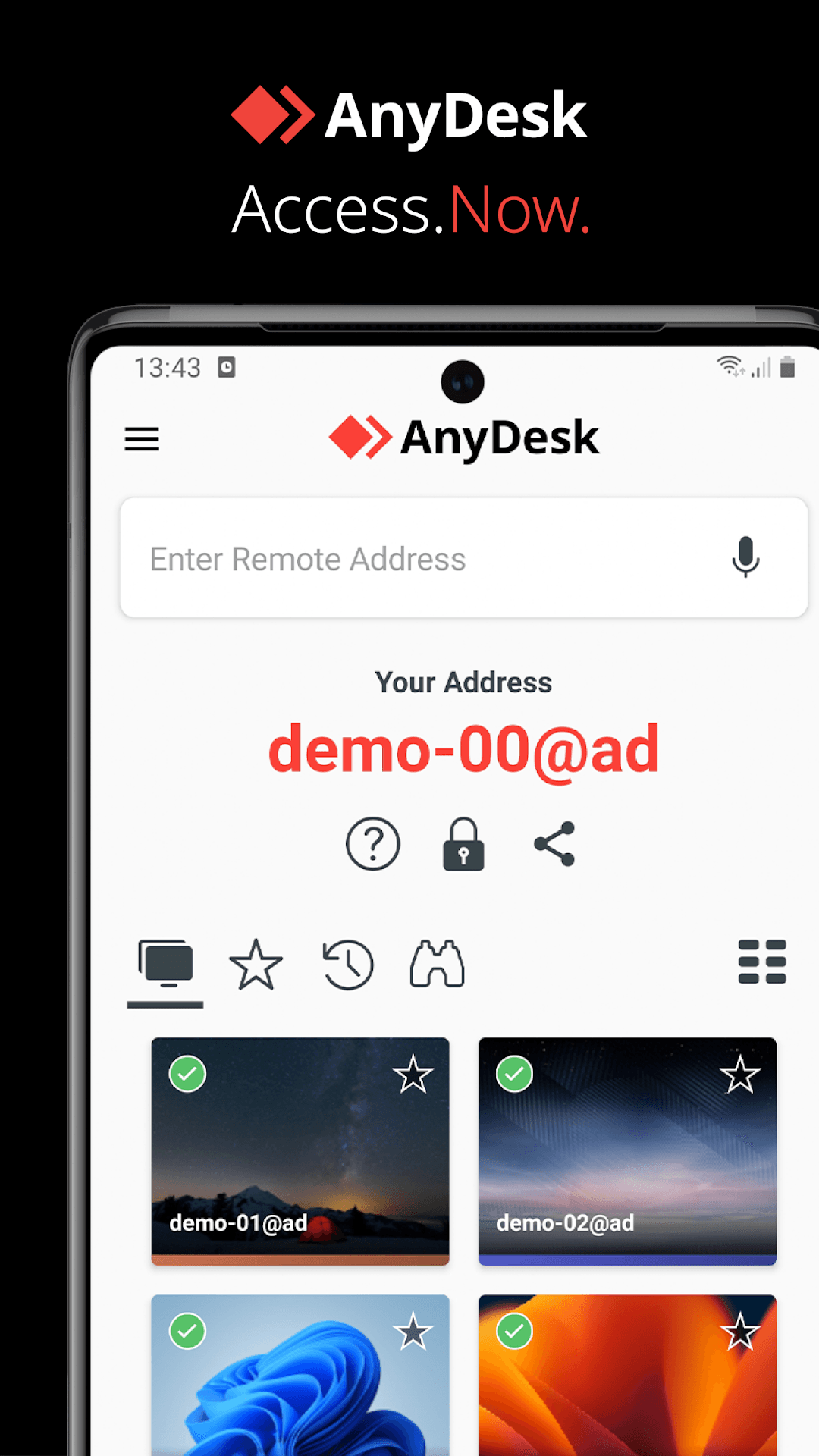
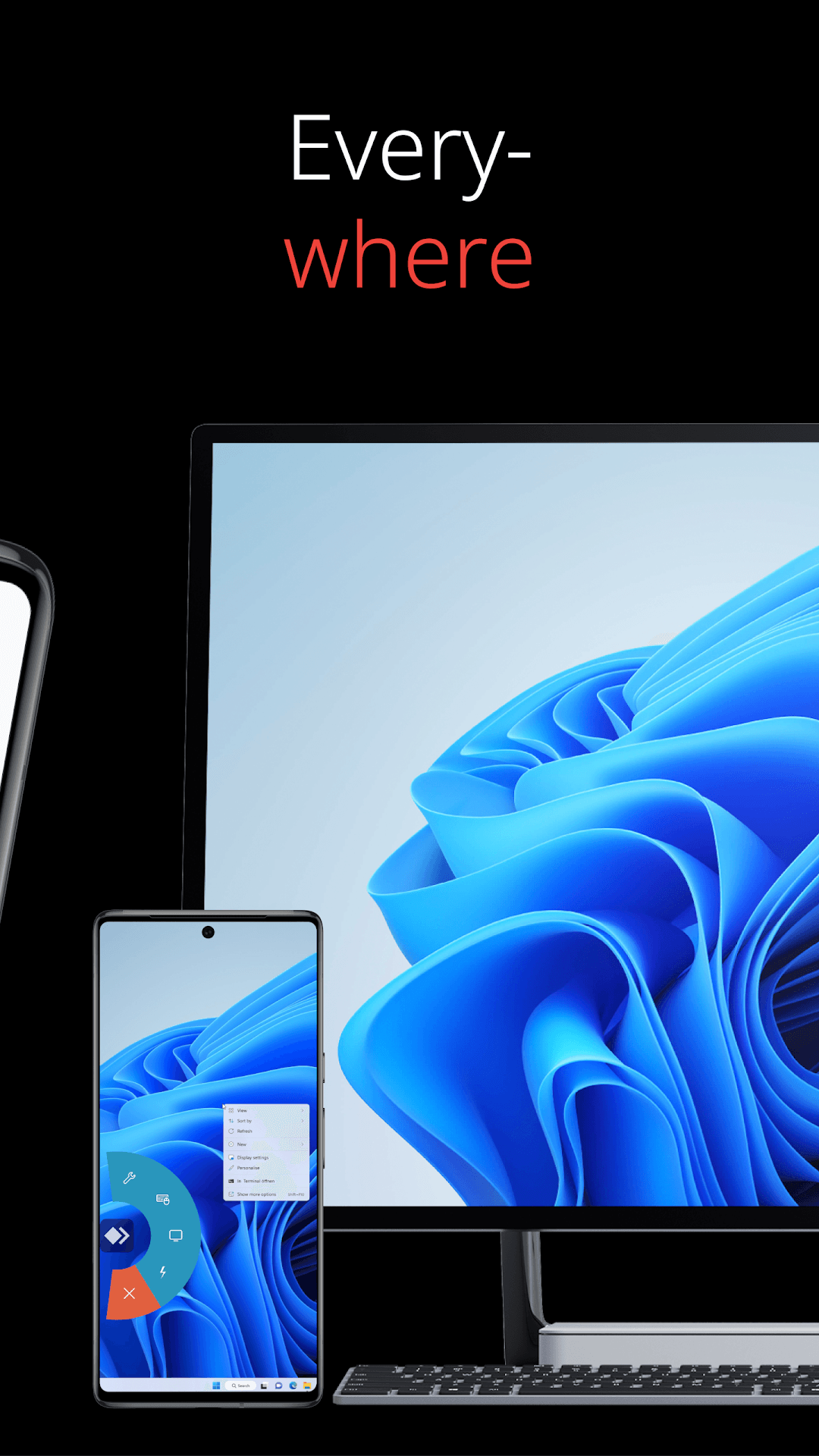
- Connect to Windows, macOS, Linux and Android devices by AnyDesk address
- Let others connect to your phone for help, with permissions you choose per session
- Smooth picture on weak connections thanks to AnyDesk's own codec
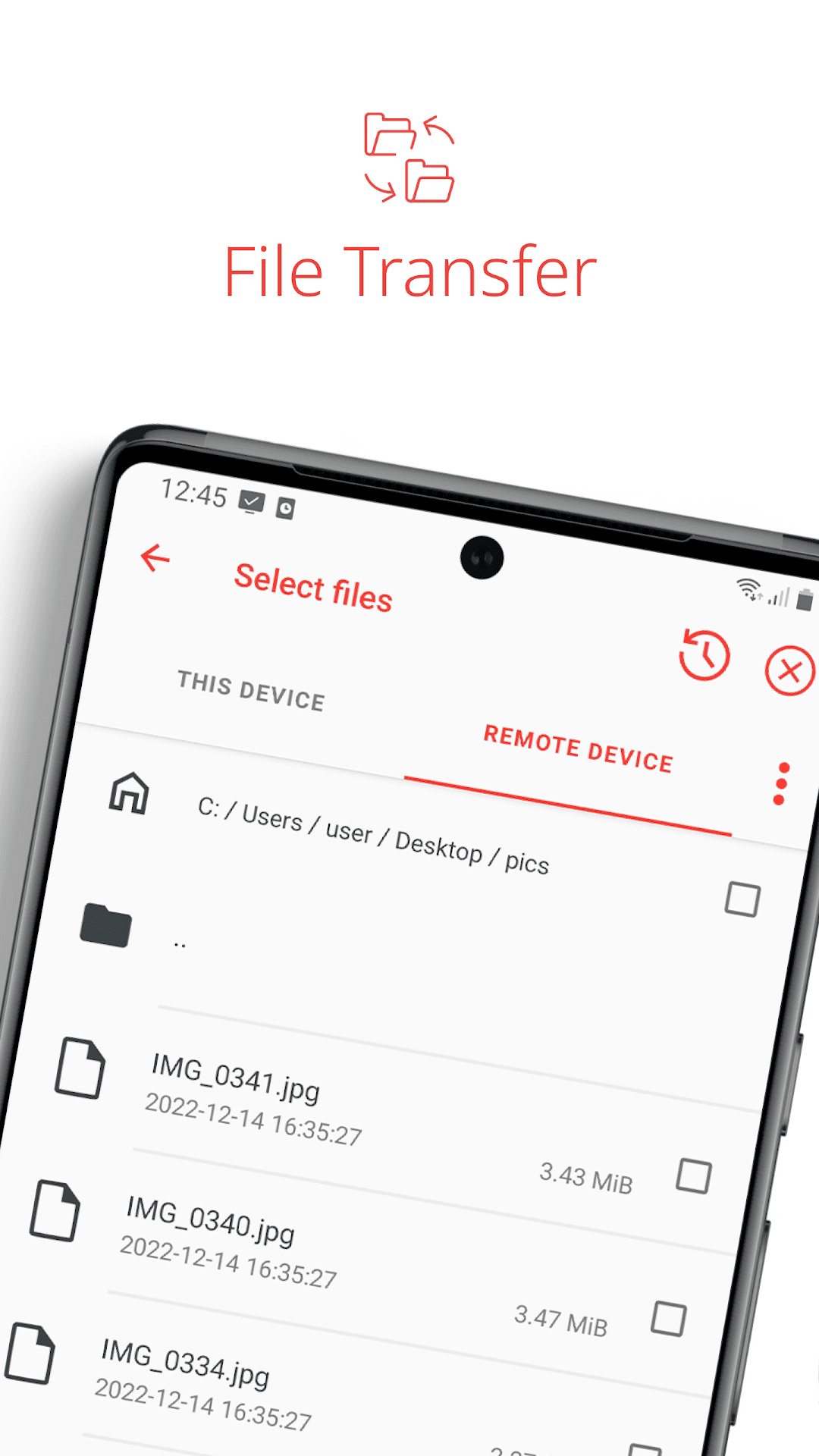
- File transfer and shared clipboard between the two devices
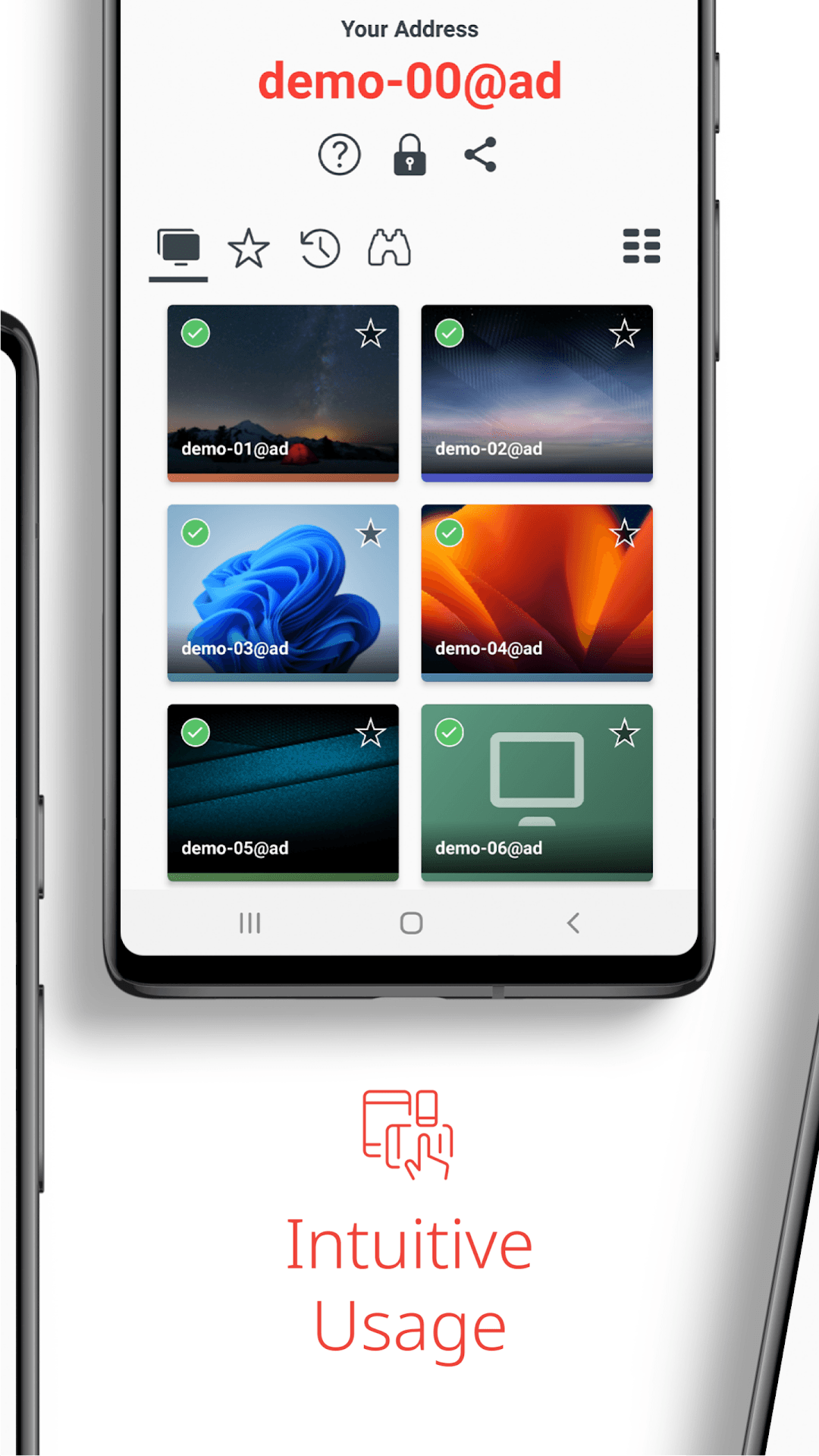
- TLS 1.2 encrypted sessions and an address book of saved devices
- Touch and mouse modes plus an on-screen keyboard with special keys

Key features
Screenshots
About AnyDesk Remote Desktop
AnyDesk Remote Desktop lets an Android phone or tablet connect to another computer or device, or be reached by one. Type in the AnyDesk address of a Windows, macOS, Linux or Android device, wait for the other side to accept, and its screen appears on yours. It works the other way round too: share your own AnyDesk address and a friend or technician can see and, with your permission, control your device to sort out a problem.
AnyDesk is known for being light and responsive even on slow connections, thanks to its own video codec. Connections are encrypted with TLS 1.2, and you decide what the remote side is allowed to do (view only, control, clipboard, file transfer). Personal use is free; companies need a paid AnyDesk plan.
This is version 9.0.2, released by AnyDesk on 18 September 2026. The download is AnyDesk's own APK (about 46 MB) and needs Android 5.0 or newer. To control the phone itself from a PC, Android may ask you to install a small manufacturer-specific control plugin from inside the app.
Source: official AnyDesk Android download (anydesk.com/en/downloads/android) and changelog · Developer: AnyDesk Software GmbH · Licence: proprietary freeware for personal use.
How to install AnyDesk Remote Desktop
- Tap the download button on this page to get the official AnyDesk APK.
- Open the file and allow your browser or file manager to install apps when Android asks.
- Install and open AnyDesk; note the address shown on the start screen.
- To reach another device, type its AnyDesk address and wait for it to accept.
- To get help, give your address to the helper and accept their request on your phone.
Version history
v9.0.2Latest
Sep 17, 2026 · 45.7 MB
Maintenance release following AnyDesk 9.0 (per AnyDesk's Android changelog, 18 Sep 2026).
Comments
Loading comments…
Similar
More from Utilities

ZArchiver
ZDevs
0.00.0 out of 5 starsLightweight archive manager that opens, creates and extracts ZIP, 7z, RAR, TAR and more.
Utilities0
Proton VPN
Proton AG
0.00.0 out of 5 starsFree VPN from the Swiss team behind Proton Mail: no data cap, no ads, an audited no-logs policy and open-source apps.
Utilities0

Proton Pass
Proton AG
0.00.0 out of 5 starsEnd-to-end encrypted password manager from Proton with autofill, a built-in 2FA code generator and hide-my-email aliases.
Utilities0