
- Blocks ads, trackers and malicious sites in browsers and apps across the device
- Local VPN or proxy mode: traffic is filtered on the phone, not on a remote server
- DNS protection with encrypted DNS (DoH, DoT, DoQ) and custom servers
- HTTPS filtering for ads inside secure pages (premium)
- Per-app firewall for Wi-Fi and mobile data (premium)
- Built-in private browser and ad-free YouTube player
- Userscripts, userstyles, custom filters and detailed request statistics
- Android TV support

Key features
Screenshots
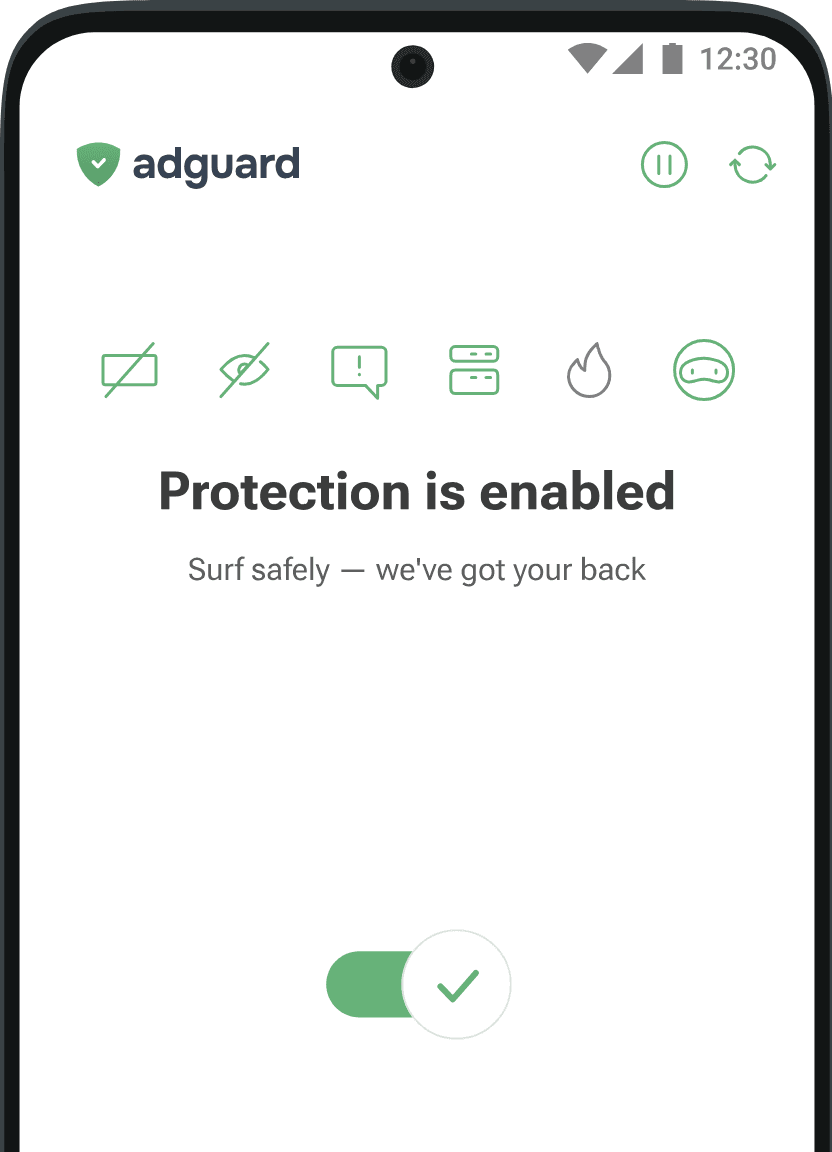
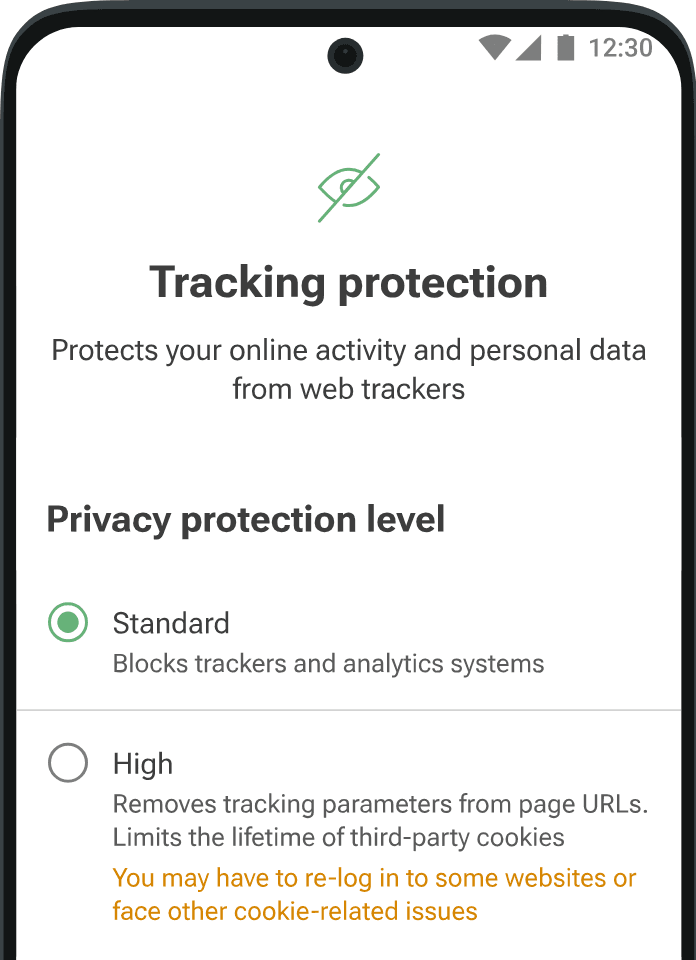
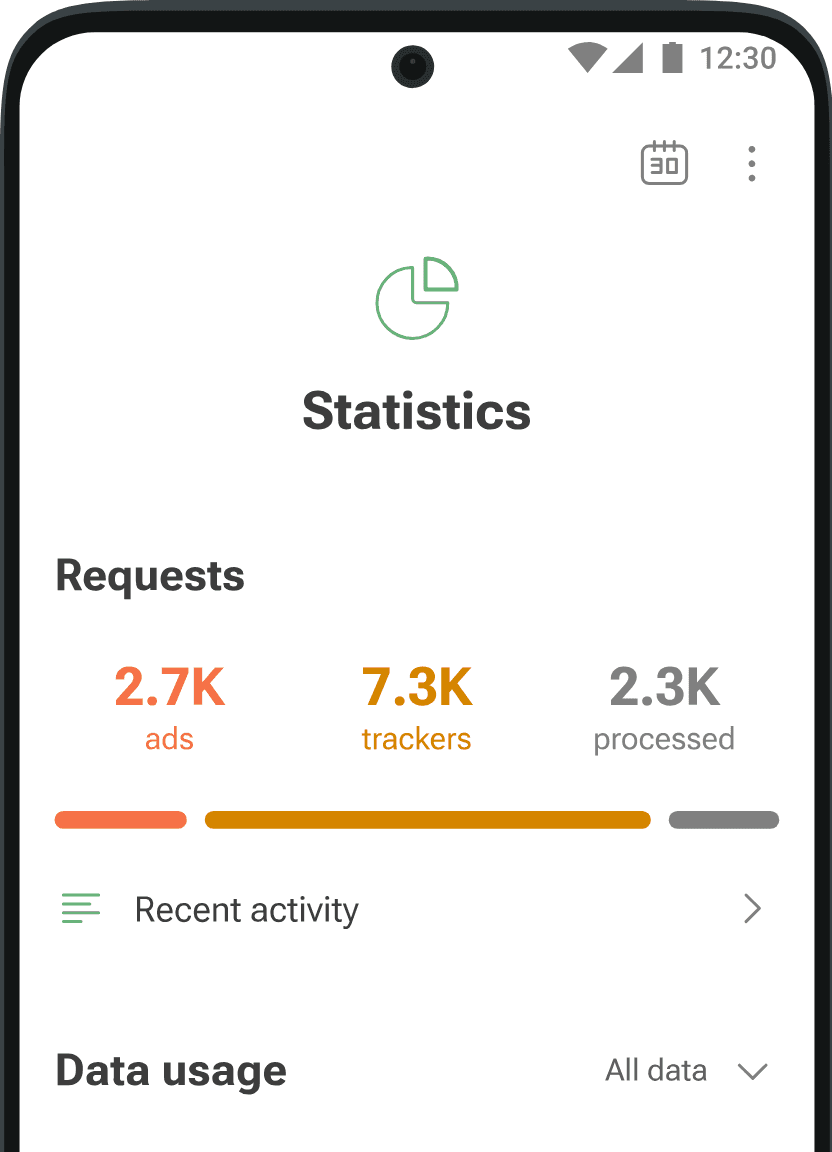
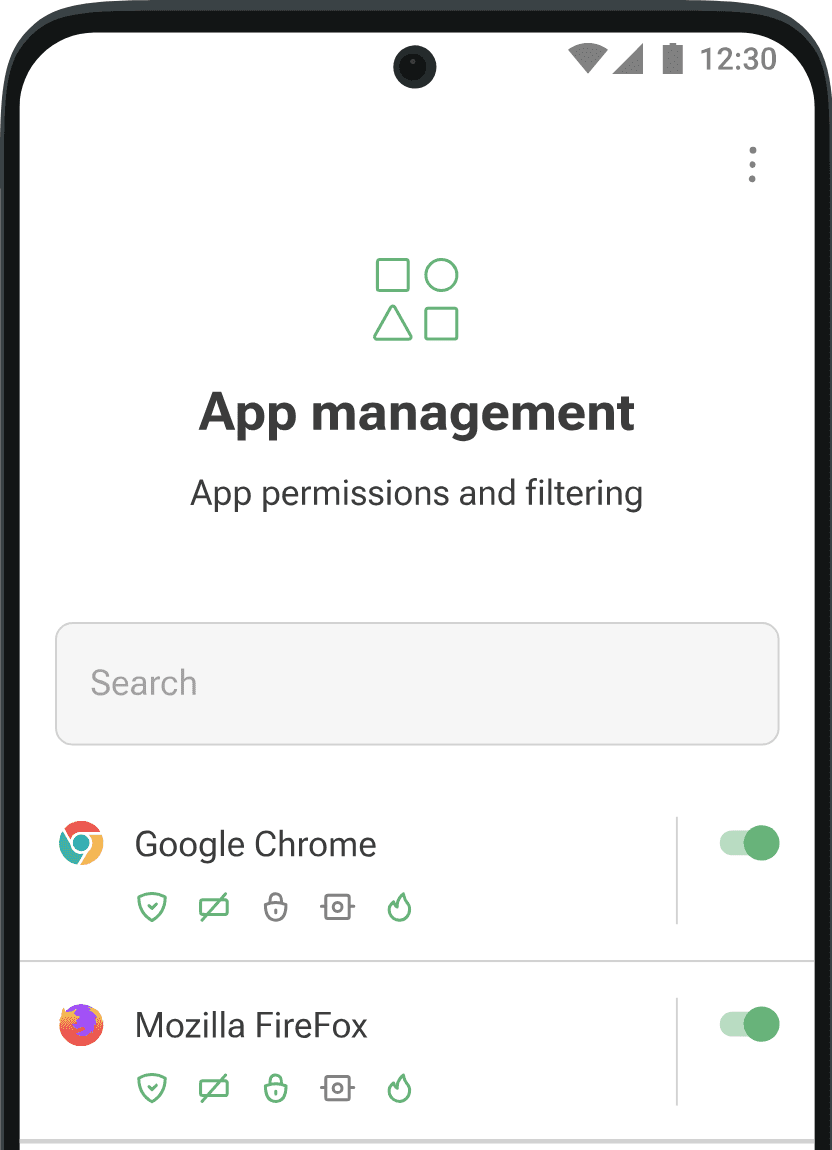
About AdGuard Ad Blocker
AdGuard for Android is a system-wide content blocker from AdGuard Software Ltd. Instead of working inside one browser, it filters traffic for the whole device through a local VPN or proxy, so ads, trackers, phishing pages and malware domains are blocked in browsers and in most apps alike. Nothing is routed through a remote server: filtering happens on your phone.
You choose how deep it goes. DNS protection works with no extra setup and supports encrypted DNS (DoH, DoT, DoQ). Turning on HTTPS filtering lets AdGuard clean up ads inside secure pages as well, and a firewall lets you decide which apps may use Wi-Fi or mobile data. A private browser, a YouTube player without ads, userscripts and userstyles, and detailed statistics of blocked requests are also included.
The app is not distributed through Google Play, because Play does not allow system-wide ad blockers; AdGuard publishes the APK on its own website instead. Basic protection is free, and a paid licence unlocks the premium features such as HTTPS filtering, the firewall and browsing security.
This listing links to the official APK served from AdGuard's own download server (static.adtidy.org), version 4.15.2 for Android 9.0 and newer.
Source: official download from AdGuard Software Ltd (https://adguard.com/en/adguard-android/overview.html). Developer: AdGuard Software Ltd. Licence: free app with an optional paid premium licence.
How to install AdGuard Ad Blocker
- Tap the download button on this page to get the official AdGuard APK (about 77 MB) from adtidy.org.
- Open the downloaded file and, if Android asks, allow installs from your browser or file manager.
- Tap Install, then open AdGuard and follow the short setup.
- Accept the local VPN request so AdGuard can filter traffic; nothing leaves your device through it.
- Optionally install the AdGuard certificate when the app offers it, to turn on HTTPS filtering.
Requires Android 9.0 or newer. AdGuard can update itself from inside the app.
Version history
v4.15.2Latest
Nov 2, 2026 · 77.1 MB
Technical update with stability fixes (follows 4.15, which added timed protection pauses).
Comments
Loading comments…
Similar
More from Utilities

ZArchiver
ZDevs
0.00.0 out of 5 starsLightweight archive manager that opens, creates and extracts ZIP, 7z, RAR, TAR and more.
Utilities0

Proton VPN
Proton AG
0.00.0 out of 5 starsFree VPN from the Swiss team behind Proton Mail: no data cap, no ads, an audited no-logs policy and open-source apps.
Utilities0

Proton Pass
Proton AG
0.00.0 out of 5 starsEnd-to-end encrypted password manager from Proton with autofill, a built-in 2FA code generator and hide-my-email aliases.
Utilities0