

Screenshots

ChatGPT installeren
- 1
Tap the download button to grab the v1.2026.265 APK file.
- 2
Open Instellingen → Apps → Speciale toegang → Onbekende apps installeren en geef je browser toestemming om pakketten te installeren.
- 3
Open het gedownloade bestand via het meldingenpaneel of de Bestanden-app en tik op Installeren.
- 4
Na de installatie kun je de toestemming voor onbekende bronnen weer uitzetten.
Veelgestelde vragen
Is the ChatGPT app free?
Yes, with usage limits. ChatGPT Plus is an optional subscription for higher limits, faster responses and access to newer models.
Do I need an account to use ChatGPT?
Yes. Sign in with an OpenAI account, or with a Google, Microsoft or Apple account, so chat history syncs with the web version.
Can I talk to ChatGPT with my voice?
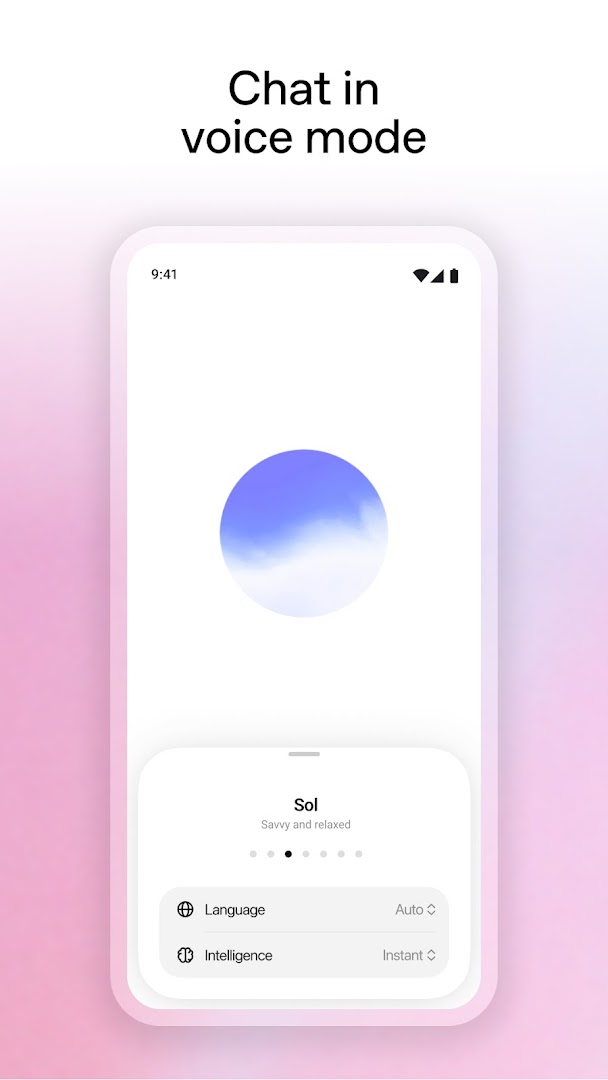
Yes. Voice mode lets you hold a spoken conversation, and you can pick from several voices.
Does ChatGPT work offline?
No. Every reply is generated on OpenAI's servers, so the app needs an internet connection.
Versiegeschiedenis
v1.2026.265Nieuwste
Oct 3, 2026 · 94.4 MB
Reacties
Reacties laden…