

Skjermbilder

Slik installerer du ChatGPT
- 1
Tap the download button to grab the v1.2026.265 APK file.
- 2
Åpne Innstillinger → Apper → Spesialtilgang → Installer ukjente apper, og la nettleseren din installere pakker.
- 3
Åpne den nedlastede filen fra varslingsfeltet eller Filer-appen, og trykk på Installer.
- 4
Når appen er installert, kan du slå av tillatelsen for ukjente kilder igjen.
Ofte stilte spørsmål
Is the ChatGPT app free?
Yes, with usage limits. ChatGPT Plus is an optional subscription for higher limits, faster responses and access to newer models.
Do I need an account to use ChatGPT?
Yes. Sign in with an OpenAI account, or with a Google, Microsoft or Apple account, so chat history syncs with the web version.
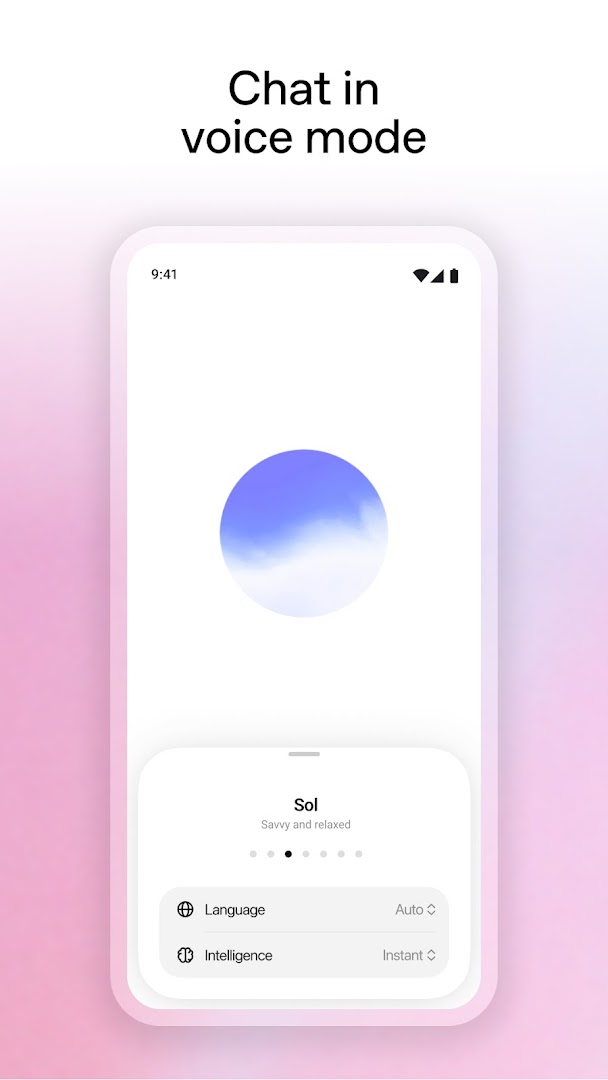
Can I talk to ChatGPT with my voice?
Yes. Voice mode lets you hold a spoken conversation, and you can pick from several voices.
Does ChatGPT work offline?
No. Every reply is generated on OpenAI's servers, so the app needs an internet connection.
Versjonshistorikk
v1.2026.265Siste
Oct 3, 2026 · 94.4 MB
Kommentarer
Laster kommentarer…