

Screenshot

Come installare ChatGPT
- 1
Tap the download button to grab the v1.2026.265 APK file.
- 2
Apri Impostazioni → App → Accesso speciale → Installa app sconosciute e consenti al browser di installare pacchetti.
- 3
Apri il file scaricato dalla tendina delle notifiche o dall'app File e tocca Installa.
- 4
Dopo l'installazione puoi disattivare di nuovo il permesso per le origini sconosciute.
Domande frequenti
Is the ChatGPT app free?
Yes, with usage limits. ChatGPT Plus is an optional subscription for higher limits, faster responses and access to newer models.
Do I need an account to use ChatGPT?
Yes. Sign in with an OpenAI account, or with a Google, Microsoft or Apple account, so chat history syncs with the web version.
Can I talk to ChatGPT with my voice?
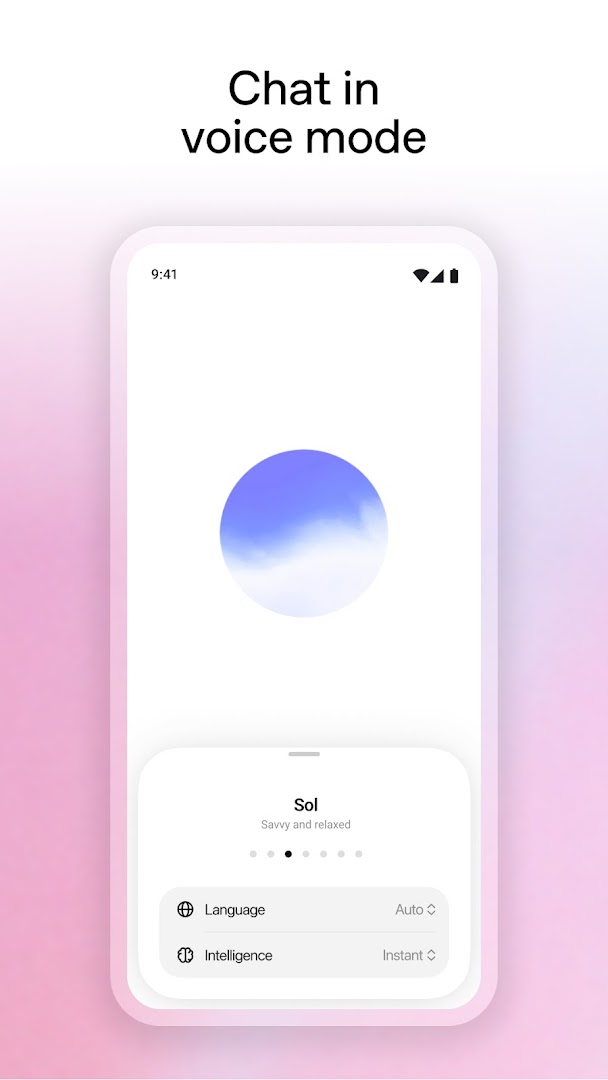
Yes. Voice mode lets you hold a spoken conversation, and you can pick from several voices.
Does ChatGPT work offline?
No. Every reply is generated on OpenAI's servers, so the app needs an internet connection.
Cronologia versioni
v1.2026.265Ultima
Oct 3, 2026 · 94.4 MB
Commenti
Caricamento dei commenti…