

Screenshots

So installieren Sie ChatGPT
- 1
Tap the download button to grab the v1.2026.265 APK file.
- 2
Öffnen Sie Einstellungen → Apps → Spezieller Zugriff → Unbekannte Apps installieren, und erlauben Sie Ihrem Browser, Pakete zu installieren.
- 3
Öffnen Sie die heruntergeladene Datei über die Benachrichtigungsleiste oder die Dateien-App und tippen Sie auf Installieren.
- 4
Nach der Installation können Sie die Berechtigung für unbekannte Quellen wieder abschalten.
Häufig gestellte Fragen
Is the ChatGPT app free?
Yes, with usage limits. ChatGPT Plus is an optional subscription for higher limits, faster responses and access to newer models.
Do I need an account to use ChatGPT?
Yes. Sign in with an OpenAI account, or with a Google, Microsoft or Apple account, so chat history syncs with the web version.
Can I talk to ChatGPT with my voice?
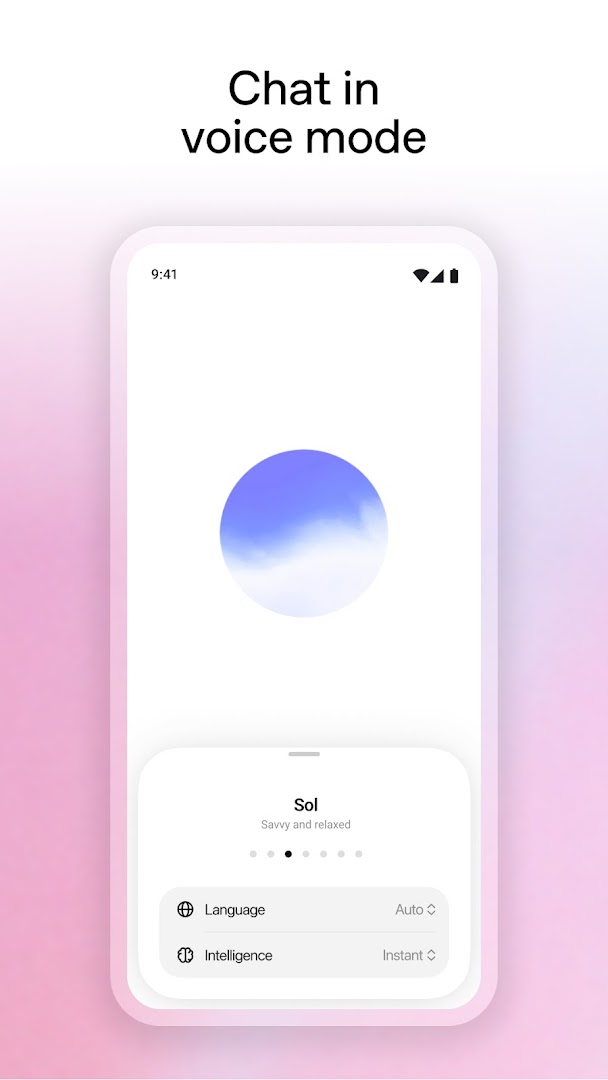
Yes. Voice mode lets you hold a spoken conversation, and you can pick from several voices.
Does ChatGPT work offline?
No. Every reply is generated on OpenAI's servers, so the app needs an internet connection.
Versionsverlauf
v1.2026.265Neueste
Oct 3, 2026 · 94.4 MB
Kommentare
Kommentare werden geladen…