
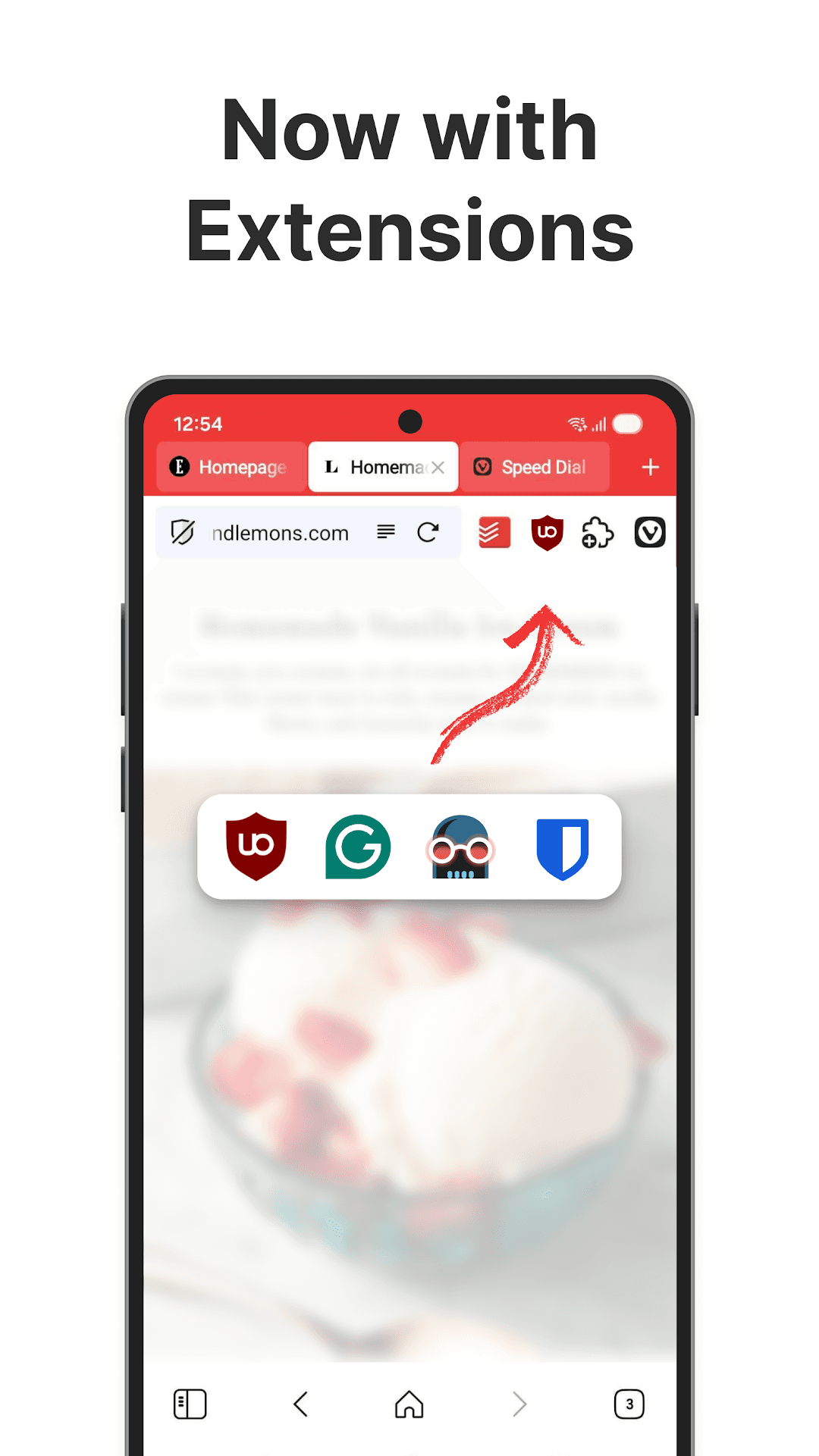
- Built-in ad and tracker blocker, no extension needed
- Tab bar and two-level tab stacks for grouping pages
- Notes panel for saving text and links while browsing
- Private page translation run on Vivaldi's own servers
- Reader view and page capture (screenshots)
- End-to-end encrypted sync with the desktop browser
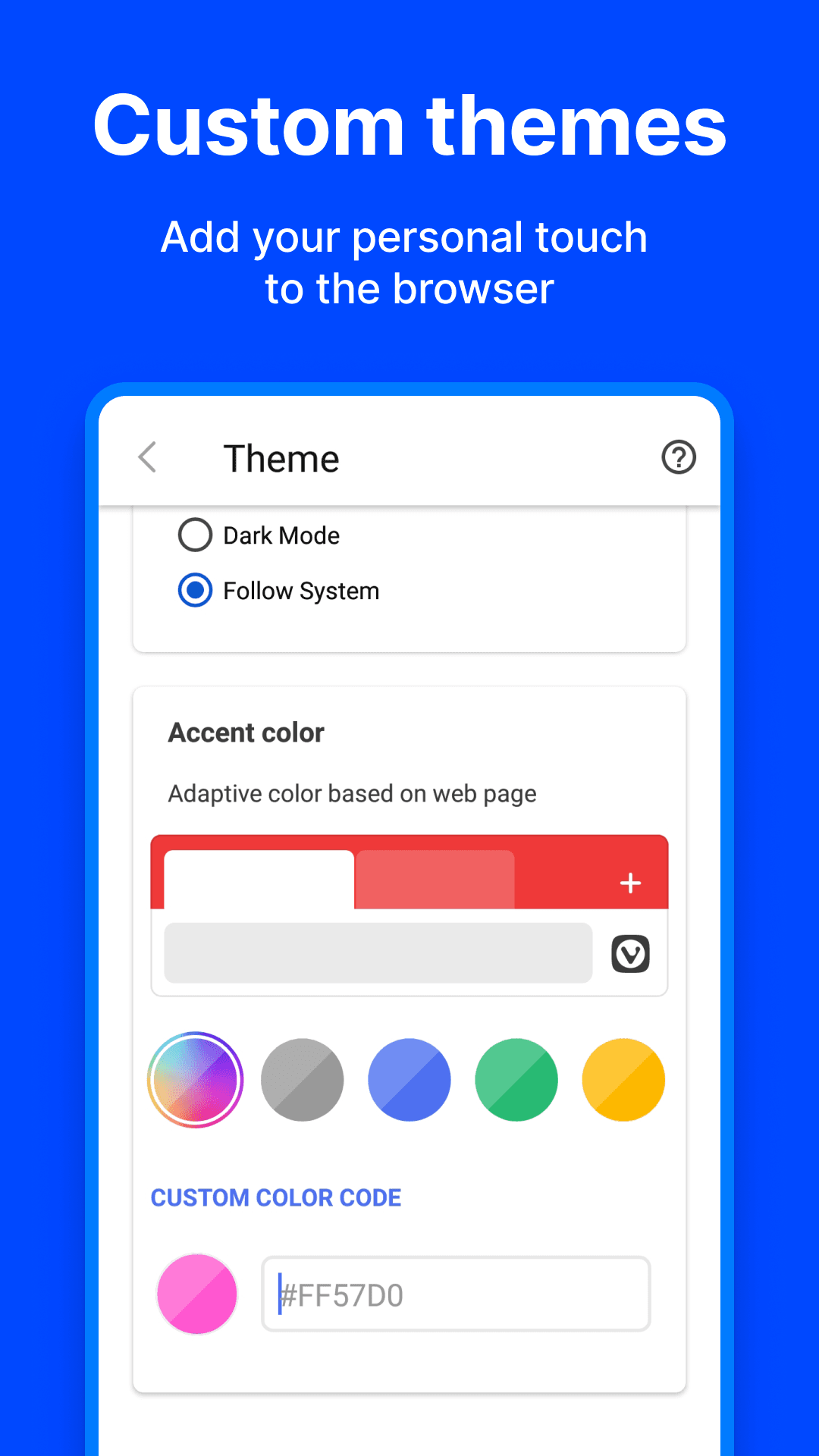
- Customisable address bar position, themes and start page
- Free, with no in-app purchases

Vivaldi Browser - Fast & Safe
by Vivaldi Technologies AS · v8.3.4192.64
Key features
Screenshots


About Vivaldi Browser - Fast & Safe
Vivaldi is a web browser for people who like to set things up their own way. Built on the Chromium engine, so sites load and behave as they do in other mainstream browsers, it layers a long list of extras on top: a built-in blocker for ads and trackers, a second row of tabs for grouping pages, a notes panel, a reading view and a page translator that runs on Vivaldi's own servers.
Your bookmarks, passwords, history, notes and open tabs can be synced between phone and computer with end-to-end encryption through an optional free Vivaldi account. The interface is highly adjustable, from the position of the address bar to the colours of the theme, and the browser does not build a profile of you for advertising.
The browser is free to use, with no in-app purchases.
Source: official Vivaldi download server (downloads.vivaldi.com), developer Vivaldi Technologies AS (Norway), version 8.3.4192.64 for 64-bit ARM devices, file published 6 November 2026.
How to install Vivaldi Browser - Fast & Safe
- Tap the Download button on this page to get the official Vivaldi APK for 64-bit ARM phones (about 344 MB).
- Open the file from your notifications or Downloads folder.
- If asked, allow your browser or file manager to install unknown apps.
- Tap Install and wait for it to finish.
- Open Vivaldi and, if you like, sign in to a Vivaldi account to sync your data.
Requires Android 10 or later and a 64-bit ARM (arm64-v8a) device, which covers nearly all current phones.
Version history
v8.3.4192.64Latest
Nov 5, 2026 · 344.0 MB
Vivaldi 8.3 stable build (arm64-v8a) from the official download server, 6 Nov 2026.
Comments
Loading comments…
Similar
More from Productivity

Proton Calendar
Proton AG
0.00.0 out of 5 starsEncrypted calendar from Proton that keeps event titles, notes and guest lists private, with widgets, reminders and sync across devices.
Productivity0

Feeder
Jonas Kalderstam
0.00.0 out of 5 starsFree, private RSS and Atom feed reader with offline reading and no account required.
Productivity0

Fossify Calendar
Fossify
0.00.0 out of 5 starsAd-free, open-source calendar with offline events, CalDAV sync and widgets
Productivity0