
- Works with IMAP, POP3 and SMTP accounts from almost any provider
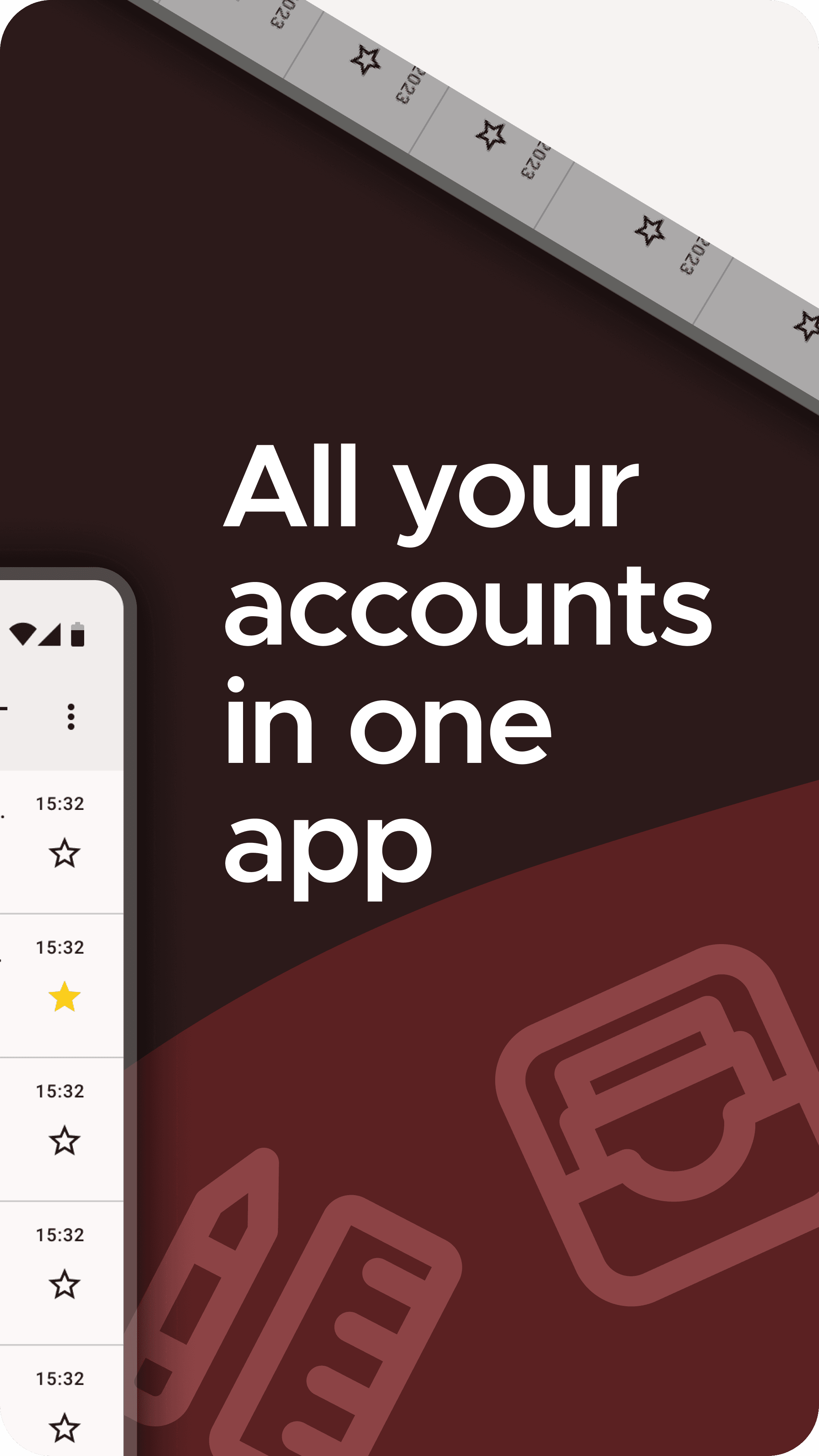
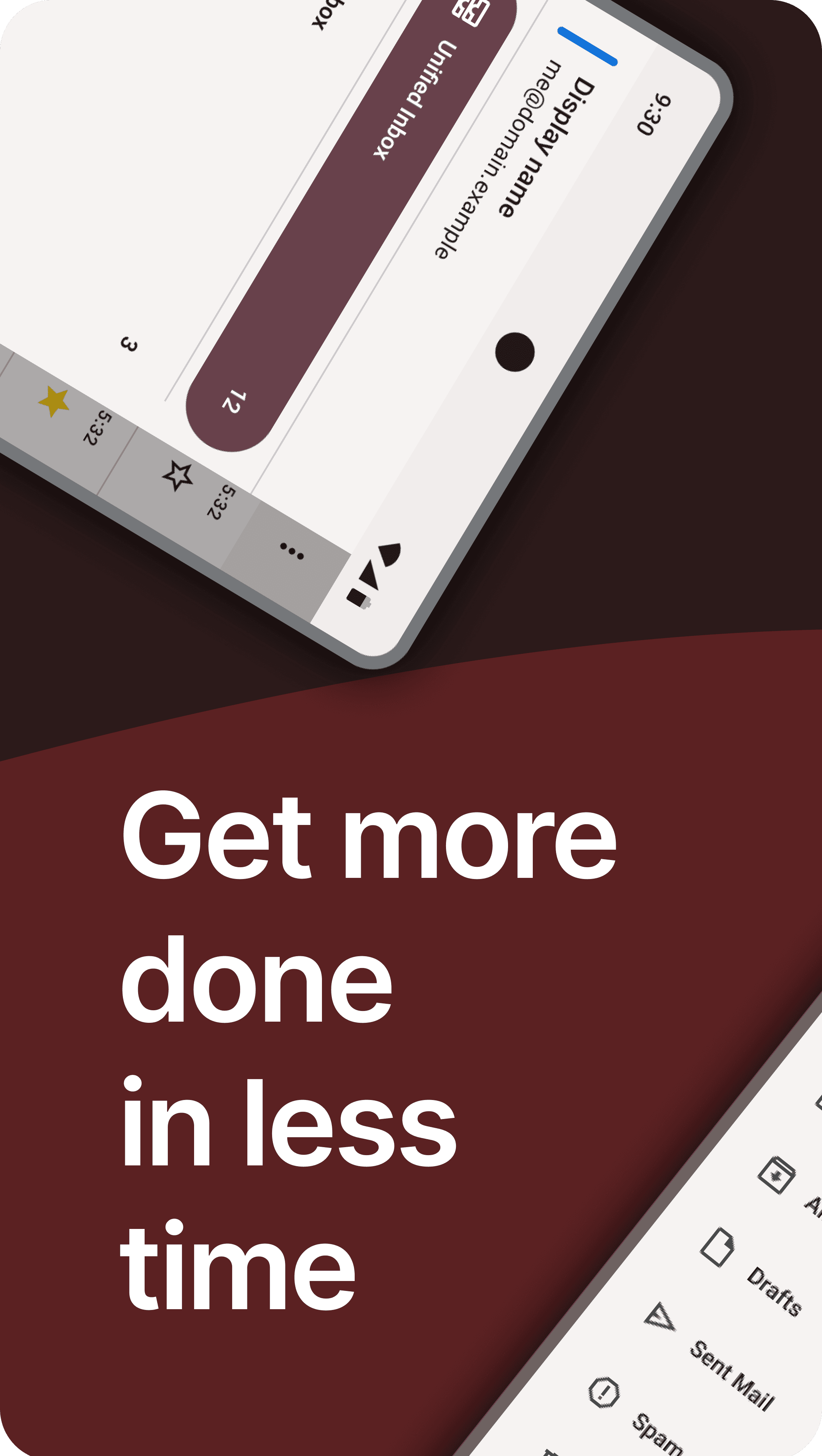
- Unified inbox or separate accounts
- Push email, flexible sync schedules and folder management
- Full-text search and message threading
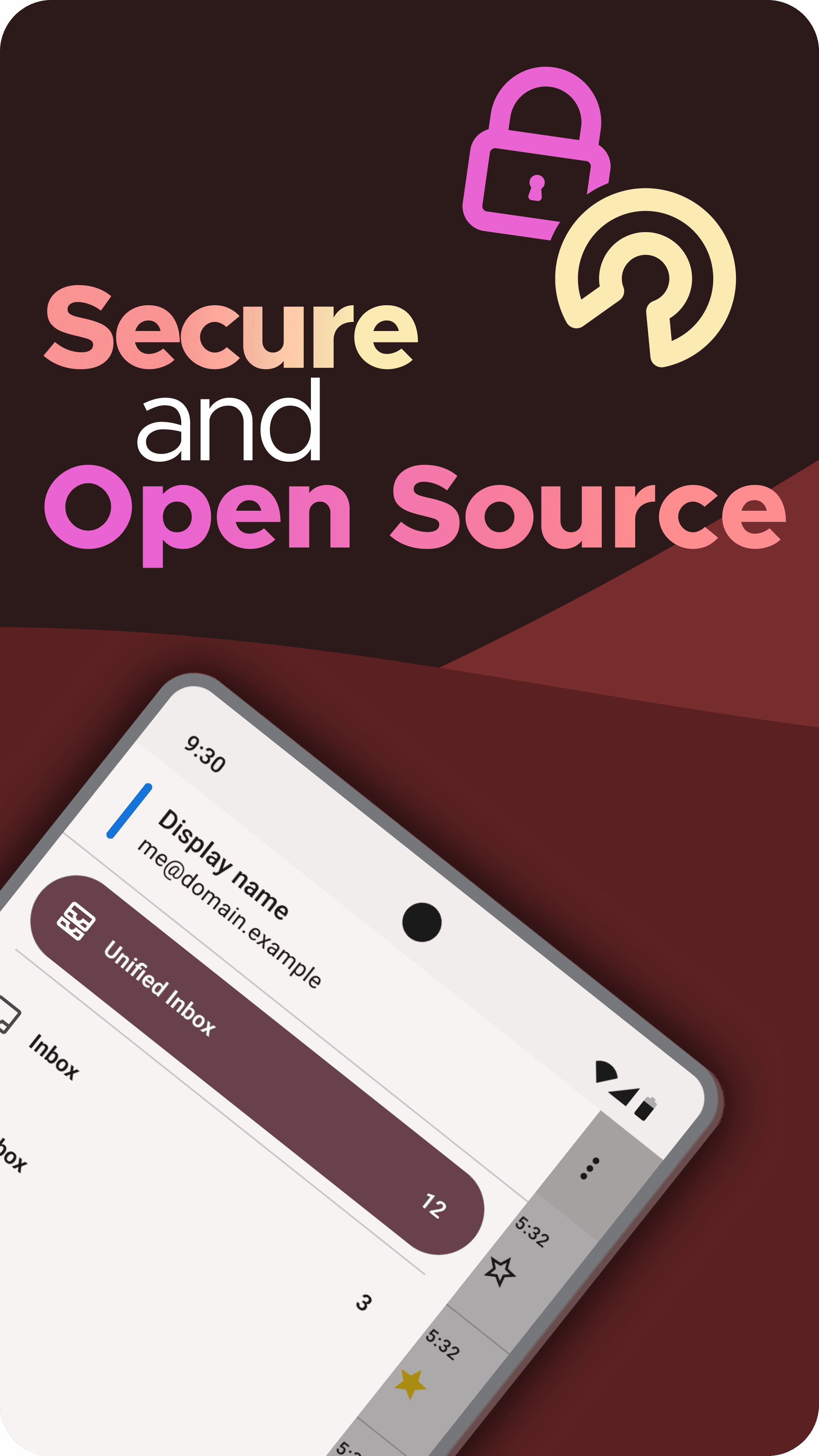
- OpenPGP encryption via a companion app
- Light and dark themes
- Free and open source (Apache 2.0), no ads
Key features
Screenshots

About K-9 Mail
K-9 Mail is a free, open-source email app for Android that has been around for well over a decade and is now maintained by the team behind Mozilla Thunderbird. It connects to practically any mail provider through standard IMAP, POP3 and SMTP, so you can keep personal, work and old accounts together in one place without handing your mail to a third-party service.
You can use a unified inbox or keep accounts separate, organise folders, search messages and choose how often each account syncs, including push email where the server supports it. OpenPGP encryption is available through a companion app, and the interface follows Material design with light and dark themes. Version 24.0 adds HTML signatures per identity, a Reply / Reply All prompt and a long list of fixes.
K-9 Mail is published under the Apache 2.0 licence with no ads and no tracking. This listing links to the official APK attached to the Thunderbird for Android GitHub release.
How to install K-9 Mail
- 1
Tap the download button to grab the v24.0 APK file.
- 2
Open Settings → Apps → Special access → Install unknown apps, and allow your browser to install packages.
- 3
Open the downloaded file from your notification shade or Files app and tap Install.
- 4
Once installed, you can turn the unknown-sources permission back off.
Version history
v24.0Latest
Oct 4, 2026 · 10.4 MB
Adds HTML signatures per identity and a Reply / Reply All prompt, plus many fixes (official release notes on GitHub).
Comments
Loading comments…
Similar
