- Blocks ad, analytics and social trackers by default
- One-tap erase of history, cookies and passwords
- No tabs, accounts or saved history to manage
- Per-site switch to turn blocking off when a page breaks
- Fingerprint lock and choice of search engine
- Gecko engine from Mozilla, open source

Firefox Focus: No Fuss Browser
by Mozilla · v159.0.1
Key features
Screenshots
About Firefox Focus: No Fuss Browser
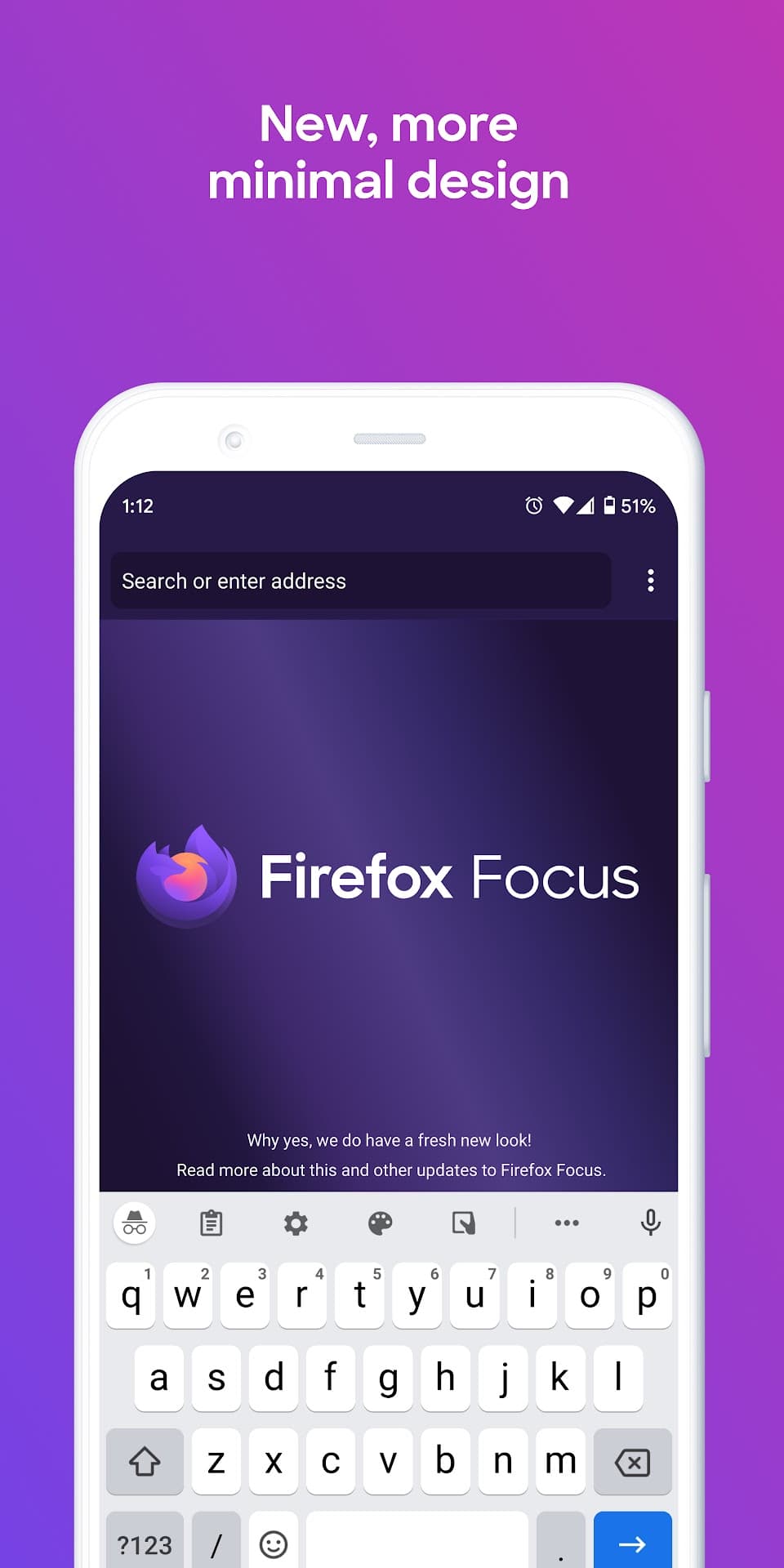
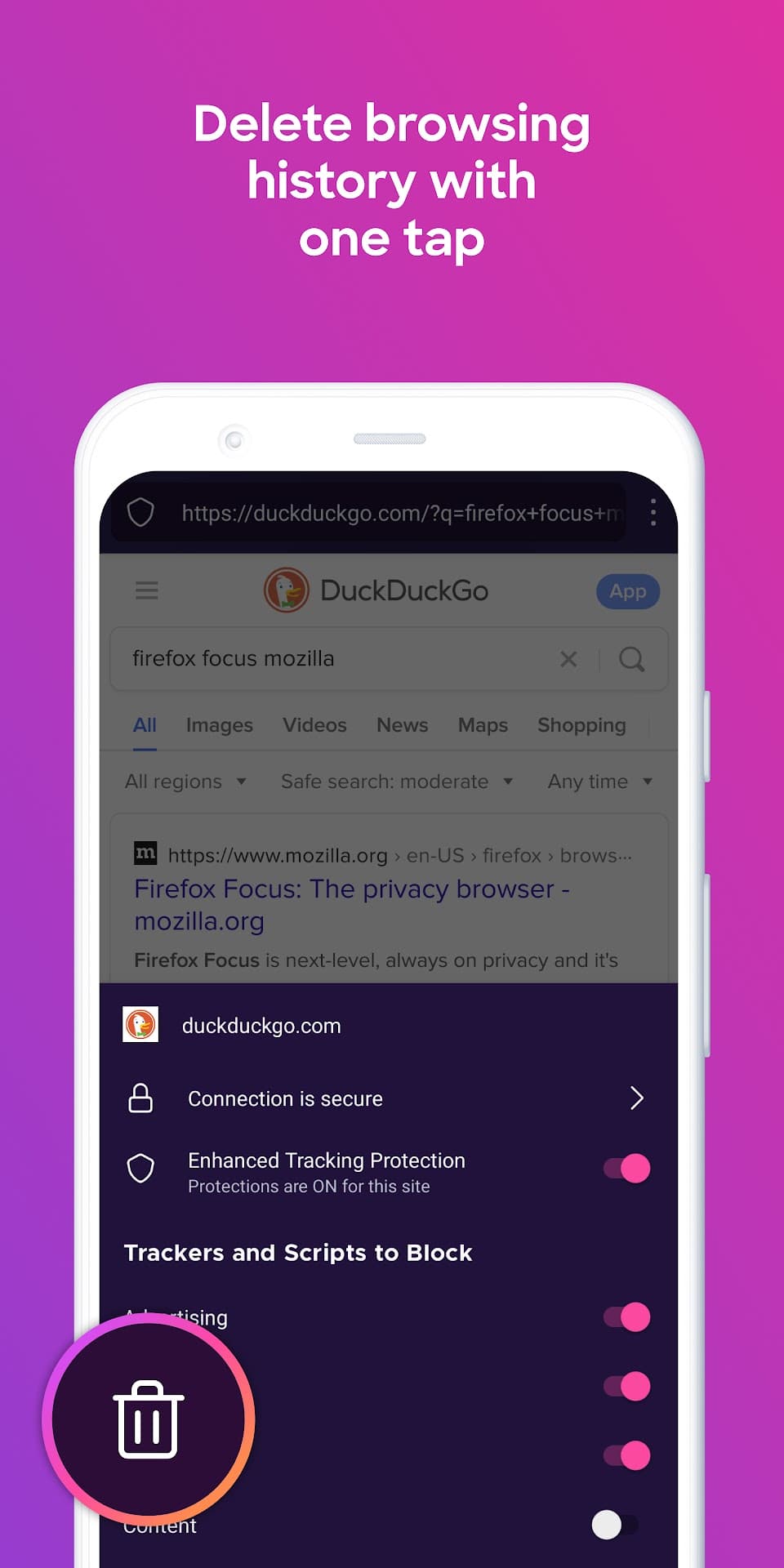
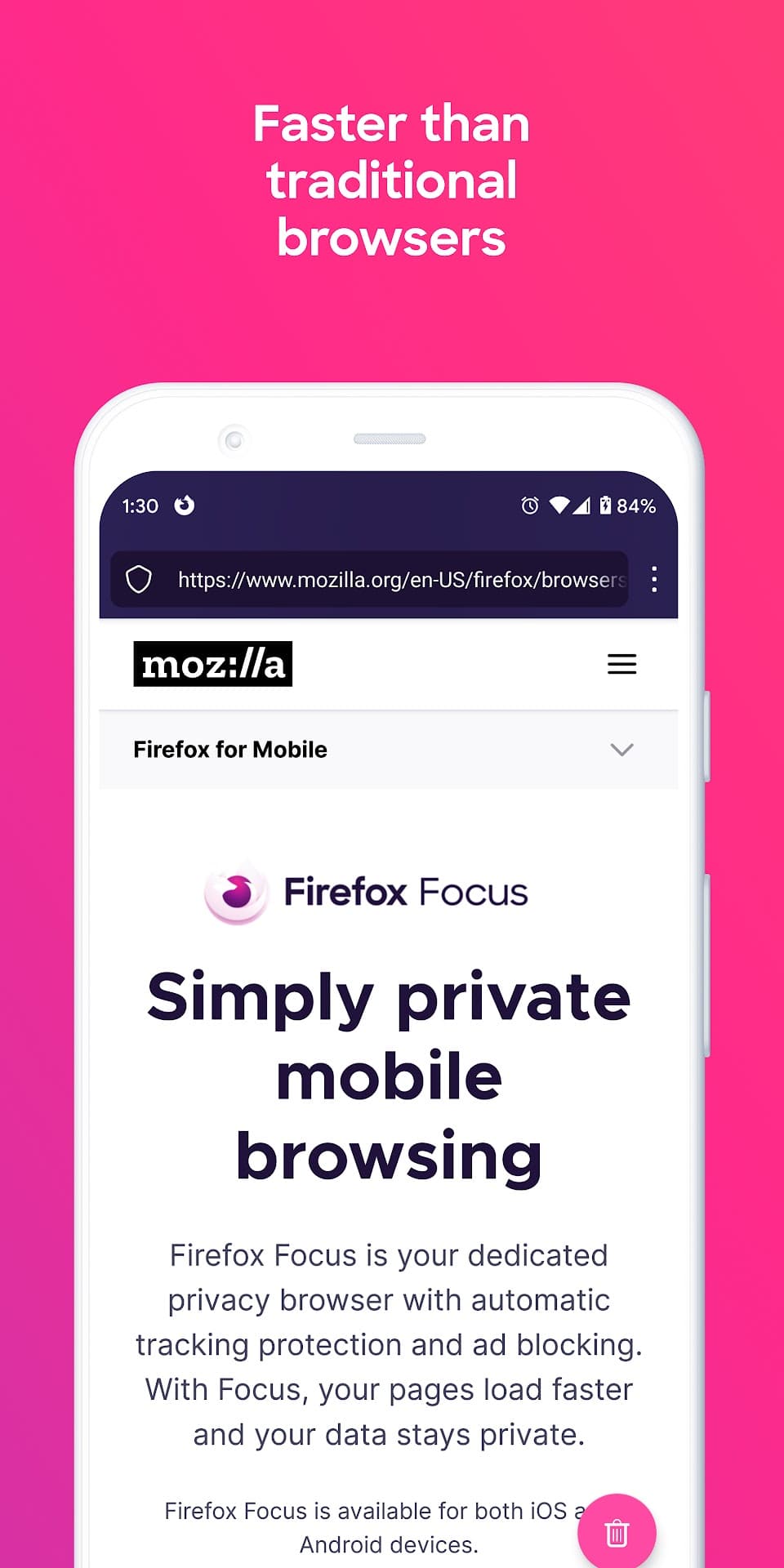
Firefox Focus is a stripped-down private browser from Mozilla. It has no tabs to manage, no history to clear and no account to sign in to: you open it, look something up, and a single tap on the trash button wipes the session, including cookies, history and passwords. It is meant for quick searches and for links you would rather not leave a trace of.
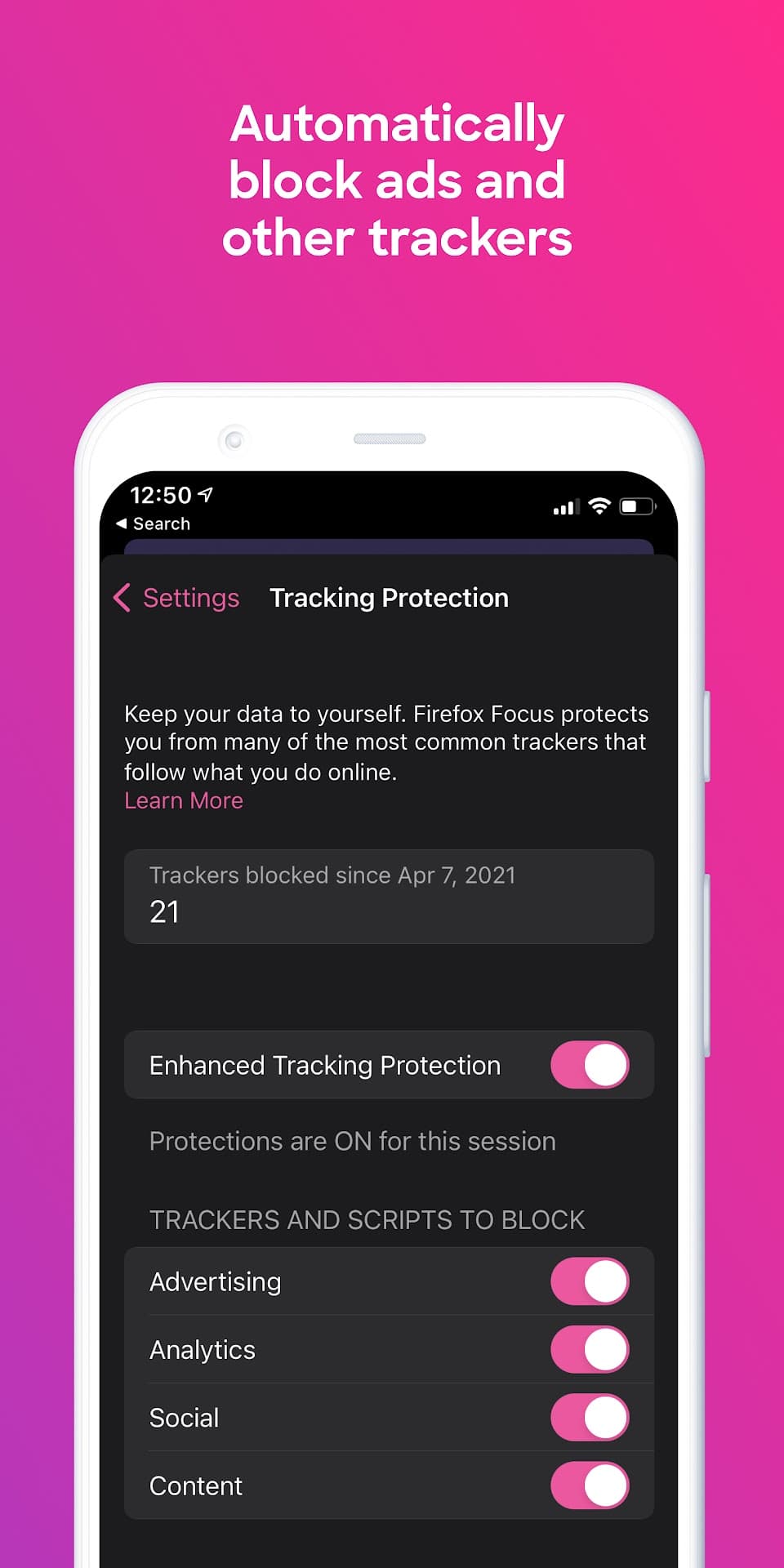
Tracking protection is switched on from the first launch and blocks ad, analytics and social-media trackers, which also tends to make pages load faster and use less data. You can turn off blocking for an individual site that breaks, choose your default search engine, lock the app with a fingerprint, and set Focus as the browser that opens links from other apps. It is built on the same Gecko engine as Firefox.
Source: Mozilla, https://archive.mozilla.org/pub/focus/releases/ . Developer: Mozilla. Licence: MPL-2.0. The download on this page is the official 64-bit ARM (arm64-v8a) APK of Firefox Focus 159.0.1 from Mozilla's own release archive.
How to install Firefox Focus: No Fuss Browser
- Tap the download button on this page to get the official Firefox Focus APK for arm64 phones (about 108 MB) from Mozilla's release archive.
- Open the file and allow installs from your browser or file manager if Android asks.
- Tap Install, open Firefox Focus and, if you want, set it as your default browser.
- This build is for 64-bit ARM devices and needs Android 8.0 or newer. It does not update itself when installed this way; return to this page for new versions.
Version history
v159.0.1Latest
Nov 2, 2026 · 108.0 MB
Firefox Focus 159.0.1 release for Android (arm64-v8a).
Comments
Loading comments…
Similar
More from Productivity

Feeder
Jonas Kalderstam
0.00.0 out of 5 starsFree, private RSS and Atom feed reader with offline reading and no account required.
Productivity0

Fossify Calendar
Fossify
0.00.0 out of 5 starsAd-free, open-source calendar with offline events, CalDAV sync and widgets
Productivity0

ChatGPT
OpenAI
0.00.0 out of 5 starsOpenAI's assistant app for chatting, voice conversations, image questions and writing help.
Productivity0