
- Enhanced Tracking Protection switched on by default
- Private browsing tabs that clear themselves when closed
- Supports add-ons such as content blockers and password managers
- Sync bookmarks, tabs, history and passwords with desktop Firefox
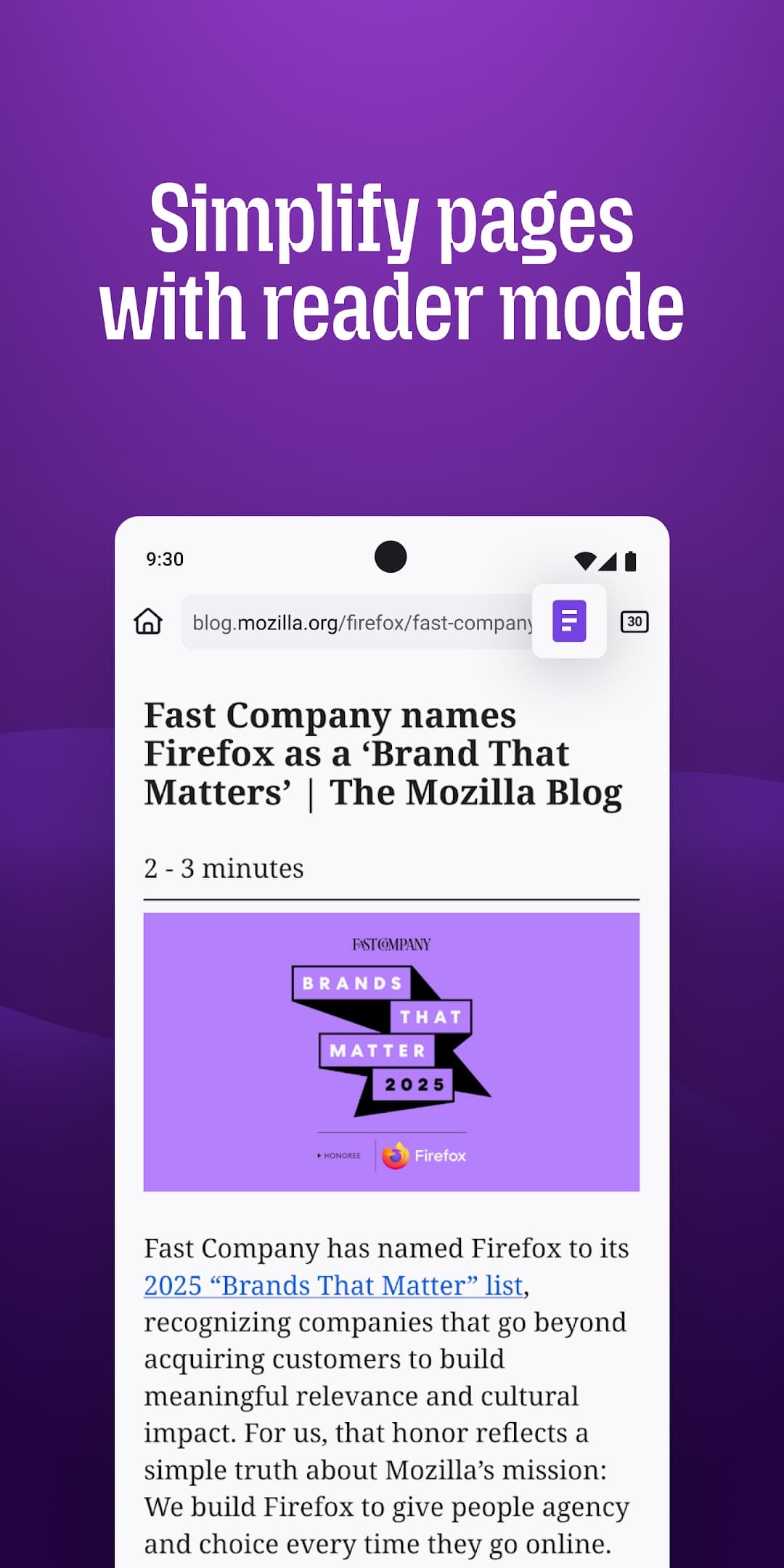
- Address bar at the top or bottom, reader view and dark theme
- Open source and made by Mozilla

Firefox Fast & Private Browser
by Mozilla · v159.0
Key features
Screenshots
About Firefox Fast & Private Browser
Firefox for Android is the mobile version of Mozilla's open-source web browser. Mozilla is a non-profit-backed organisation, and the browser is built around privacy: Enhanced Tracking Protection blocks many social-media trackers, cross-site cookies, cryptominers and fingerprinters by default, and private tabs leave no history behind when you close them.
Unlike most mobile browsers, Firefox supports extensions, so you can add content blockers, password managers and other add-ons from addons.mozilla.org. Signing in with a Mozilla account syncs bookmarks, history, open tabs and saved passwords with Firefox on your computer. The address bar can sit at the top or the bottom of the screen, and there is a built-in reader view and dark theme.
Source: Mozilla, https://archive.mozilla.org/pub/fenix/releases/ . Developer: Mozilla. Licence: MPL-2.0. The download on this page is the official universal APK of Firefox 159.0 from Mozilla's own release archive.
How to install Firefox Fast & Private Browser
- Tap the download button on this page to get the official universal Firefox APK from Mozilla (about 291 MB, as it contains every processor type).
- Open the file and allow installs from your browser or file manager if Android asks.
- Tap Install, then open Firefox and, if you like, sign in to your Mozilla account to sync.
- This version needs Android 8.0 or newer. Firefox installed this way does not update itself; download the new version from this page when it is released.
Version history
v159.0Latest
Oct 26, 2026 · 290.8 MB
Firefox 159.0, released by Mozilla on 27 October 2026 (universal APK from Mozilla's release archive).
Comments
Loading comments…
Similar

