
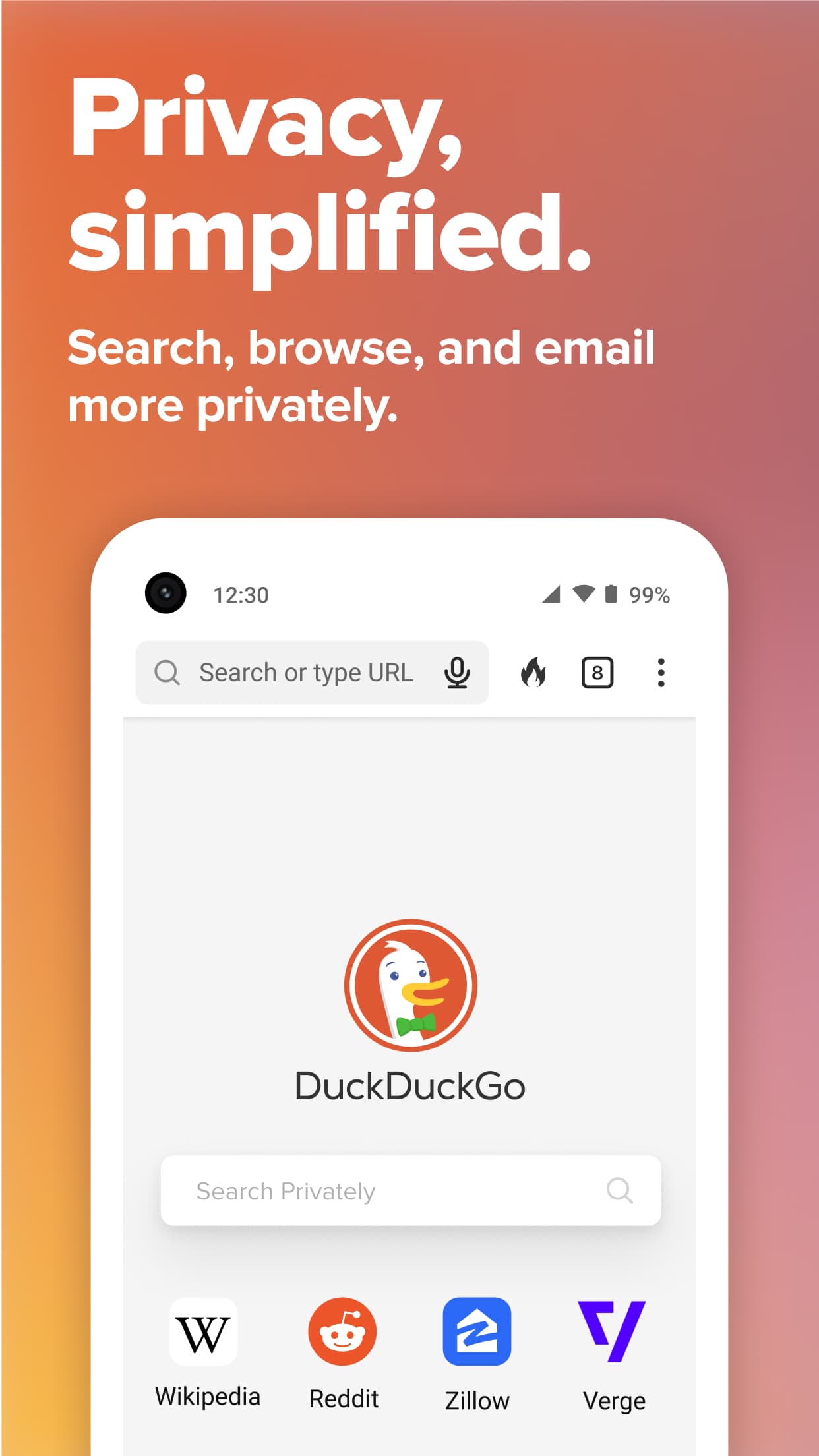
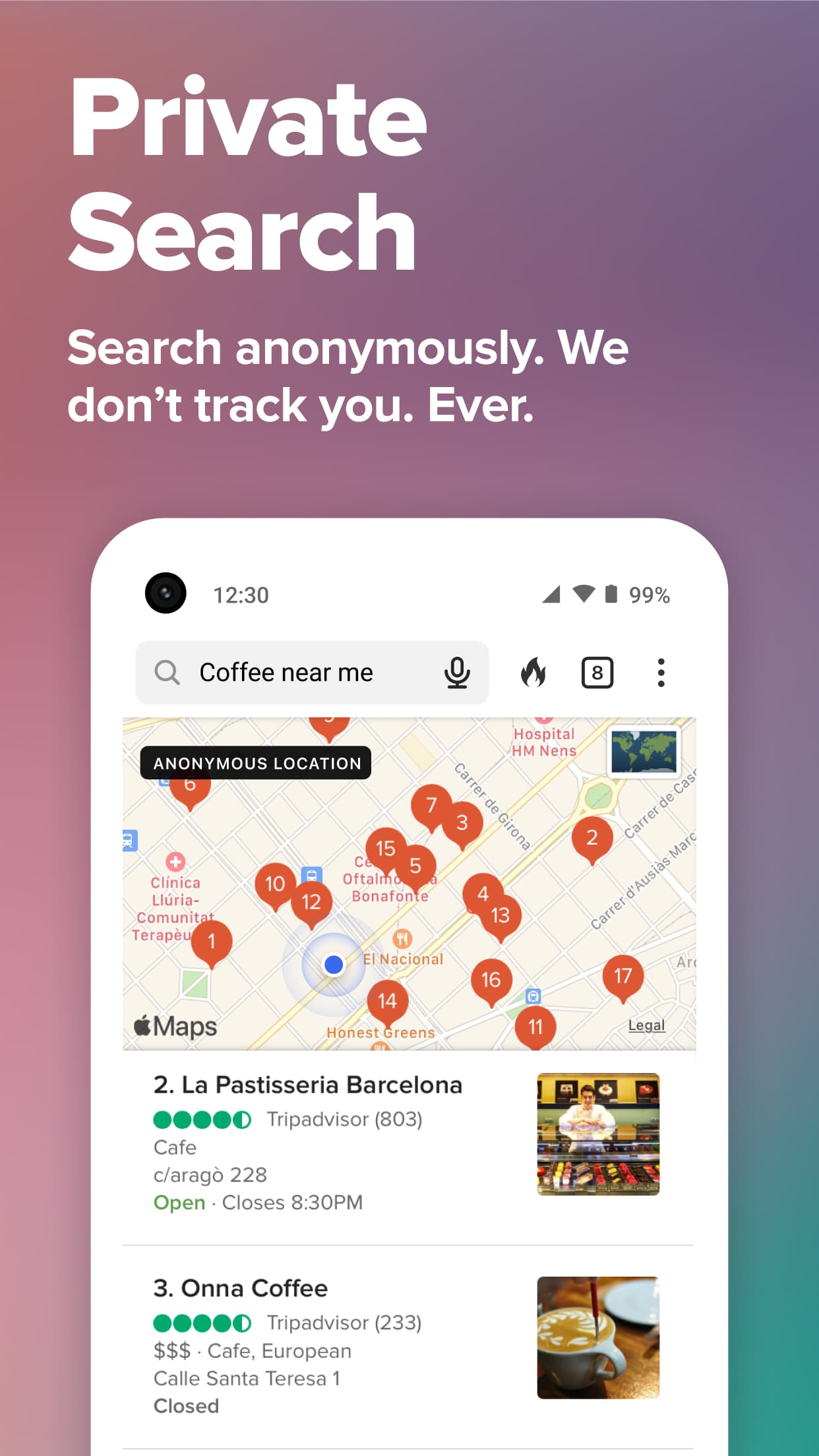
- Private search with DuckDuckGo Search as the default
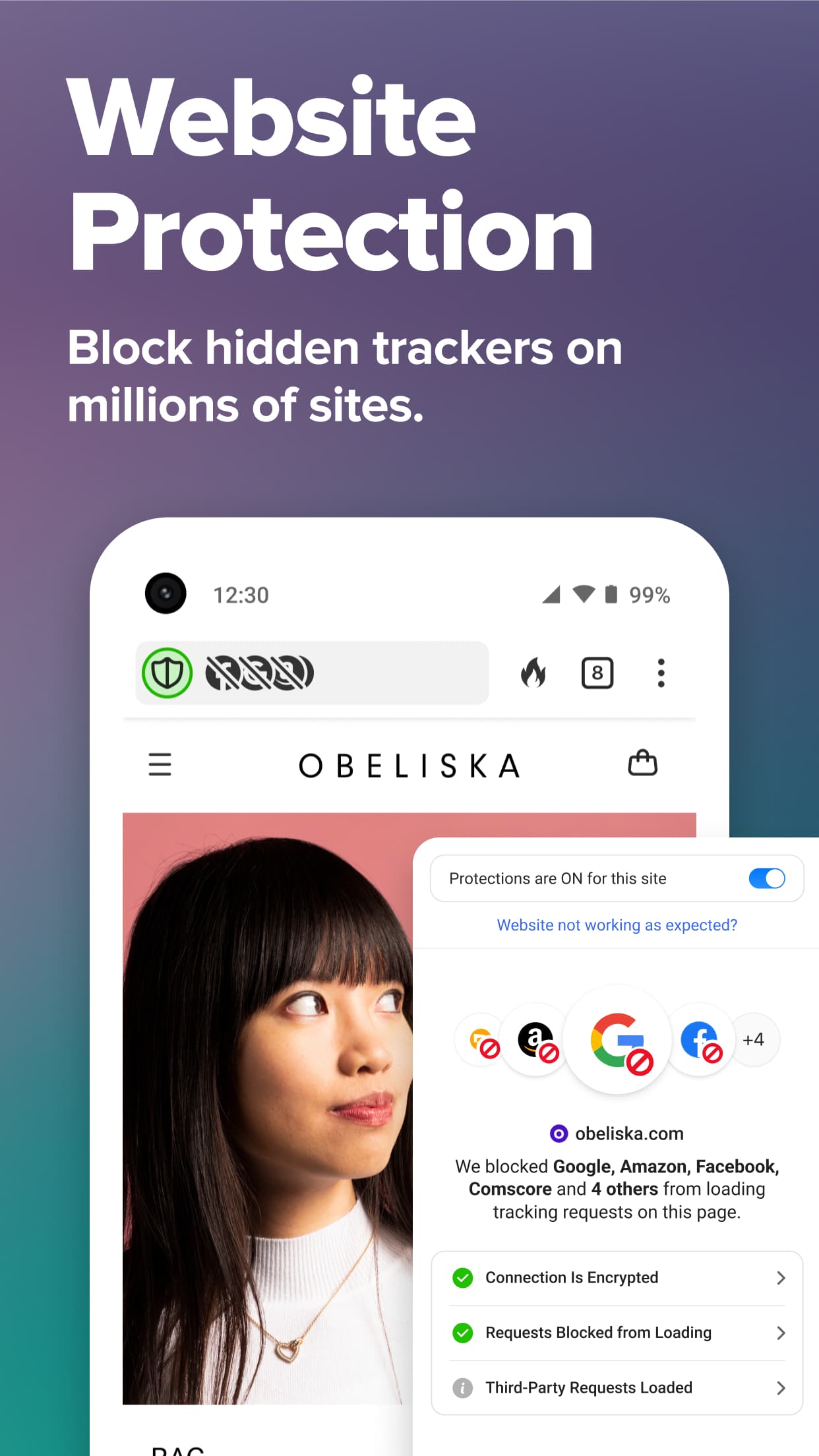
- Built-in blocking of third-party trackers
- Fire button to clear tabs and data in one tap
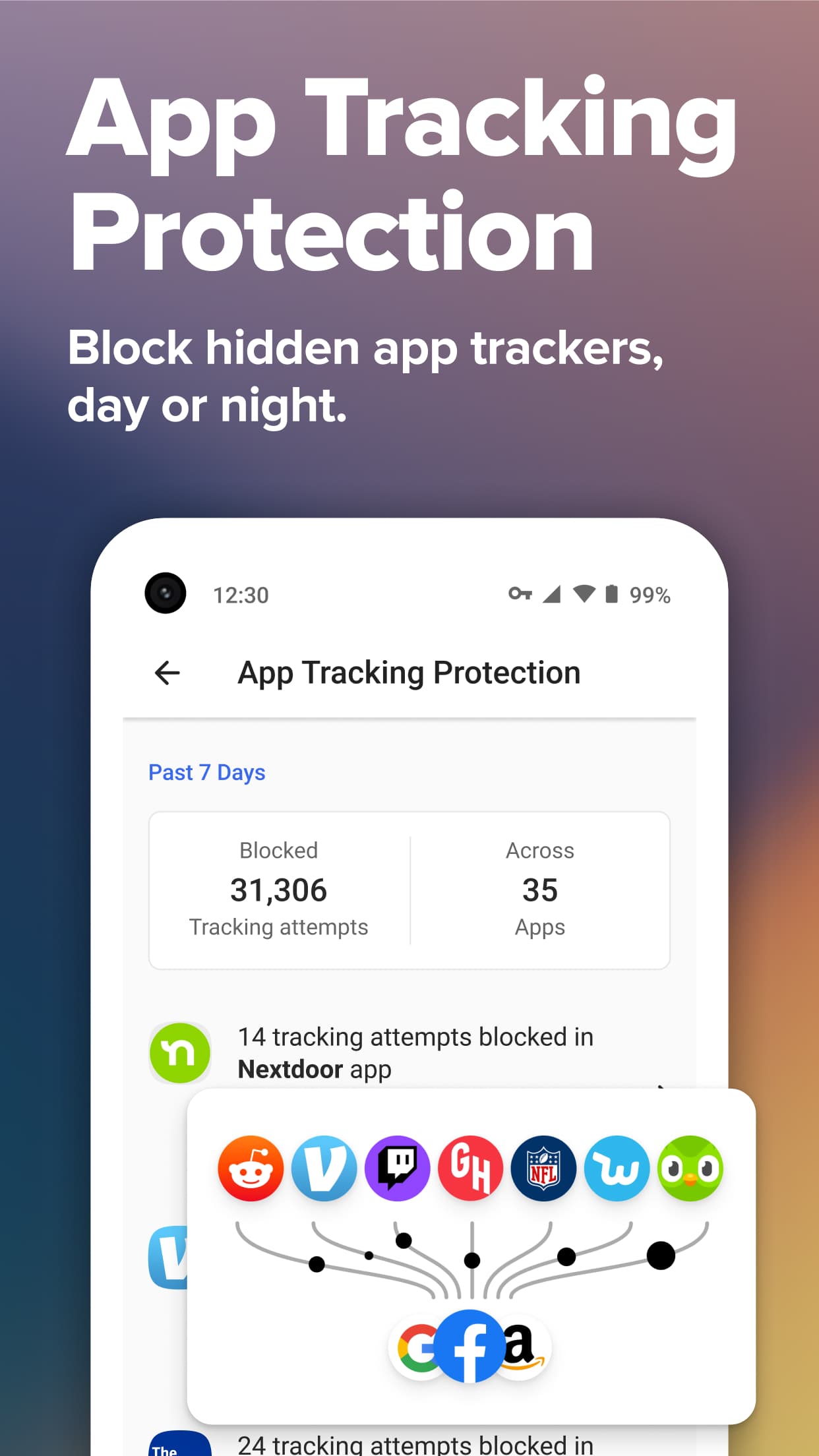
- App Tracking Protection for trackers in other apps
- Email Protection with private @duck.com addresses
- Automatic handling of cookie consent pop-ups

DuckDuckGo Private Browser
by DuckDuckGo · v5.299.0
Key features
Screenshots
About DuckDuckGo Private Browser
DuckDuckGo is a web browser for Android built by DuckDuckGo, the company behind the private search engine of the same name. It blocks hidden trackers on the sites you visit, upgrades connections to HTTPS where it can, and uses DuckDuckGo Search by default, so your searches are not tied to a profile.
A flame button wipes your open tabs and browsing data in one tap. The app can also block trackers inside other apps through a local VPN-style filter, hide your real email address with Duck addresses, and handle cookie pop-ups for you. Bookmarks and passwords can be synced between devices with end-to-end encryption.
Source: F-Droid, https://f-droid.org/packages/com.duckduckgo.mobile.android/ . Developer: DuckDuckGo. Licence: Apache-2.0. The download on this page is the APK published in the official F-Droid repository.
How to install DuckDuckGo Private Browser
- Tap the download button on this page to get the DuckDuckGo APK from F-Droid (about 93 MB).
- Open the file and allow installs from your browser or file manager if Android asks.
- Tap Install, then open DuckDuckGo and, if you like, set it as your default browser.
- This build needs Android 9.0 or newer. Updates are not automatic; come back here or use F-Droid for new versions.
Version history
v5.299.0Latest
Oct 31, 2026 · 92.9 MB
DuckDuckGo 5.299.0 as built and published by F-Droid on 1 November 2026.
Comments
Loading comments…
Similar

